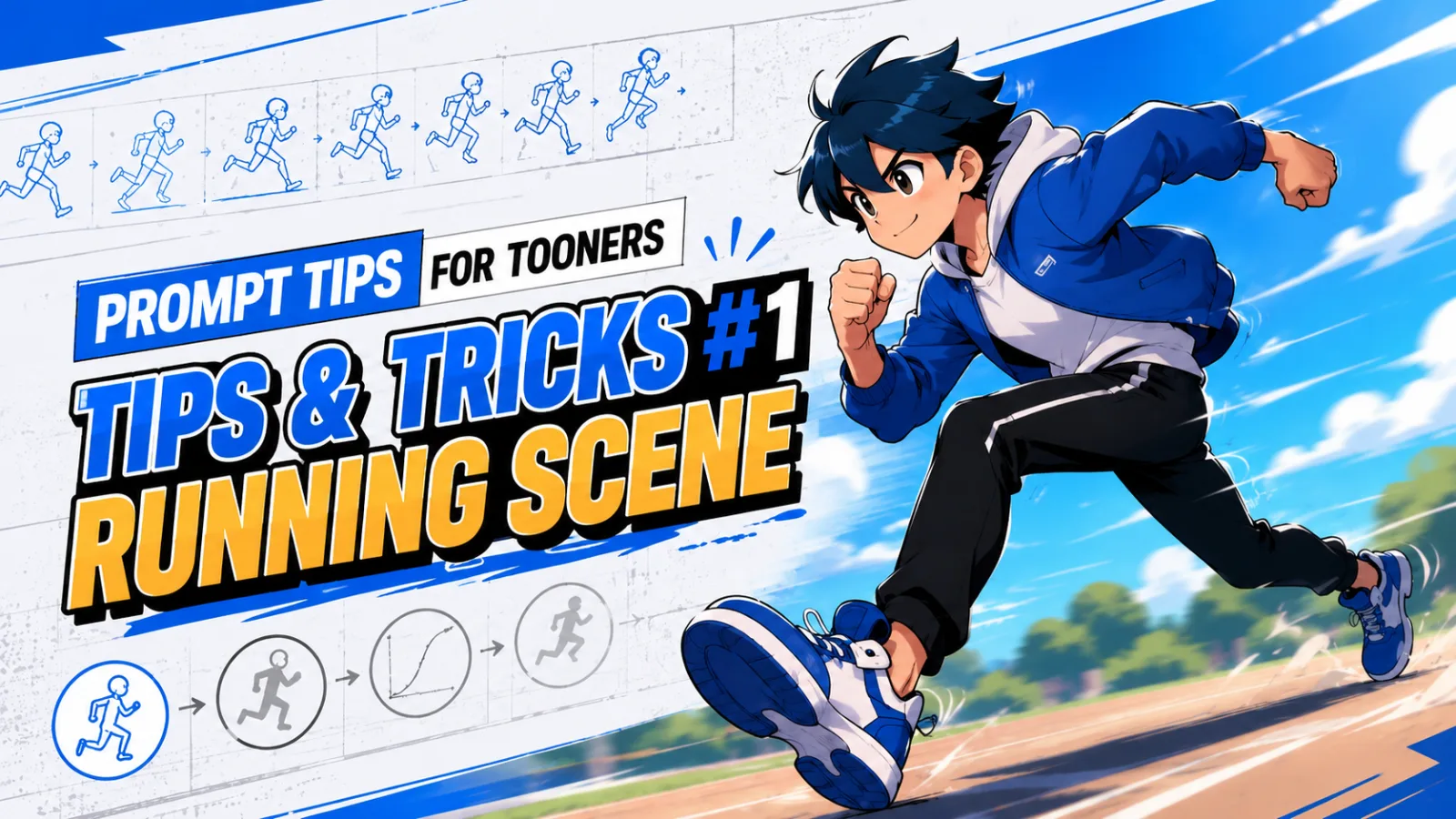
Production tips
Prompt Tips for Tooners #1 - Running Scene
 Team ToonkitViews —


Create a video of James running.
Create a video of James running at high speed.

Position the camera at a low angle, tracking James as he runs. Add a brief camera shake at the start of the sprint to emphasize the sense of speed.
James explodes into a full sprint with powerful acceleration.

The camera starts close to the ground in a low-angle shot and rapidly pushes forward while tracking James.

As he takes his first step, apply a strong camera shake and motion blur. Wind rushes past him while the background streaks by to enhance the feeling of speed.

Keep the camera locked on James throughout the sequence to create a cinematic action shot.
Can you see the difference?
All three prompts ask AI to generate the same scene—James running. However, the amount of information the AI receives is completely different.
The first prompt only describes what the character should do (Action).
The second prompt adds camera angle and motion, giving the AI more context about how the scene should look.
The third prompt goes even further by describing camera movement, visual effects, and the overall cinematic direction, allowing the AI to better understand your creative intent.
Don’t just direct the character—direct the camera too.
Many people only describe what the character is doing.
But a great video isn’t created by character animation alone.
In filmmaking, directors don’t just direct actors—they also decide the camera position, movement, lens, and lighting.
The same principle applies to AI-generated videos.
Compare these two prompts:
❌ James runs.
✅ James runs while the camera tracks him from a low angle.
Adding just one extra sentence can dramatically improve the energy and immersion of your result.
🎥 Tip for Tooners #1: Move the camera.
One of the easiest ways to improve your AI-generated videos is to add camera movement.
Try using these keywords in your prompts.
| Purpose | Recommended Keywords |
|---|---|
| Low perspective | Low-angle |
| High perspective | High-angle |
| Follow the subject | Tracking Shot |
| Push forward | Dolly In |
| Pull back | Dolly Out |
| Orbit around subject | Orbit Shot |
| Zoom closer | Zoom In |
| Zoom out | Zoom Out |
💡 Recommended combinations
- Low-angle + Tracking Shot → Dynamic action scenes
- Orbit Shot → Character introduction
- Dolly In → Build tension
- Zoom Out → Emphasize scale
✨ Tip for Tooners #2: Describe the movement.
AI understands the word “run.”
But adding more details about how the character moves makes the result much more natural.
For example:
- Explosive acceleration
- Long, powerful strides
- Hair flowing in the wind
- Clothes fluttering dramatically
- Background rushing past
- Motion Blur
- Camera Shake
- Speed Lines
These details significantly enhance the feeling of speed and immersion.
💡 Tip for Tooners #3: Think like a director.
A great prompt doesn’t just describe what happens.
It also tells the AI how the scene should be directed.
The next time you create a video, try including these four elements:
- What is happening? (Action)
- Where is the camera? (Camera Angle)
- How does the camera move? (Camera Movement)
- What kind of mood or style should the scene have? (Direction)
Including these four elements can noticeably improve the quality of your results.
✨ Bonus Tip! Try Magic Wand.
If writing detailed prompts feels difficult, or you simply want better results with less effort, give Magic Wand a try.
Magic Wand is a free AI-powered prompt enhancement feature available in Toonkit.
It analyzes your prompt and automatically enriches elements such as camera work, character movement, scene direction, and visual descriptions—transforming your idea into a more polished and detailed prompt.
(Magic Wand before/after comparison image)
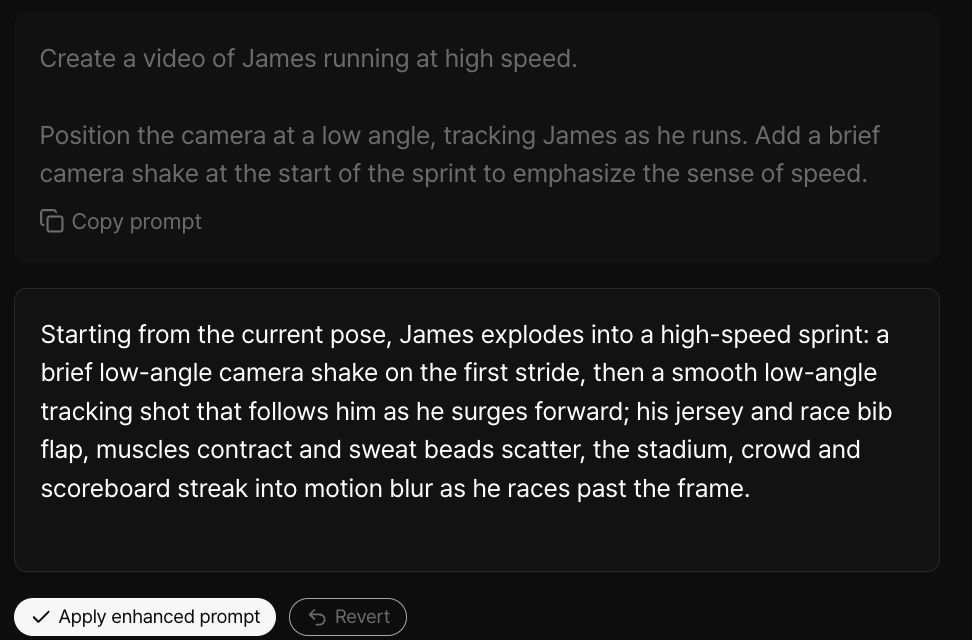
Magic Wand automatically transforms your prompt into a richer, more detailed version while preserving your original intent.
For example,
Create a video of James running at high speed.

Position the camera at a low angle, tracking James as he runs. Add a brief camera shake at the start of the sprint to emphasize the sense of speed.
With just one click on ✨ Magic Wand, Toonkit automatically enhances your prompt by expanding details such as:
- Character movement
- Camera work
- Motion and speed
- Environmental details
- Natural scene flow
This feature is especially helpful when you know what you want to create, but aren’t sure how to describe it.
💡 Tooners Tip
You don’t need to write the perfect prompt from scratch.
Start with your core idea, then refine it using the free Magic Wand feature.
With just one click, anyone can create richer, more polished prompts.
Coming Next
Prompt Tips for Tooners #2
⚔️ How to Create More Dynamic Fight Scenes with Better Prompts
In the next article, we’ll explore practical prompt techniques for sword combat, impactful hits, slow motion, explosions, and other cinematic action sequences.
Was this article helpful?
Your feedback helps us create our next article.
More to read
View all›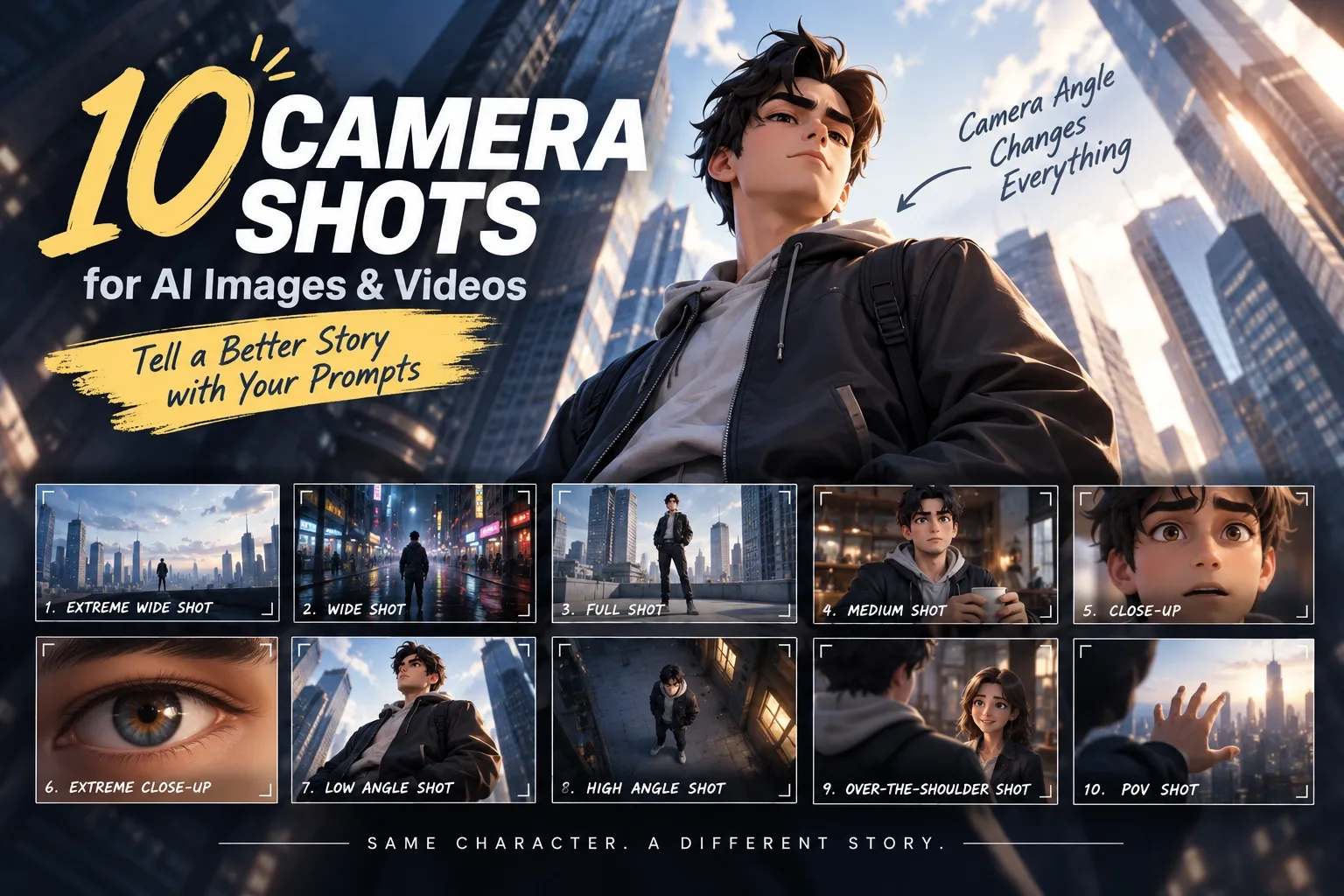
Prompt Tips for Tooners #3 - 10 Camera Shots and Angles
The same scene can look completely different depending on camera composition. From Extreme Wide Shot to POV Shot, this post introduces 10 camera shots and angles you can use directly in AI image and video prompts.
Team Toonkit
Prompt Tips for Tooners #2 - Combat Scene
A guide to writing combat-scene prompts for AI-generated animation, covering attack, dodge, counter, and camera direction through three example prompts, plus tips for using the free Magic Wand feature.
Team Toonkit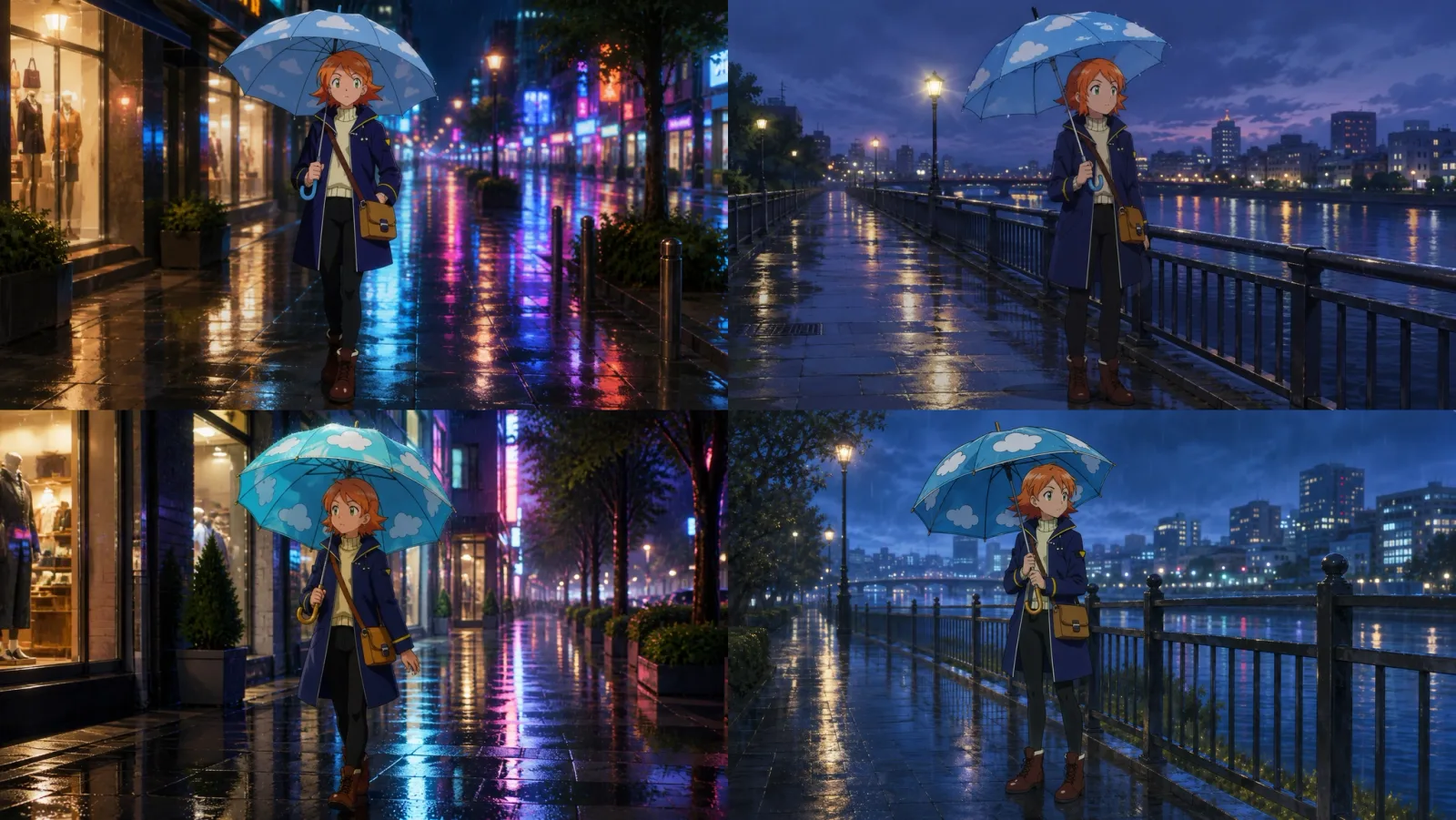
Why does the same umbrella look different every time? Before vs. after specifying prop references
How big is the difference between describing a prop in a prompt versus referencing an actual prop image? Here is a direct comparison featuring the same umbrella across two different scenes.
Team Toonkit