Behind Toonkit
Looking back on the April 19 data incident
 Team ToonkitViews —


On the evening of April 19, Toonkit had a data incident.
Some users logged in to find that cuts, assets, and scenarios they'd made weren't showing up. We ran a recovery over the following period, but the rollback point varied by account — and anything created after the backup point didn't reappear.
This post covers what happened that evening, what we learned during recovery, and what we changed in our backup and operational procedures afterward.
To everyone who opened Toonkit during that time and found their work gone: we're sorry.
What it means when your work isn't there
The things you create in Toonkit aren't easy to treat like a simple list of files.
There's time that goes into choosing a single cut — generating it multiple times, comparing, deciding which felt right. There's an asset you kept after adjusting the prompt over and over until something finally clicked. Scenarios are the same. You can type the same content again, but you can't re-create the flow and the choices that led you there.
Going through the recovery, we kept running into this.
From the outside it might look like "some items aren't showing" — but what it actually was, for the people affected, was part of the work they'd spent time building just being gone. The people who had been using Toonkit most actively right before the incident were the ones with the most missing.
The heaviest users got hit the hardest.
We couldn't treat this as just an incident log.
What happened on April 19
That evening we were going through our cloud infrastructure to cut costs.
We were identifying resources no longer in use and cleaning up instances, storage, and databases one by one.
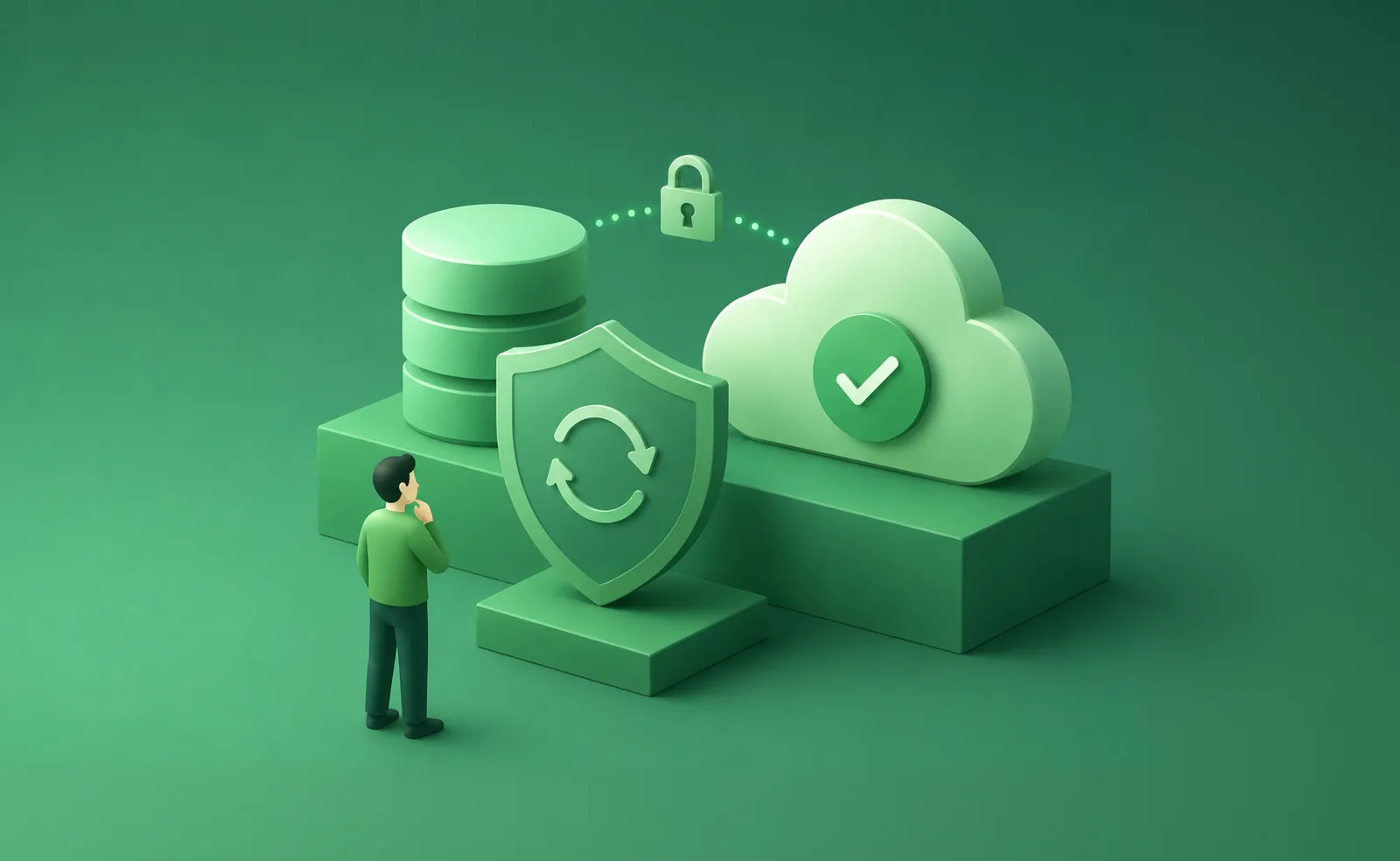
In the middle of that process, we deleted a database that was actually serving live traffic.
We caught it immediately and called cloud support. But once a database instance is released, there's no path to restore it.
We looked for the daily backups. Those backups were tied to the instance so when the instance went away they went with it.
If we'd been storing backups in a separate object storage location from the start, we could have recovered from that data. We hadn't been.
That was the core structural failure in this incident.
We'd been looking at the fact that backup files were being created — but hadn't verified that those backups could actually survive a situation like this independently.
What we found during recovery
We recovered by pulling together whatever data remained for each account and reassembling it as best we could.
The backup point varied by account.
Some came back to a state from a few days ago; others, a few weeks. Anything created after that point didn't reappear on the recovered screen.
Going through the recovery, what we kept seeing wasn't what came back — it was what didn't.
There were accounts where cuts made a few days earlier were gone. Recently organized assets missing. Scenarios rolled back to earlier versions.
We started by focusing on gathering everything that was still there. But going through accounts one by one, the gaps kept showing up.
Every cut has choices in it — generated and compared multiple times, the one that felt right kept at the end. Assets and scenarios are no different.
You can recreate the content. You can't recreate the flow or the decisions that got you there.
That's why we couldn't close this with "we recovered as much as we could." We had to look at what the missing parts meant to the people who made them, not just at the technical result.
We'll send a separate note on compensation.
What we changed
We rebuilt the backup structure after this incident.
Backups are now stored in a location completely separate from the database, automatically. If a DB instance is deleted, the backups don't go with it.
The other change: we no longer just check that a backup file was created.
We now run automated, regular checks to confirm that each backup can actually be restored.
Going through this made something clear.
"A backup exists" and "that backup can restore your data" are not the same thing.
From now on, confirming that a backup is actually restorable is part of what we mean by backed up. We won't stop at creating the file.
We also tightened operational procedures.
Any operation that can affect user data now requires the impact scope to be reviewed before it runs. It requires sign-off from more than one person. Large changes have hard limits so a command can't affect anything outside its declared scope.
These safeguards came too late this time. Going forward, data safety comes before operational convenience.
Support and compensation
If there's work you made after your backup point that you'd like us to look into, please reach out.
Include your account email and roughly when you joined — that helps us find your account faster. We'll follow up individually with what we can confirm.
Credit and payment questions go to the same address.
A final note
Going through this, we looked again at our backup structure and operational procedures. We also thought about what we need to look at first when an incident happens.
For us, it was an incident we were actively recovering from. For you, it was a screen where your work had disappeared. What you needed wasn't someone who knew what was happening internally — it was immediate confirmation that your work was safe.
From now on, when an incident happens, we won't only be watching the internal recovery. We'll be watching what you're actually seeing on screen, what that must feel like, and what information you need right away.
To everyone who opened Toonkit on the evening of April 19 and found their work gone: we're sorry.
— The Toonkit team
Was this article helpful?
Your feedback helps us create our next article.
More to read
View all›
Images that wouldn't load in some regions
Users in some regions couldn't see any of the work they had created. It never reproduced in our own environment, so we recreated the conditions of those regions to find the cause.
Team Toonkit
Do You Really Have to Be at Your Desk to Start with Toonkit?
Many people visit Toonkit on mobile, but far fewer go on to create than on desktop. Our PM explains why we redesigned the mobile UI/UX around Playground and generation instead of shrinking the desktop experience.
Team Toonkit
Toonkit BTS ep.2: Sample Assets
Behind Toonkit ep.2 introduces Sample Assets: hundreds of free character and background presets that teach users what a good reference image looks like and let them build characters without spending credits.
Team Toonkit