
New ToonXL Styles, Redesigned UX/UI is coming!
🎨 New ToonXL Art Styles — With Names That Actually Tell You What They Look Like
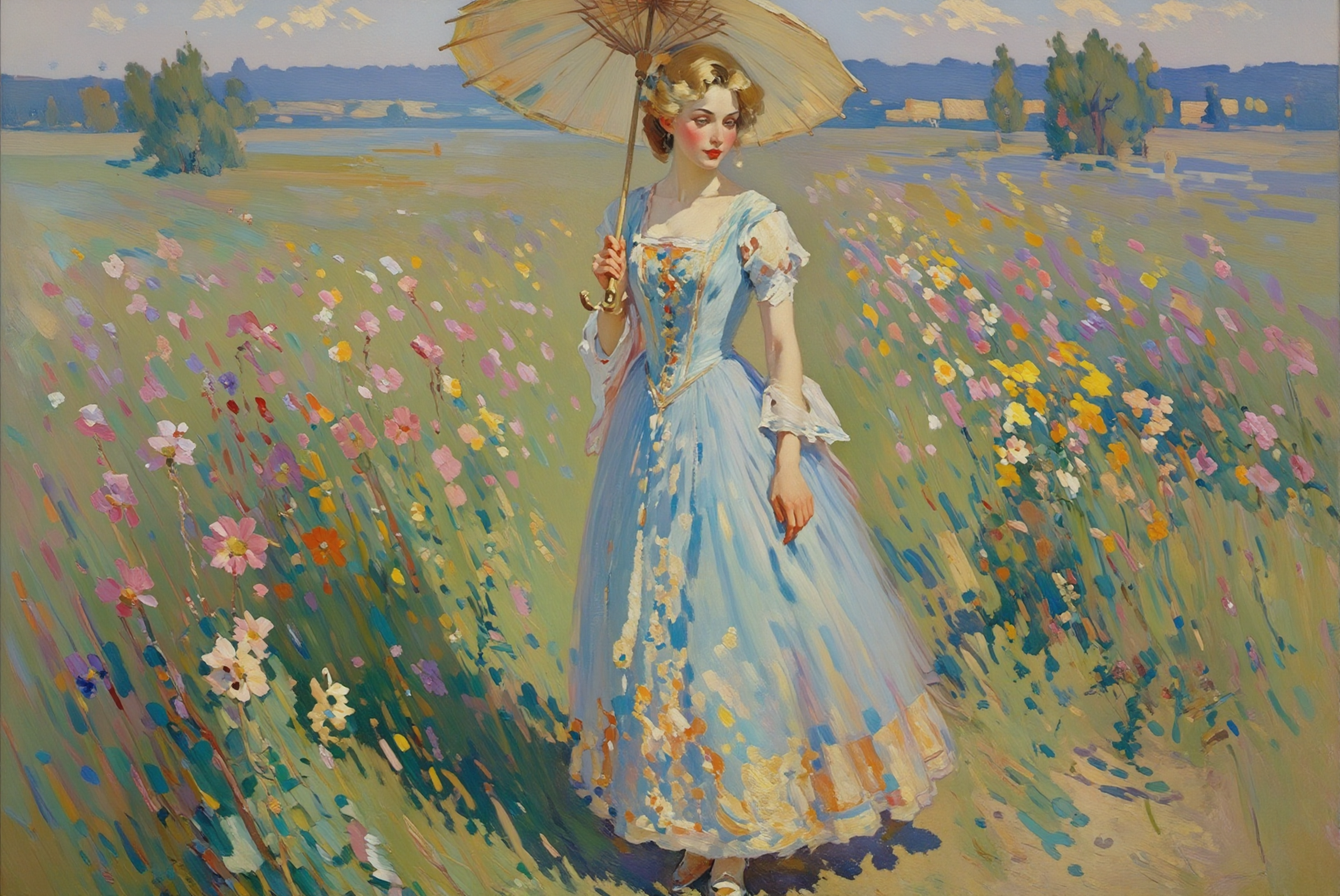
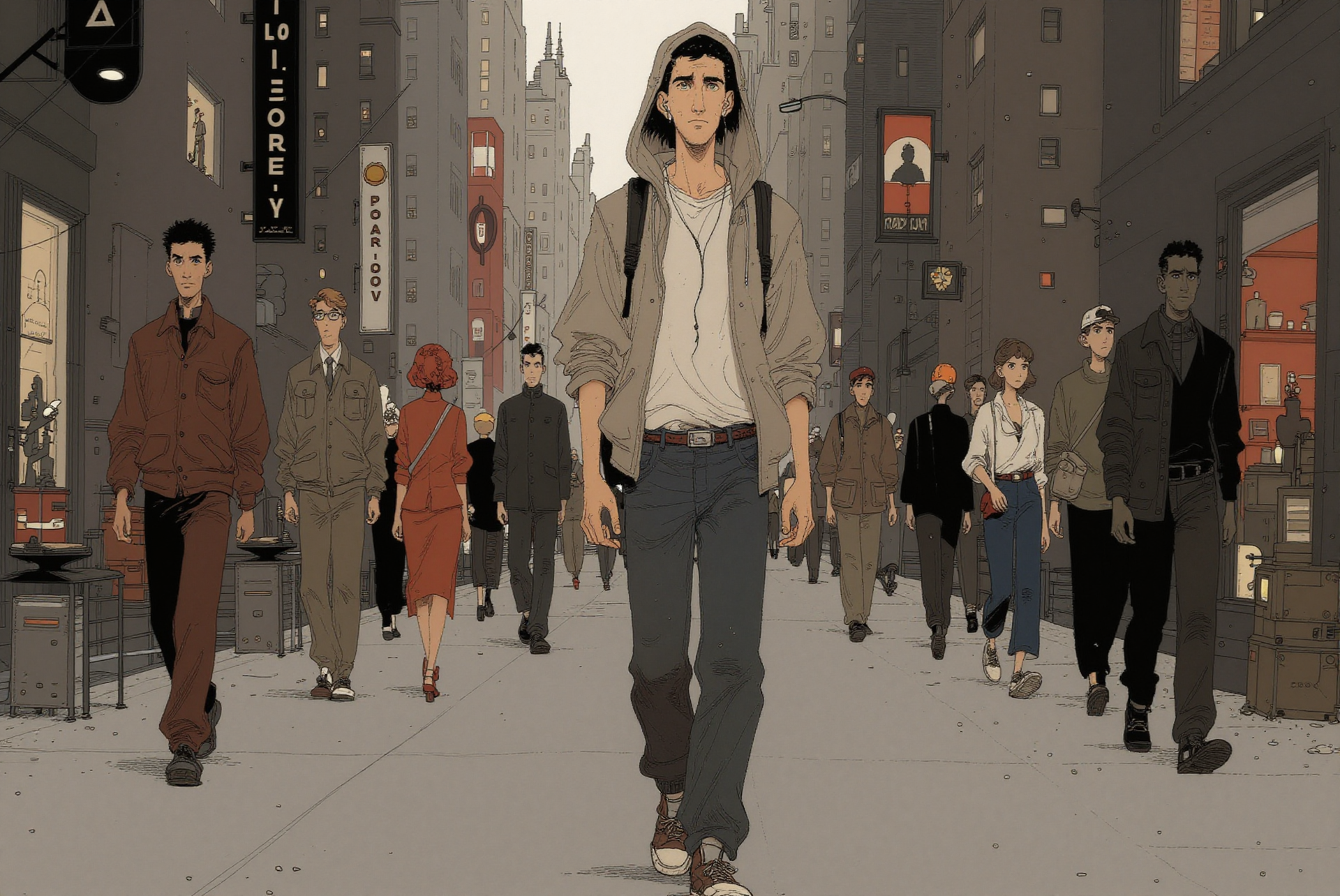
We're introducing new art styles to the ToonXL lineup — and along with them, a full naming refresh.
The old names didn't always connect to the visual style they represented. We heard that too. The new names are more descriptive, more intuitive, and make it easier to find the right look before you even hit generate.
✂️ A Smarter Editor — Image and Video, Finally Separated
We heard your feedback. When image and video assets shared the same workspace, it wasn't always clear which tools applied to what — and that got in the way of your flow.
Image assets and video assets now live in their own dedicated spaces, each with controls and features that clearly belong to them. No more guesswork. Just the right tools, right where you need them.
✅ A Completion Page — So You Always Know When It's Done
After your video finishes rendering, you'll now land on a dedicated completion page. Clean confirmation, quick access to your output, and no more second-guessing whether the render went through.