Create Videos from References

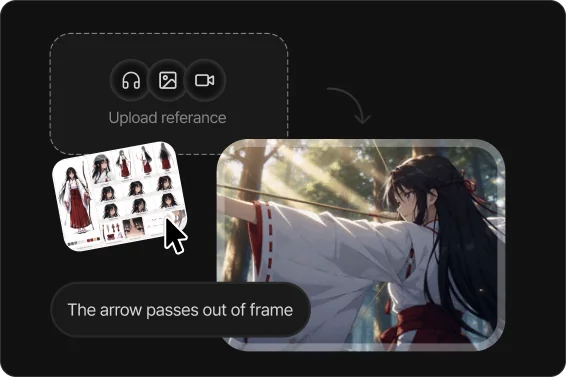
AI analyzes your image, video, and audio references, reflecting the character, style, and camera direction you want.

Upload reference images, videos, or audio.

Countless references are transformed into polished AI videos on Toonkit every day.

10K+AI animation creators
300K+AI animations & images generated
50AI image & video generation models
90.9%Project completion rate
See AI Animation Creations

How Do You Create a Video from a Reference?

Reference video generation is AI technology that generates motion based on one or more reference images, videos, or audio. Toonkit creates natural-looking video while keeping characters and style consistent, letting you turn illustrations, concept art, or character designs into video.

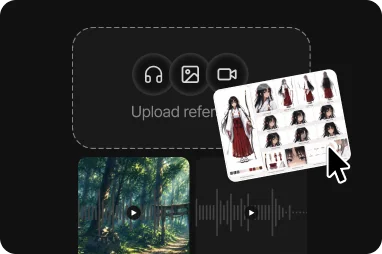
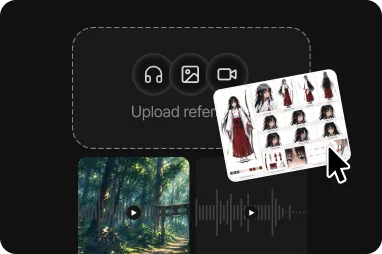
Toonkit supports multimodal reference-based generation, combining image, video, and audio input together. Use multiple references at once to produce a video that more precisely reflects the character, style, camera direction, and mood you want.

  • Upload image, video, and audio references together
  • AI automatically analyzes the style and mood you want
  • Generate a video based on multiple reference materials
See the animation-making process →

Everything You Need for Reference-Based Video All in One Platform

Multiple Reference Input

Use images, videos, and audio together to build a richer reference. Simultaneously reflecting multiple elements — from character design to camera direction, mood, and sound — produces more stable results than a single reference could achieve alone.

Faithfully Reflects Your Style

AI analyzes key characteristics of your reference — color, composition, lighting, and camera direction — and naturally reflects them in new scenes. Keep the mood you want while generating new angles and scenes for a consistent video.

Support for the Latest AI Models

Choose from a range of AI video generation models — Seedance 2.0, Seedance 2.0 Mini, Seedance 2.0 Fast, and more — to match your project's purpose. From quick drafts to high-quality final output, work flexibly in the way that suits your production.

Making Videos from References, Toonkit's Core Features

Multiple Reference Input

Use up to 9 images, 3 videos, and 3 audio files at the same time. Analyzing multiple references together helps AI understand character, style, and direction more precisely, reliably capturing even complex production intent.

A Range of AI Models

Freely choose from a range of AI video generation models depending on your project. From quick drafts to high-completion final output, flexibly use the model that fits your purpose.

Audio-Based Generation

Upload reference music or sound effects together to match your video's mood and rhythm even more naturally. Character movement and scene transitions are also generated to suit the audio, delivering a more immersive result.

Prompt Enhancement

Even with just a simple description, AI analyzes your references together and automatically fills in what's missing. It generates a prompt that includes details like style, camera direction, and movement, bringing the video closer to the result you want.

Fast Generation

Quickly generate and compare multiple results while keeping the same reference. Test various camera directions and movements, then pick the best result to significantly cut down production time.

Style Preservation

Not just the character's appearance, but also color, mood, lighting, and art style from your reference are naturally preserved. Even as scenes change, the same world and visual tone are maintained for a consistent video.

See AI Video Examples Made from a Variety of References

Character animation of a man in an Indonesian football jersey and traditional hat rowing a boat

Image-Reference-Based Video Generation

AI extracts the visual characteristics of your reference image, analyzing character shape, color palette, composition, lighting, and mood, then generates a new video that preserves them. Add a prompt to naturally combine the motion and scene you want.

Try it now →
Wuxia-style character animation standing in a dim traditional corridor

Reproduce Style from a Video Reference

AI analyzes your reference video and carries its camera movement, editing rhythm, color grading, composition, and directing style directly into the new video. You can generate a video with new characters and story while keeping the mood of the original.

Try it now →
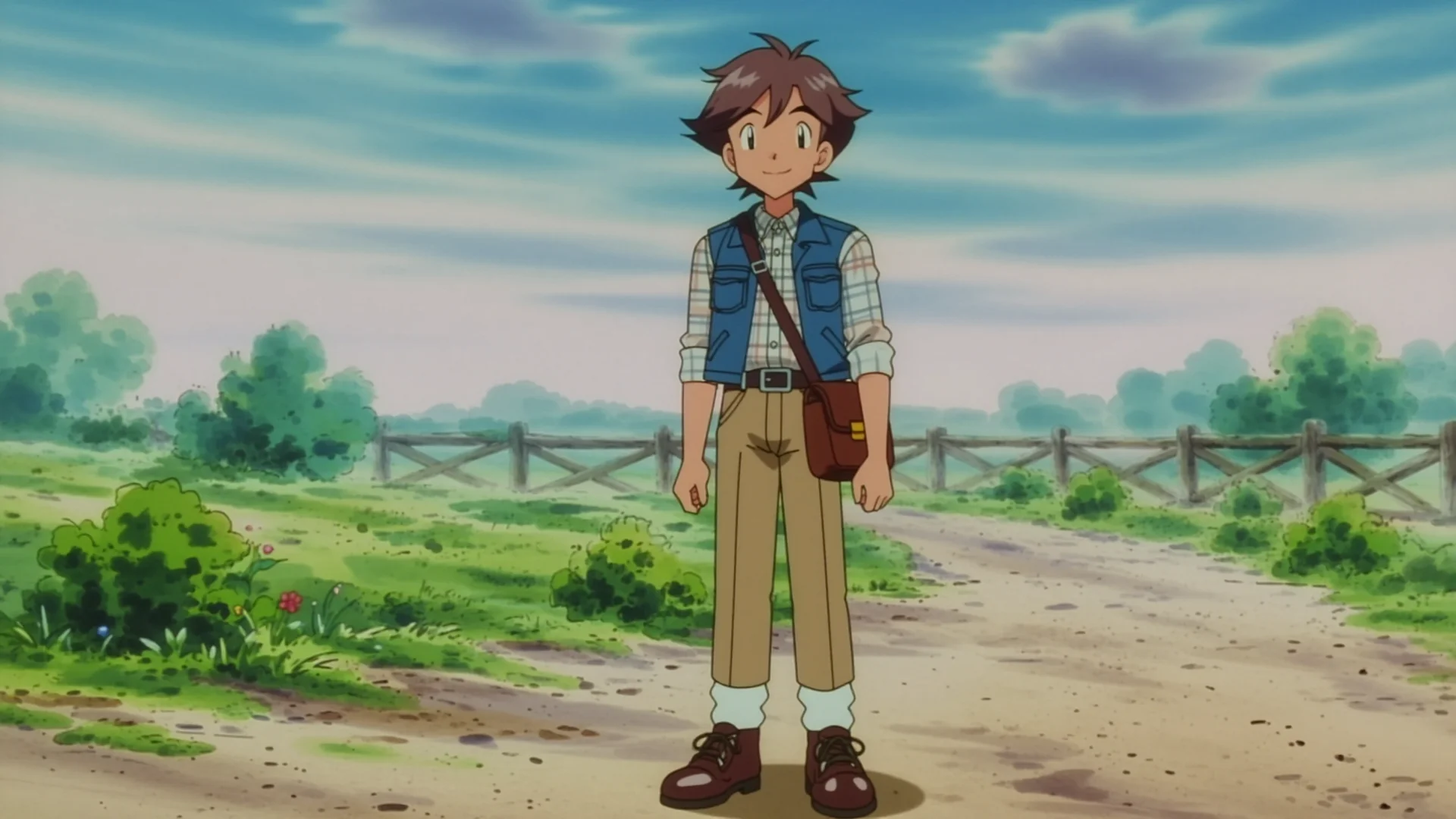
Classic anime-style boy character standing on a countryside road

Multi-Reference Video Generation

AI simultaneously analyzes multiple references — images, videos, and audio — integrating character, style, camera direction, and mood into a single unified video. Combine several reference materials to achieve exactly the result you want.

Try it now →

Toonkit's Distinctive Process for Making Videos from References

Upload Your References
Step 1

Upload Your References

Upload as many images, videos, and audio files as you want.

Choose a Generation Model
Step 2

Choose a Generation Model

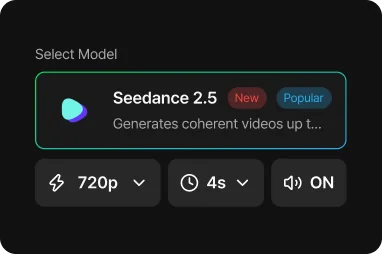
Choose the AI model you want, such as Seedance, along with video length and aspect ratio.

Describe Your Scene
Step 3

Describe Your Scene

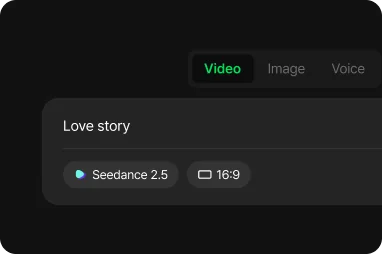
Enter a prompt describing the video you want to create, using your references as a guide.

AI Generates the Video
Step 4

AI Generates the Video

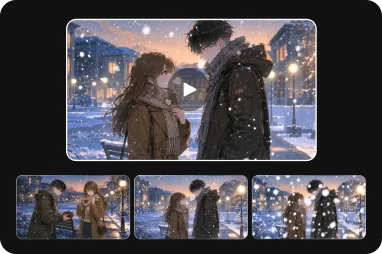
AI analyzes the references and automatically produces a new video.

Refine and Export
Step 5

Refine and Export

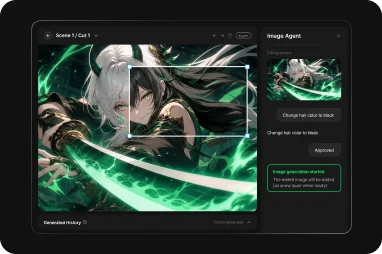
Compare the results and save the version you want.

Here's How Reference-Based AI Video Is Being Used

Create New Scenes with Existing Characters

Use existing character designs or illustrations as references to quickly generate new scenes and camera angles. Ideal for series content or projects that need to maintain a consistent world.

Expand Concept Art into Video

Turn concept art and key visuals into moving teaser videos or cinematic scenes. Quickly create polished previsualization even at the idea stage.

Brand Campaigns

Use brand colors, product images, and existing ads as references to produce new marketing videos. Create diverse content for each campaign while keeping the same brand identity.

Convert Live-Action References into Anime Style

Use real photos or filmed footage as references to reinterpret them into the animation style you want. Generate a new-style result while keeping the character and mood intact.

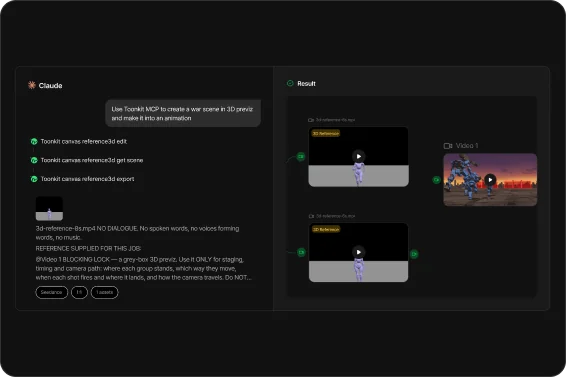
Game & Film Previz Production

Quickly produce cut composition and camera movement based on character design, background, and directing references. Used to visually review various directions before actual production.

Social Media Content

Quickly generate videos with various compositions and directing styles from a single reference, easily producing content suited to platforms like Shorts, Reels, and TikTok.

Stories from Creators Who've Already Tried Reference-Based Video

M
★★★★★

"Adding a reference alongside a text-only description made the style come through far more accurately. Color grading and camera mood were also kept naturally consistent, which greatly cut down the number of revisions."

Kim **
K
★★★★★

"Being able to use images and videos as references at the same time made it much easier to match the character style and directing. Quickly comparing multiple versions to find the result I wanted was also a very efficient process."

Moon **
S
★★★★★

"Being able to reuse references from an existing project to keep generating new scenes made producing series content much faster. I could easily create videos with various compositions while keeping the same mood."

Kim **

* Reviews based on real user experiences, with names partially masked

Ideas for Better Reference-Based AI Video

Ad Video Using Brand References

Use your brand's key visuals, existing ads, and product images as references to produce a new ad video. Keep your brand's color and mood consistent while quickly generating videos in a variety of concepts and camera directions.

Concept Video from a Film Moodboard

Use film stills, concept art, or moodboards as references to create a video with a cinematic mood. Keep the color and directing style you want while naturally expanding into new scenes.

Cinematic Video from Multiple Concept Art Pieces

Using several concept art pieces together as references helps keep characters, backgrounds, and directing more stable. Naturally expand a single world into a variety of camera compositions and scenes.

Emotive Video Using Music and Images Together

Use reference music together with reference images to create an emotive video that matches the mood. Reflecting both the music's rhythm and the image's style together produces a more immersive result.

Promo Video Based on Product Images

Use product photos or rendered images as references to produce social ads, product intros, and promotional videos. Keep the product's shape and brand style intact while quickly generating a variety of directing versions.

AI Film Concept Production

Use character designs, backgrounds, and moodboards together as references to produce a film concept video. Keep the same mood from previz to teaser video while easily generating new scenes.

Tips for Reference-Based Video Production

  1. 1The clearer the style of your reference image, the easier it is to get the result you want.
  2. 2Using reference materials with a similar mood together makes the result more stable.
  3. 3Using images and video together lets you convey style and motion at the same time.
  4. 4Adding an audio reference helps match the video's mood even more naturally.
  5. 5If you'd rather start with just text, try text-to-video; if you want to animate a single image, try image-to-video.

FAQ About Reference-to-Video

What is reference-based AI video generation?

Reference-based video generation is a technology that creates a new video by referencing an image or video. AI analyzes the reference's characters, background, composition, and style, then generates a new scene based on the prompt you enter. It lets you produce a variety of videos while keeping the mood and style you want, making it a widely used approach in AI video production today.

What kind of references can I upload?

You can upload three types: image, video, and audio. Each has its own reference slot, and you describe the scene you want with a text prompt alongside them. You can choose the model from options like Seedance 2.0.

Can I use images and videos together?

Yes. The image reference and video reference slots are separate, so you can upload them at the same time. You can add up to 9 images, 3 videos, and 3 audio files as references at once.

Can I upload audio too?

Yes. You can upload up to 3 audio references. Separately, turning on the "Generate audio together" option lets AI create audio that matches the video. In other words, you can use "upload my own audio as a reference" and "let AI generate audio" independently.

How does AI analyze the reference?

It interprets your uploaded references (image, video, audio) together with your text description to generate the video. When your idea feels vague, the enhance (magic wand) feature in the prompt field can refine your description into a more specific scene direction, and you can also get inspiration from examples in the community.

Can I make a reference-based AI video for free?

Yes. It runs on a credit-based system (for example, video generation with the settings above costs 150 credits), and you can start right away with the credits from the free plan. Commercial use is included, and free-plan results include a watermark. Paid plans remove the watermark and give you more credits.

Can I use multiple references at the same time?

Yes. You can add up to 9 images + 3 videos + 3 audio files as references at once. The more reference materials you provide together, the closer the result gets to the scene and mood you want.

Can I use the generated video commercially?

Yes. Commercial use is included on all plans, and the copyright to the results you create belongs to you. Paid plans remove the watermark. However, using references that infringe on someone else's copyright or likeness rights is prohibited, and responsibility lies with the creator — check the pricing plans and Terms of Service for details.

What resolutions and lengths are supported?

Before generating, you can choose the aspect ratio, resolution, and length from a dropdown. For example, Seedance 2.0 can be set to 16:9, 720p, 5 seconds, and supported resolutions (720p, 1080p) and length options vary by model. You can also choose other aspect ratios like vertical (9:16) to export for the platform you need.

Price

Monthly
Yearly56% OFF

Free

Experience the flow

Free
300 credits/mo

Max generations

Image~60 images unit
Video~6 videos unit
Unlimited scenario generation
1080p resolution
Advanced camera working
Commercial use allowed
Watermark included

Starter

Unlock your hidden potential

$$13.9027% OFF
$9.9/month
900 credits/mo

≈ $1.1 per 100 credits

Max generations

Image~180 images unit
Video~18 videos unit
Unlimited scenario generation
1080p resolution
Advanced camera working
Commercial use allowed
Watermark removal

Standard

Scale your creative impact

$$44.9033% OFF
$29.9/month
3,000 credits/mo

≈ $1.0 per 100 credits

Max generations

Image~600 images unit
Video~60 videos unit
Unlimited scenario generation
1080p resolution
Advanced camera working
Commercial use allowed
Watermark removal

Standard Plus

POPULAR

Fuel your endless creativity

$$74.9036% OFF
$47.9/month
5,200 credits/mo

≈ $0.9 per 100 credits

Max generations

Image~1,040 images unit
Video~104 videos unit
Unlimited scenario generation
1080p resolution
Advanced camera working
Commercial use allowed
Watermark removal

Pro

Build a professional career

$$233.9041% OFF
$137.9/month
16,000 credits/mo

≈ $0.9 per 100 credits

Max generations

Image~3,200 images unit
Video~320 videos unit
Unlimited scenario generation
1080p resolution
Advanced camera working
Commercial use allowed
Watermark removal

Start Creating Videos from References with Toonkit