
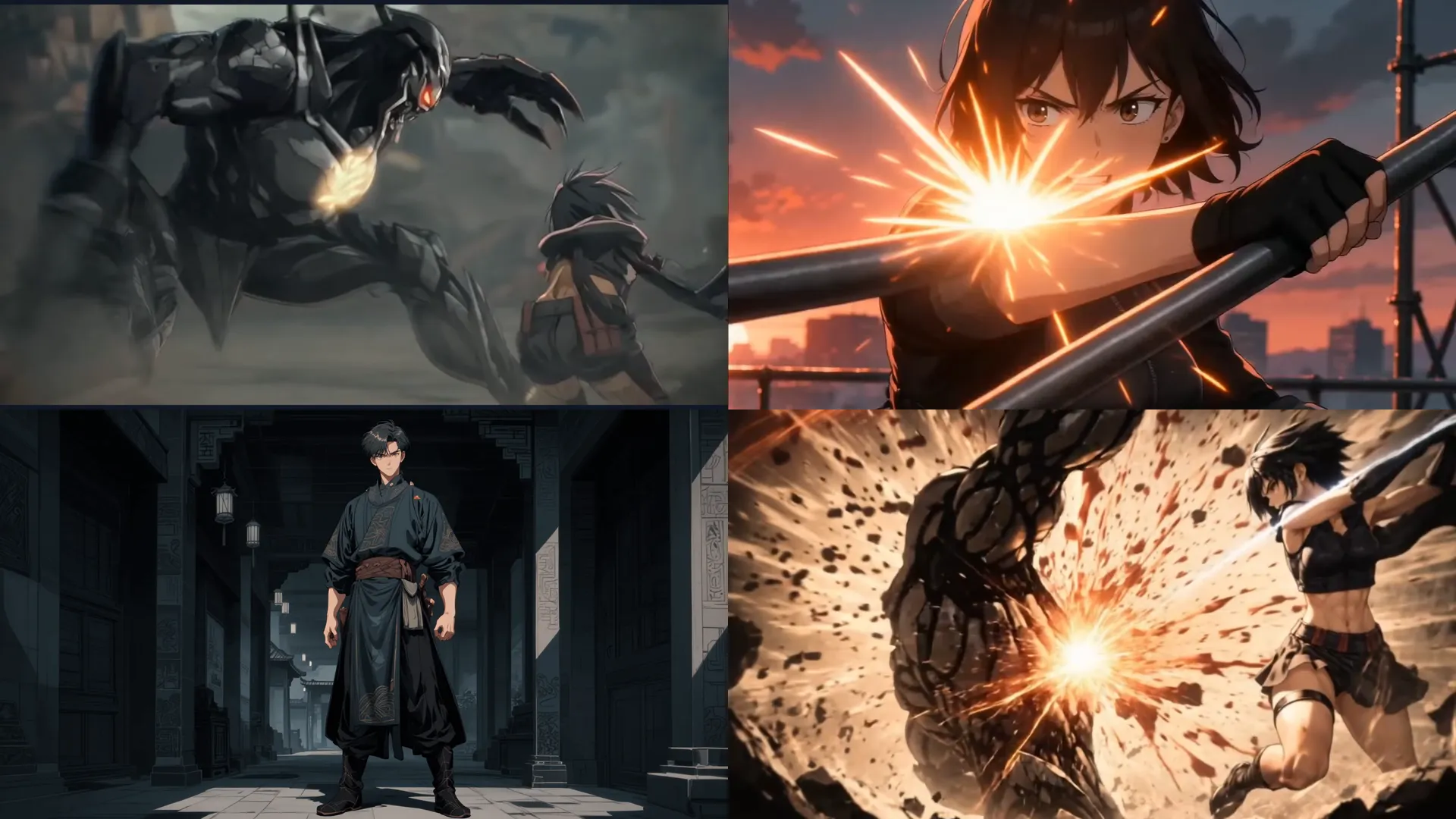
What is Seedance 2.0?
Seedance 2.0 is a multimodal AI video generation model released by ByteDance's SEED research team in February 2026.
It takes not only text but also images, video and audio into a single generation pass, producing picture and sound at the same time. Because the audio is generated together from the start rather than added afterwards, the sync between screen and sound feels natural.
Its strengths in character consistency, physically plausible motion and precise camera control make it a fit for animation, advertising and film pre-visualisation. It is especially well regarded for fast action and object interaction, so it is often chosen for action scenes.
- ✓Built by ByteDance SEED / Released February 2026
- ✓Input: text, image, video, audio / Resolution: up to native 4K, 10-bit
- ✓Length: about 4–15 seconds / Audio generated together with video (native sync)
Why AI creators are paying attention to Seedance 2.0

Character consistency that holds
The same face, outfit and hairstyle stay put across connected scenes. You can pin a character with a reference image, which suits series content and longer films.

Picture and sound in one pass
Dialogue, sound effects and ambience are generated in step with the motion on screen. You get a finished clip without a separate sound pass, cutting a stage out of production.

Motion that obeys physics
Fast travel, collisions and interaction with surrounding objects read naturally. The gap shows most in action scenes and speed work that earlier models struggled with.
Key features of Seedance 2.0


Image to Video
Turn a single image or illustration into video that moves naturally.

Universal reference
Feed images, video and audio into one generation and point at them inside the prompt as @Image1, @Video1. You direct which element comes from where.

Video reference
Drop in an existing clip to borrow its camera movement, editing rhythm and a performer's expression and emotion. It is the most effective route when the direction you want is hard to put into words.

Multi-shot storytelling
One generation produces a scene made of several connected cuts, reducing the seams and character drift you get from stitching clips together.

Cinematic camera direction
Specify zoom, pan, dolly and tracking moves in the prompt to land the framing and path you intended.What can you make with Seedance 2.0 on Toonkit?
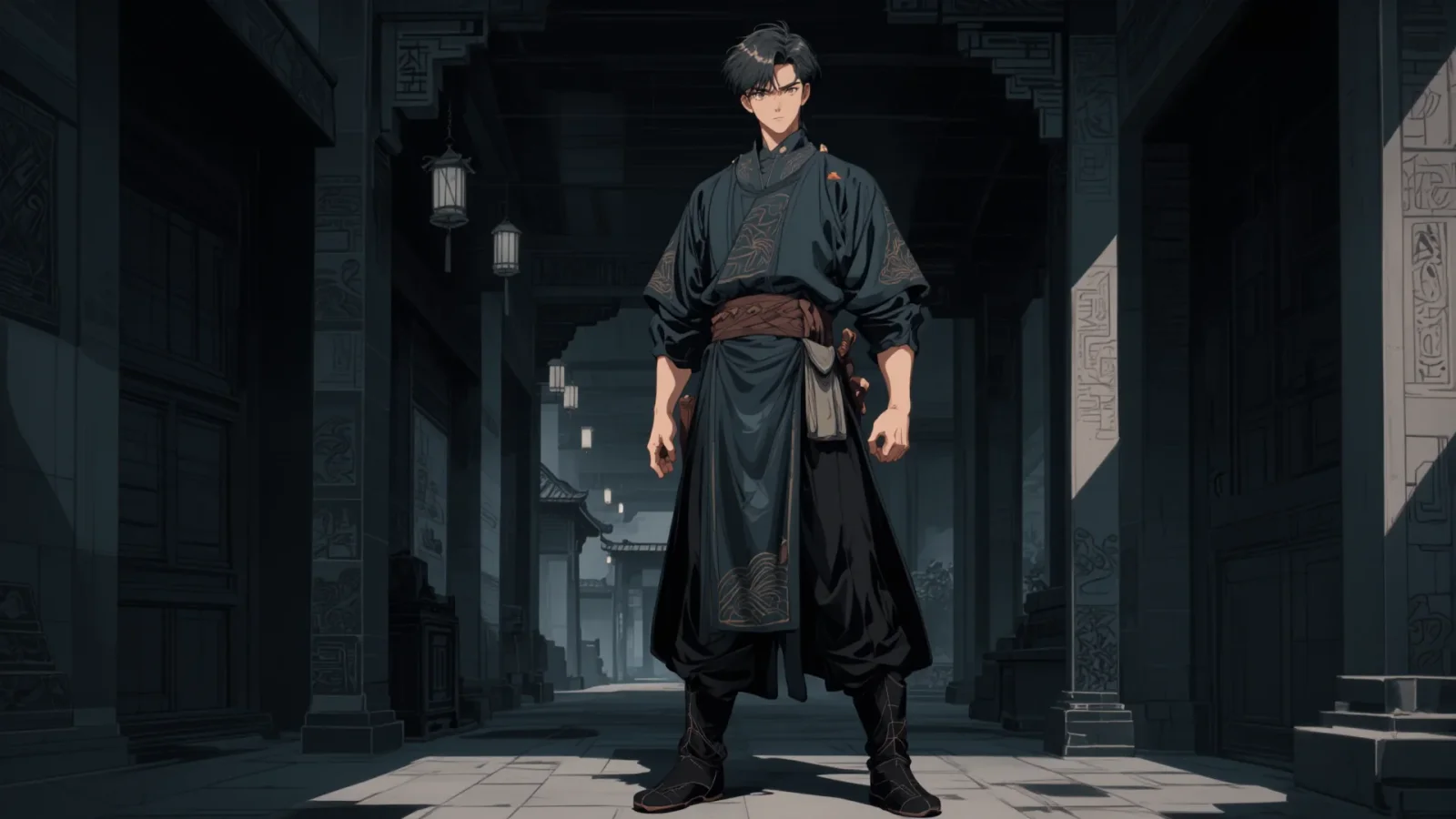
AI animation series
Seedance 2.0 is an AI video model designed around character consistency and continuity between scenes. Even when the same character appears again and again, the face, outfit, palette and art style hold steady, and motion and camera flow stay natural across cuts.
That makes it a fit beyond a single short clip — for AI animation series with linked scenes, webtoon-based animation, story-driven content and long-form projects. Because it narrows the failure mode where a character's shape shifts scene to scene, it performs well on work with a recurring lead.
It suits creators who want to build cuts in sequence from a storyboard, or to link several scenes into one finished animation.
Action sequence tests
Seedance 2.0 is built to hold motion quality even under fast movement and complex camera work. In fights, chases and sports action, where subject and camera both move a lot, it reduces collapsing character shapes and awkward motion transitions.
It also covers a wide range of camera work, which suits trailers, game cinematics and concept films. The model's strengths show most on projects that need dynamic direction and smooth motion at the same time.
It is particularly useful in production settings where action-led content is tested repeatedly or several camera treatments have to be compared.
Short-form content
Seedance 2.0 delivers high motion quality and natural transitions even at short lengths, which suits short-form work. One idea can be generated quickly in several styles and treatments, an efficient fit for the experiment-heavy social environment.
On TikTok, YouTube Shorts and Instagram Reels the first few seconds carry the immersion, and Seedance 2.0 supports that with smooth camera movement and stable character rendering. It also works from image and reference input, not just text-based ideas.
It is a good match for content creators, educators and brand marketers who have to keep producing new short videos.
How to work with Seedance 2.0 on Toonkit
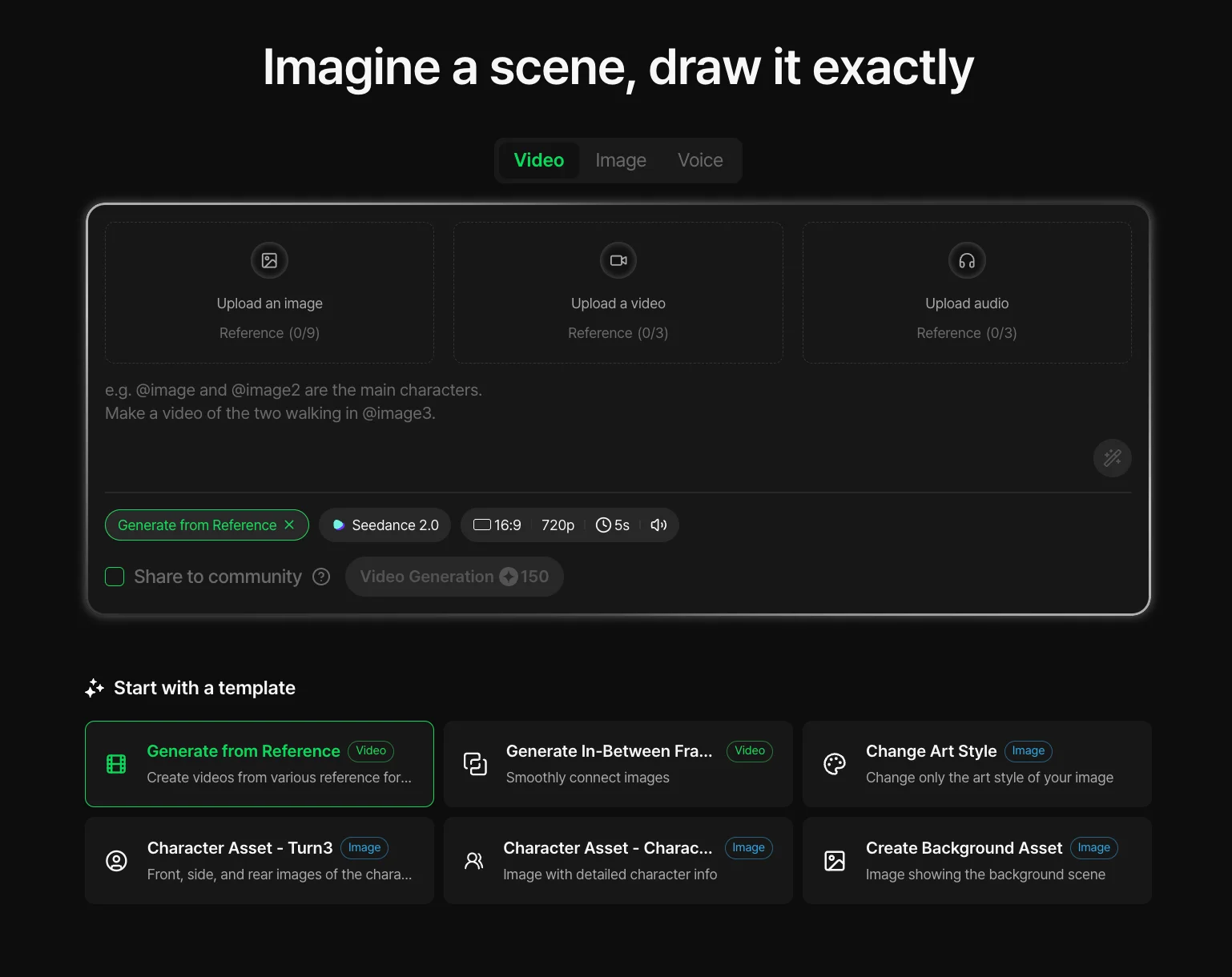
Playground › Video generation — Generate from reference
A single reference image is enough to use Seedance 2.0's image-to-video generation for a natural AI video. You can test camera moves and motion quickly while holding character style and scene mood, and use it as the starting point for animation, ads or cinematic work.
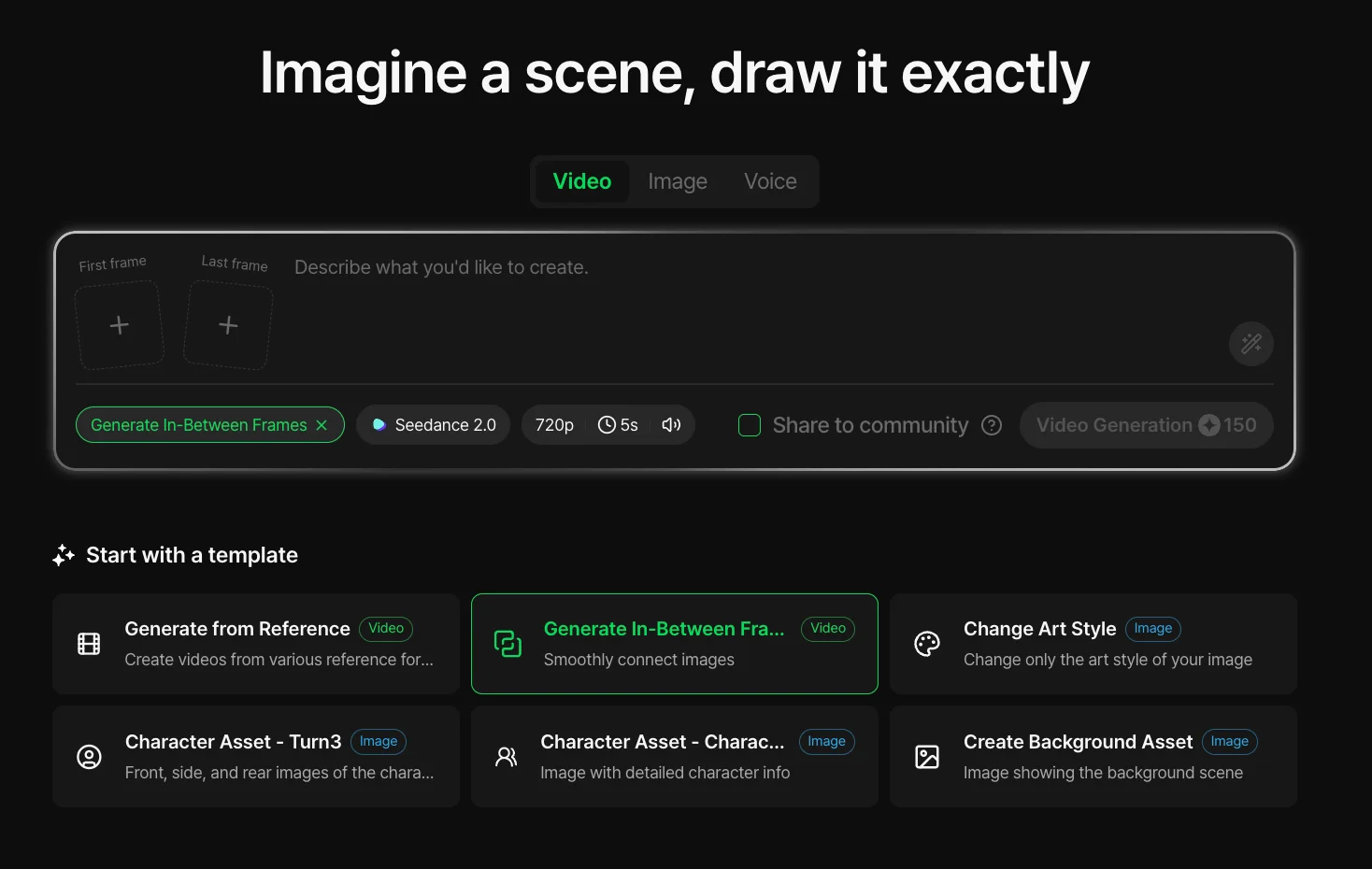
Playground › Video generation — Intermediate frame
If a generated video went the wrong way, you can correct the scene against an intermediate frame and regenerate. Adjusting character pose, camera angle and motion flow step by step gets you to a more natural result and makes the iterative loop more efficient.
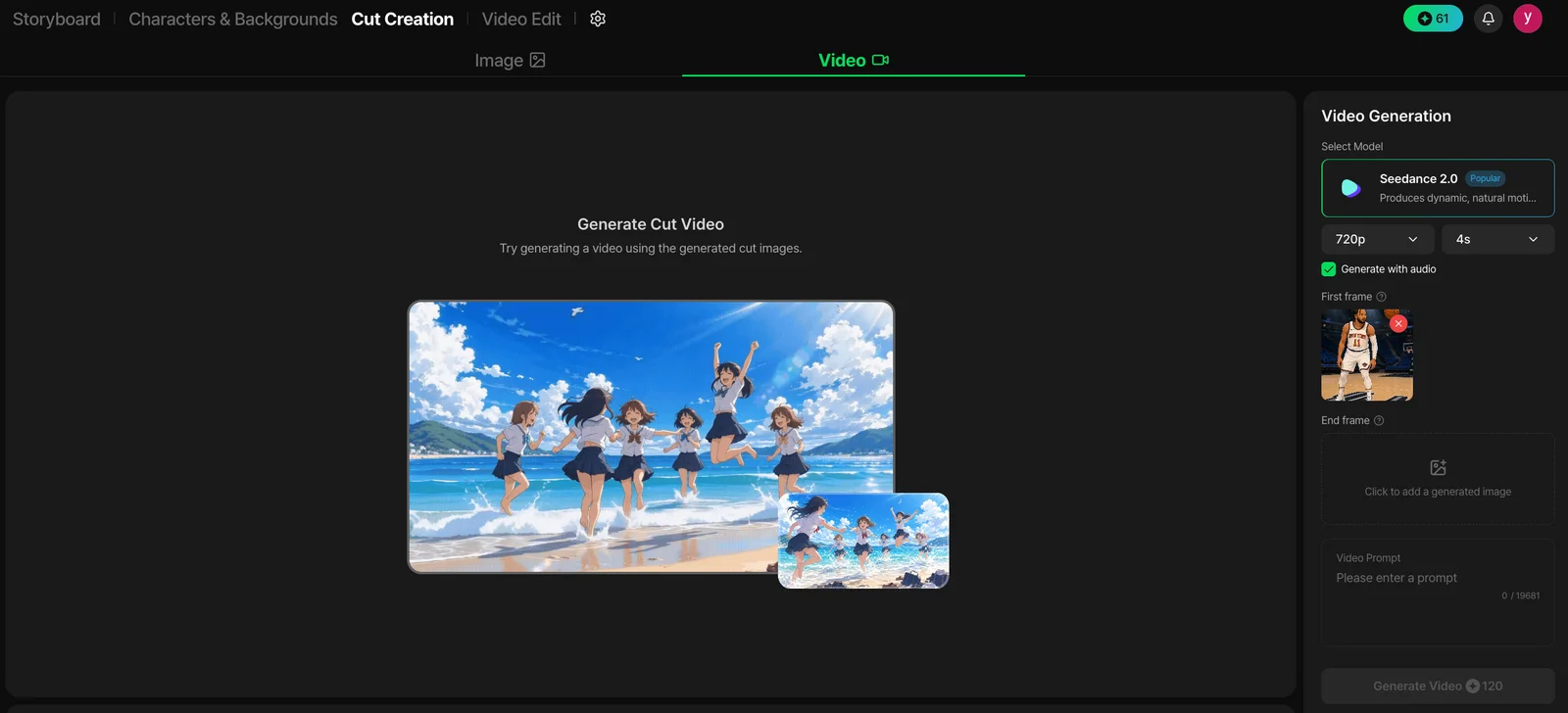
Storyboard workflow
Lay out the scenes you want from Seedance 2.0 in the storyboard first, then link them cut by cut into a consistent animation. Characters and mood hold across scenes, so story-led content can be produced systematically — a fit for web animation, webtoon adaptations, ads and brand content.
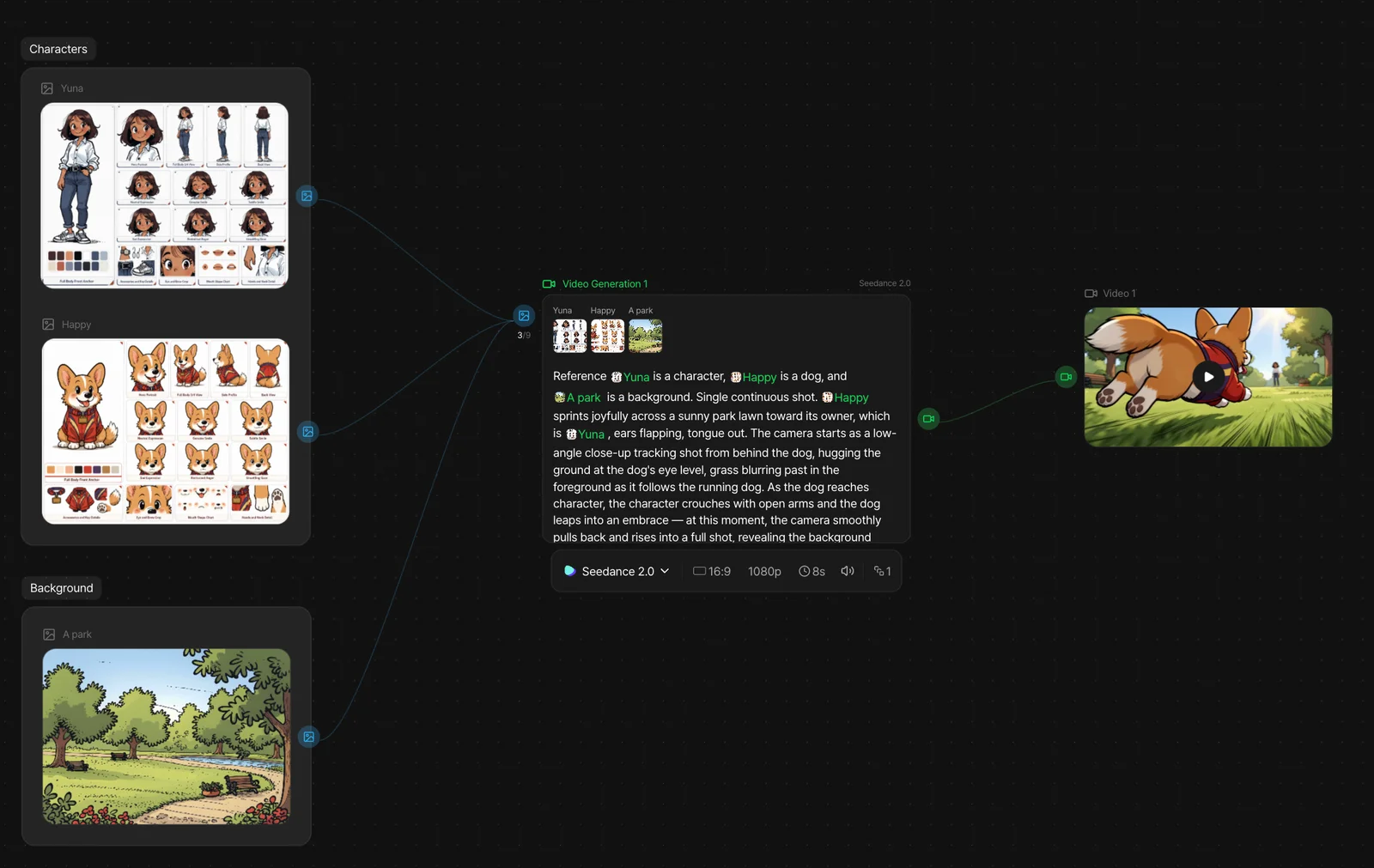
Canvas view workflow
In Canvas View you wire Seedance 2.0 generation nodes together into a single AI video pipeline. Image generation, video generation, intermediate-frame edits and post work all live in one workflow, which cuts repeat effort and keeps complex projects manageable.
Seedance 2.0 tips
- 1
Lock the character reference first. Recreating it per scene makes faces and outfits drift.
- 2
Keep one core action per scene. The more the movements overlap, the less stable the result.
- 3
Spell out camera movement (zoom, pan, dolly, tracking) in the prompt. Leave it out and the model decides for you.
- 4
For direction that is hard to describe, pass a video reference. Editing rhythm and emotional performance benefit most.
- 5
Test at short lengths before scaling to a long project. Validating early cuts total production time a lot.
FAQ
What is Seedance 2.0?
+−
A multimodal AI video generation model published by the ByteDance SEED research team in February 2026. It takes text, images, video and audio together and generates picture and sound in a single pass.
What inputs does it support?
+−
Text prompts, reference images, reference video and reference audio. In the prompt you point at each item as @Image1 or @Video1, so you can direct which element the model should take from where.
What length and resolution can it produce?
+−
One generation runs about 4 to 15 seconds. Resolution goes up to native 4K with 10-bit colour on the standard model; the fast and mini models top out at 720p.
How do the Fast and Mini versions differ?
+−
They trade resolution ceiling and cost for speed. Standard supports up to 4K, while Fast and Mini cap at 720p and cost less per second — useful for iterating on ideas before committing to a final render at standard quality.
How is it different from Seedance 2.5?
+−
Seedance 2.5 extends a single generation to about 30 seconds, raises the reference limit, adds 3D whitebox input and allows partial scene edits instead of a full regeneration. Seedance 2.0 is the version in general service today.
Can I make an AI animation on Toonkit?
+−
Yes. You can generate single clips in the Playground, or build cuts in sequence through the storyboard and Canvas View workflows and export them as one finished animation.
Is audio generated too?
+−
Yes. Dialogue, sound effects and ambience are generated in the same pass as the picture, so the sync is native rather than added later.
How many references can I add?
+−
In the Toonkit Playground you can attach up to 9 reference images, plus up to 3 reference videos and 3 reference audio clips in one generation.
How is character consistency maintained?
+−
Pin the character with a reference image and reuse the same reference across every scene. Fixing the character sheet before you start, rather than recreating it per cut, is what keeps face, outfit and hairstyle stable.
Last updated: July 2026
Countless AI videos are made on Toonkit every day.