Create Your Own AI Art Style

Train it once, and every character and scene comes out in exactly the style you want.

What style do you want to create?

Countless users are creating their own art styles on Toonkit every day.

10K+AI animation creators
300K+AI animations & images generated
50AI image & video generation models
90.9%Project completion rate
See AI Animation Creations

How Do You Create Your Own AI Art Style?

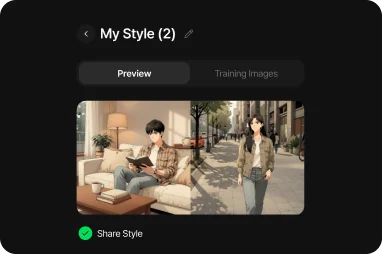
Creating an AI art style works by uploading several images so the AI learns the line art, coloring method, color palette, brush feel, and shading of that style, then applies the same style to new images.

Toonkit generates your own style through its own training algorithm, then keeps that same art style consistent across character creation, background generation, image generation, and animation production.

  • Automatic style learning
  • The same style stays consistent across every project
  • The same art style applies to both characters and backgrounds
Create My AI Style →

Why Your AI Art Style Stays Consistent

Learn It Once, Keep the Same Style Forever

Even as characters change, core style elements like line art, coloring, shading, and brush texture stay exactly the same. You can apply the same art style consistently even when creating brand-new characters.

Your Art Style as a Reusable Asset

An AI style you create once can be reused across project after project. Apply the same art style instantly to new characters and scenes, cutting production time dramatically.

Brand Style Stays Consistent Too

The same art style carries across brand illustrations, game art, webtoons, mascots, and more. Build a consistent visual identity across series content and brand campaigns.

Core Features for Building Your Own AI Art Style

My Style Training

Upload images and AI learns your own art style.

Automatic Style Dataset Generation

Even with just a few uploaded images, AI automatically supplements the training data to learn and generate a stable, consistent version of your art style.

The Same Style Across Every Project

Once trained, your style carries straight through to character creation, background generation, image generation, and animation production.

Style Sharing

Use or share the style you created across other projects too.

Support for Multiple Generation Models

Apply the same style consistently even across different image generation models.

Ongoing Style Management

Keep evolving the art style you want by deleting, retraining, or updating it.

Here Are the AI Art Styles You Can Create

Glowing female character animation set against a cyberpunk city backdrop

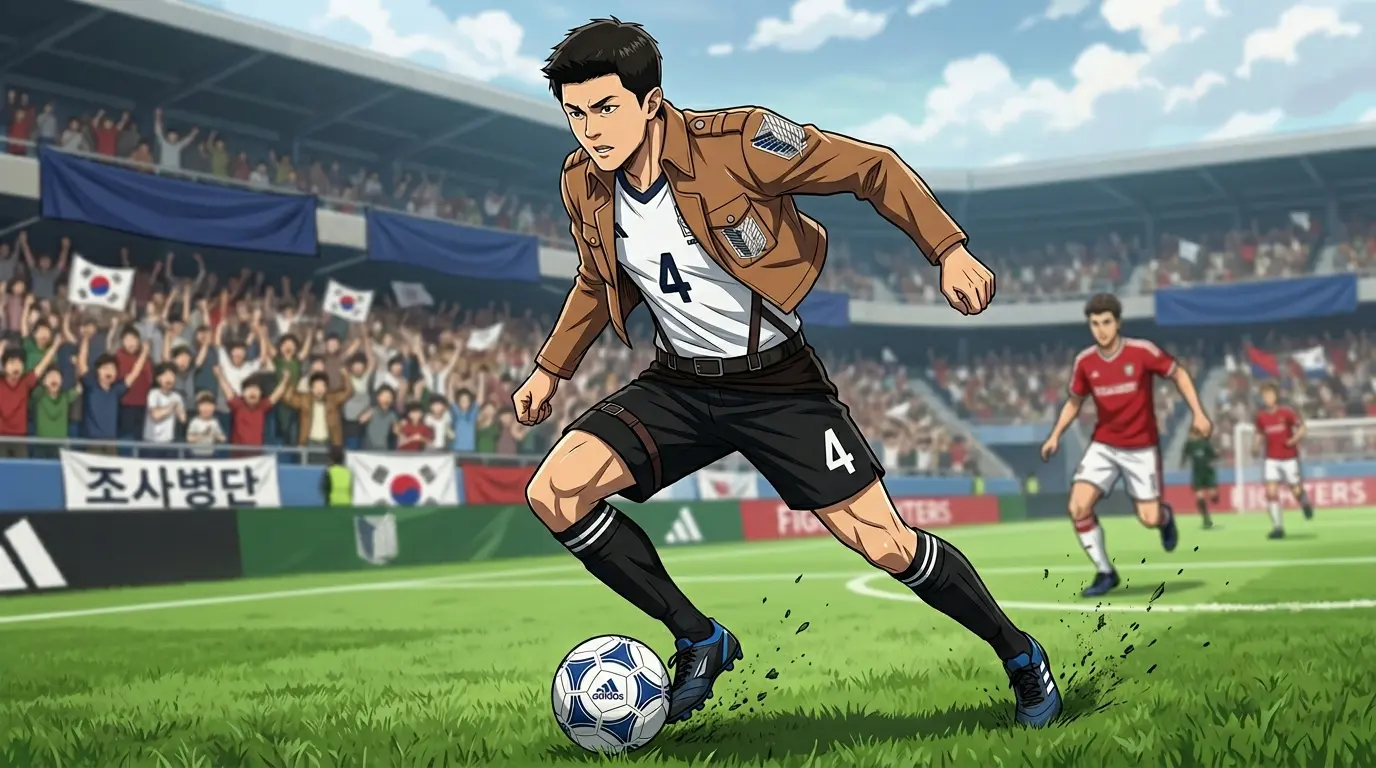
Your Favorite Webtoon Style

AI learns the line art, coloring, shading, and staging unique to the webtoon style you love, so you can create your own webtoon art style. Once trained, the style applies just as consistently to new characters and backgrounds — keeping a unified art style all the way from webtoon production to AI cartoon, AI animation, and AI storyboard.

Try it now →
Educational animation featuring fox and badger characters explaining product safety

Japanese Anime Style

Learn a wide range of Japanese animation styles — shonen, fantasy, isekai, slice of life, and more — and use them as your own AI style. Line art, coloring, color palette, and shading all stay consistent, and the same animation style applies to new characters and scenes.

Try it now →
Silhouetted figures viewing a holographic global growth dashboard in a meeting room

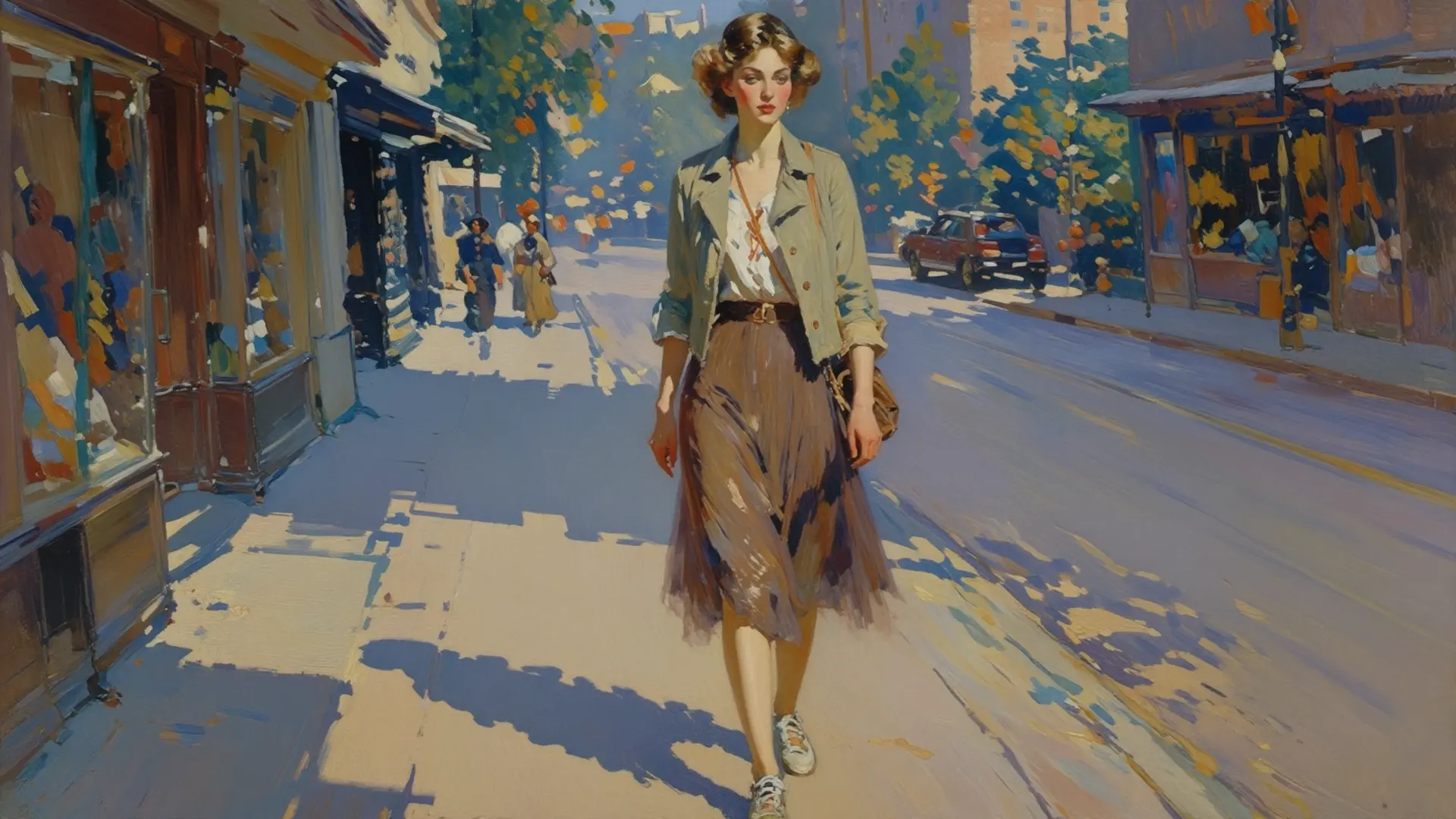
Watercolor Style

AI learns soft bleeding, transparent color tones, and natural brush texture to generate an emotive watercolor style. Unify characters, backgrounds, and illustrations under one art style, and keep it consistent even for brand content or fairy-tale-style projects.

Try it now →

Toonkit's Step-by-Step Process for Building Your Own Art Style

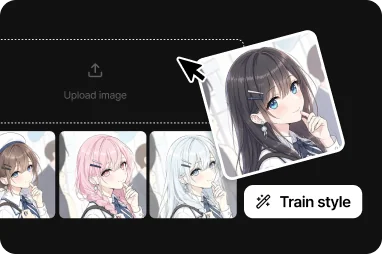
Upload Style Images
Step 1

Upload Style Images

Upload images of the art style, illustration, or brand style you want.

AI Style Training
Step 2

AI Style Training

AI learns style elements from the uploaded images — line art, coloring, color tone, brush feel, and more.

Check the Style
Step 3

Check the Style

Generate test images with the trained style to check the result.

Use It in Every Project
Step 4

Use It in Every Project

Apply the finished style directly to character creation, background generation, and animation production.

Create & Share Content
Step 5

Create & Share Content

Use and share the work you've created with your own art style across various platforms.

How Your Own AI Art Style Gets Used

Webtoon Production

Serialize multiple episodes with a consistent art style, keeping characters and backgrounds in the same look throughout.

AI Animation

Apply your trained style directly to animation, keeping a unified art style across the entire video.

Game Art

Produce game characters, backgrounds, and UI elements all in one consistent art style.

Brand Characters

Consistently generate corporate mascots and brand illustrations in the same style.

NFT Projects

Produce large collections in a consistent art style.

Illustration Work

Rapidly mass-produce your own distinctive illustration style with AI.

How Working Creators Use Their Own AI Art Style

M
★★★★★

I no longer need to match the art style with prompts every single time. I used to keep tweaking the prompt every generation just to keep the same style, but after training once with My Style, new characters and scenes come out in the same style automatically — work is so much faster now. Style consistency has improved dramatically, especially on longer projects.

Kim **
K
★★★★★

The AI learned our brand's illustration style directly, so we could produce ads, social content, and product images all in the same art style. Being able to keep the same art style across different projects has made managing brand identity so much easier.

Moon **
S
★★★★★

Even when I add new scenes or characters, the line art and coloring style stay exactly the same, cutting down a lot of rework time. I use the same style not just for webtoons but for AI animation and illustration too — one art style now covers a wide range of content.

Kim **

* Reviews based on real user experiences, with names partially masked

Ideas for Building an Even Better AI Art Style

Ghibli-Style

Train a Ghibli Studio–inspired style with warm colors and a natural watercolor feel.

Shonen Manga

Create a shonen manga style built around bold line art and dynamic action.

Webtoon

Train AI on the clean line art and coloring style unique to Korean webtoons.

Disney-Style

Create a Disney-inspired art style with soft curves and lively expression.

Watercolor

Train a watercolor style defined by transparent, soft bleeding effects.

Pixel Art

Create characters and backgrounds in a retro-game pixel art style.

Tips for Building an AI Art Style

  1. 1At least 20 images are required.
  2. 2It's best to use only images that share the same art style.
  3. 3Train on a single style rather than mixing several color palettes together.
  4. 4Prioritize style consistency over character detail.
  5. 5After training, generate several test images to check how well the style came through.

FAQ About Your Own AI Art Style

How do you create your own AI art style?

There are two ways.

  • Generate with AI and train: Enter an artist tag (@) and a style prompt, and AI generates 20 art-style samples, then trains the style from those 20 images.
  • Upload your own art and train: Upload images you've drawn yourself to train on.

You can choose between two training models — Anima (faster training and generation) and Z-Image (more detailed training and generation). Training settings (max training steps, network dim, learning rate) are set to recommended defaults automatically, and you can also adjust them manually if you want. Training takes about 8 hours, and you'll get an email notification when it's done.

Can I train my own art style?

Yes. You can upload your own drawings via "Upload Art Style" to train your own art style. However, you must use images you hold the rights to — generating or sharing a style built from copyright-infringing or inappropriate images or names may be restricted, and responsibility for that lies with the creator.

How many images do I need?

You need 20 images. (AI-generated training also produces and uses 20 images, and the same 20-image baseline applies when uploading your own.) Uploaded images must be at least 500px, up to 2K (2048×2048), and 10MB or less per file.

Can I use my style across other projects too?

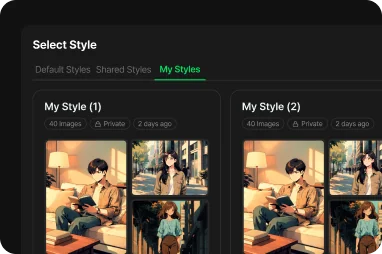
Yes. A trained art style is saved to "My Styles" at the account level, so you can pick it for any project without retraining each time. If you want, you can also request publication to the community (published after admin review) so other users can use that style too.

Does the same style stay consistent even with different characters?

Yes. The art style handles the "look" — line, color, shading — while a character's identity, like face and proportions, is maintained separately by the character consistency engine. Because the two are decoupled, the same art style stays consistent no matter which character it's applied to. Style strength (loraScale) can be adjusted between 0.5 and 1.5.

Can I use it commercially?

Generated results can be used commercially (subject to your plan and the Terms of Service). That said, you're responsible for the rights to the images used in training. Content that infringes copyright or violates the Terms of Service may be subject to enforcement action, so check the Terms of Service for detailed licensing.

Can I delete or retrain a style?

Both are possible.

  • Delete: You can delete it anytime from "My Styles."
  • Retrain: "Retrain" works by copying. It leaves the original style and any results you've already made untouched, duplicating it into a new draft so you can change the source material or training settings and train again.

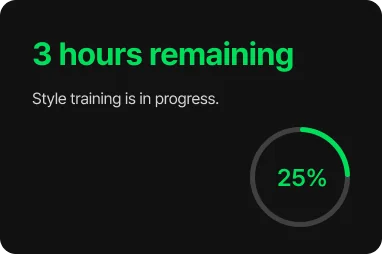
How long does AI art style training take?

Training takes about 8 hours. While it's running, progress and estimated time remaining are shown in real time, and you'll get an email notification when it's done. Training runs in the background, so you can keep working on other things and just start using the style as soon as it's ready.

Can I manage multiple styles at the same time?

Yes. You can create and keep multiple art styles in "My Styles." Just pick the style you want when generating a video or image, and you can manage each style's rename, delete, retrain, and publish (community sharing) status individually. Both finished styles and styles still in training appear together in the list.

Price

Monthly
Yearly56% OFF

Free

Experience the flow

Free
300 credits/mo

Max generations

Image~60 images unit
Video~6 videos unit
Unlimited scenario generation
1080p resolution
Advanced camera working
Commercial use allowed
Watermark included

Starter

Unlock your hidden potential

$$13.9027% OFF
$9.9/month
900 credits/mo

≈ $1.1 per 100 credits

Max generations

Image~180 images unit
Video~18 videos unit
Unlimited scenario generation
1080p resolution
Advanced camera working
Commercial use allowed
Watermark removal

Standard

Scale your creative impact

$$44.9033% OFF
$29.9/month
3,000 credits/mo

≈ $1.0 per 100 credits

Max generations

Image~600 images unit
Video~60 videos unit
Unlimited scenario generation
1080p resolution
Advanced camera working
Commercial use allowed
Watermark removal

Standard Plus

POPULAR

Fuel your endless creativity

$$74.9036% OFF
$47.9/month
5,200 credits/mo

≈ $0.9 per 100 credits

Max generations

Image~1,040 images unit
Video~104 videos unit
Unlimited scenario generation
1080p resolution
Advanced camera working
Commercial use allowed
Watermark removal

Pro

Build a professional career

$$233.9041% OFF
$137.9/month
16,000 credits/mo

≈ $0.9 per 100 credits

Max generations

Image~3,200 images unit
Video~320 videos unit
Unlimited scenario generation
1080p resolution
Advanced camera working
Commercial use allowed
Watermark removal

Create Your Own AI Art Style, Starting Now