
Toonkit, Now Inside ChatGPT & Claude via MCP
🔌 Toonkit × MCP — Toonkit, Right Inside ChatGPT & Claude
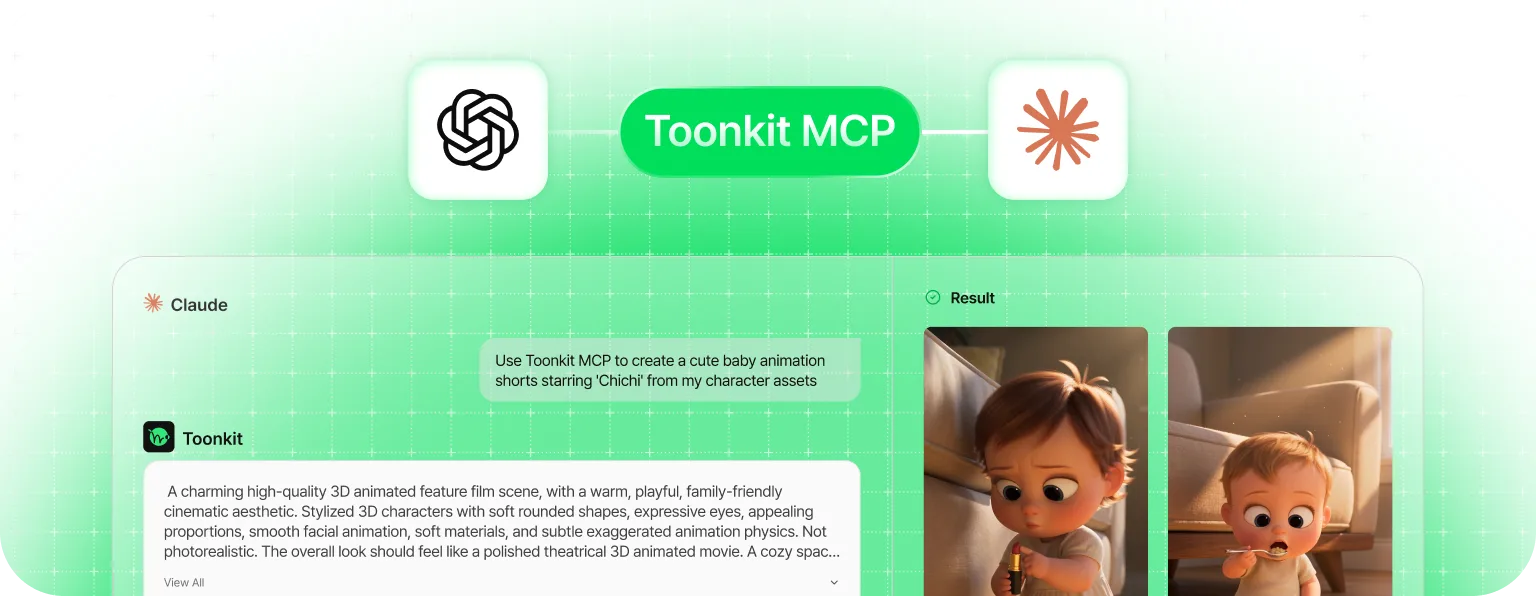
You can now connect Toonkit to ChatGPT and Claude via MCP and use its features directly from the chat interface you already know.
MCP (Model Context Protocol) is an open standard for connecting AI models to external tools and data in a consistent way. With no complex setup, the AI assistant you already use can call Toonkit directly as a “tool.”
💬 From Generation to Assets — All by Conversation
From a single image to a full-length animation, run Toonkit’s wide range of features easily through ChatGPT- and Claude-based conversation.
- Playground — quickly generate single image or video assets, just by chatting
- Canvas Mode — carry even the workflow built for long-form animation production forward within the flow of conversation
- Asset Use — pull in your saved characters, backgrounds, props, and more to keep results consistent
✨ What Makes It Different
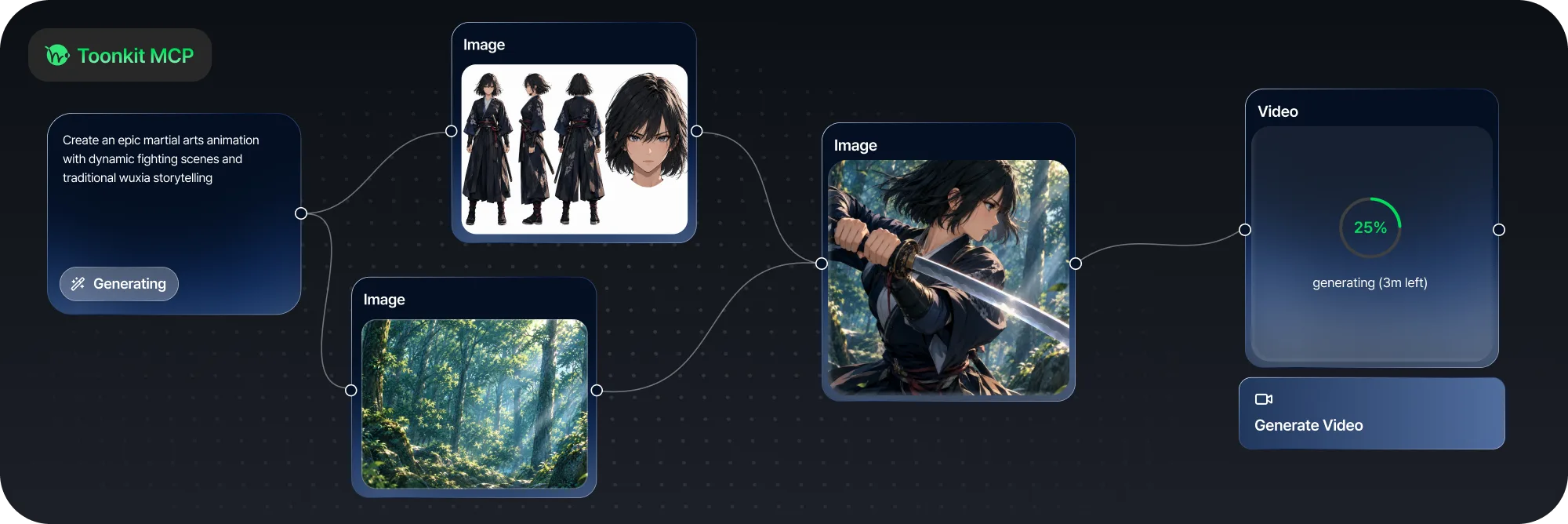
More and more tools are connecting image and video generation to chatbots — but most stop at single-asset generation.
Toonkit stands apart by letting you handle not just one-off generation, but the canvas workflow purpose-built for long-form animation — entirely through conversation. Start the whole creative journey, from planning to a finished piece, in the chat environment you’re most comfortable in.