
September 12 Update — Expanded Model Lineup, 10 New Styles, Advanced Assets & Toonkit Guide
A major expansion of today's best image and video models, 10 new ToonXL styles, upgraded asset management, and a Toonkit Guide for first-time users. This update raises both your range of choice and the polish of your work.
🧠 A Major Model Expansion — The Latest Lineup, All in One Place
We've brought in the most advanced image and video generation models on the market today. From fast, low-resolution drafts to high-resolution final output, you can choose the model that fits your target quality and budget.
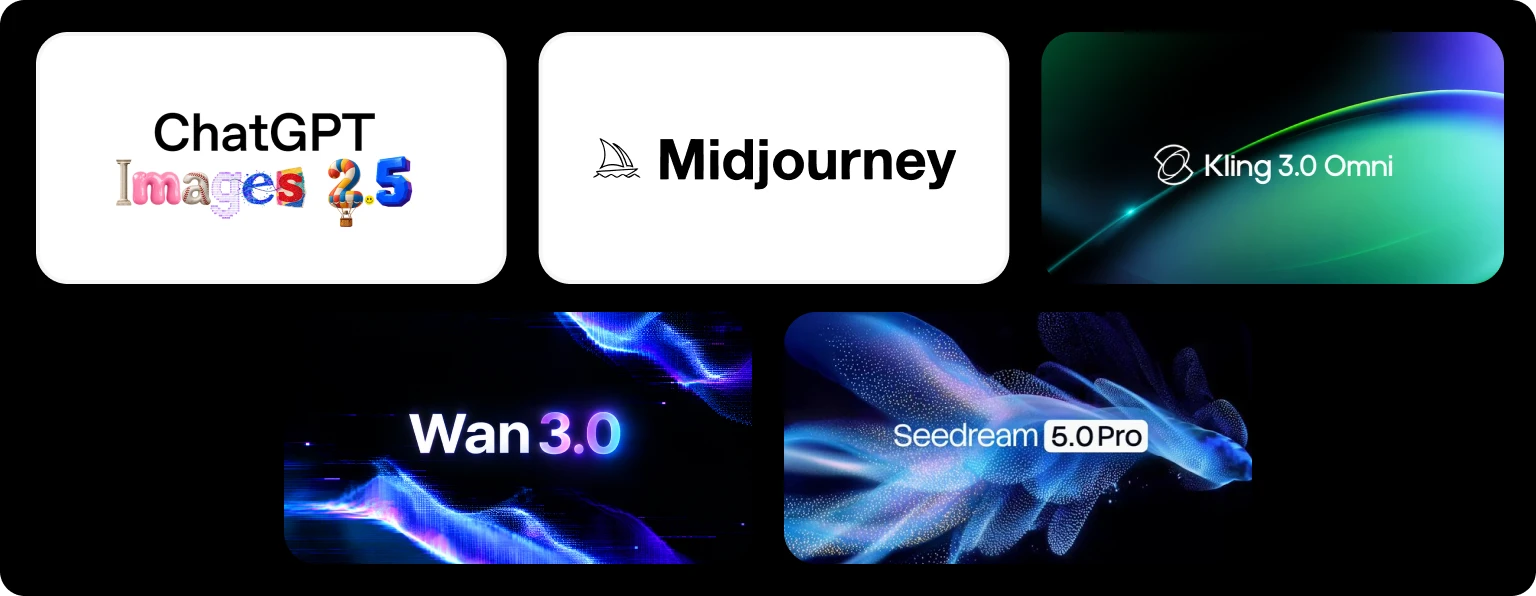
- ChatGPT Image 2.5 — a versatile image model strong in prompt fidelity and text rendering
- Midjourney — image generation renowned for artistic style and aesthetic polish
- Kling 3.0 Omni — a flagship video model spanning multimodal input, native audio, and multi-shot, multi-camera direction
- Wan 3.0 — a video model built for scenes up to 30 seconds long and rich multi-reference generation
- Seedream Pro / Lite — Pro for precise layout and text rendering, Lite for cost-efficient generation — pick the tier that fits your purpose
Weigh the mood of your work, your per-cut creative intent, and your budget, and generate freely with the model best suited to each moment.
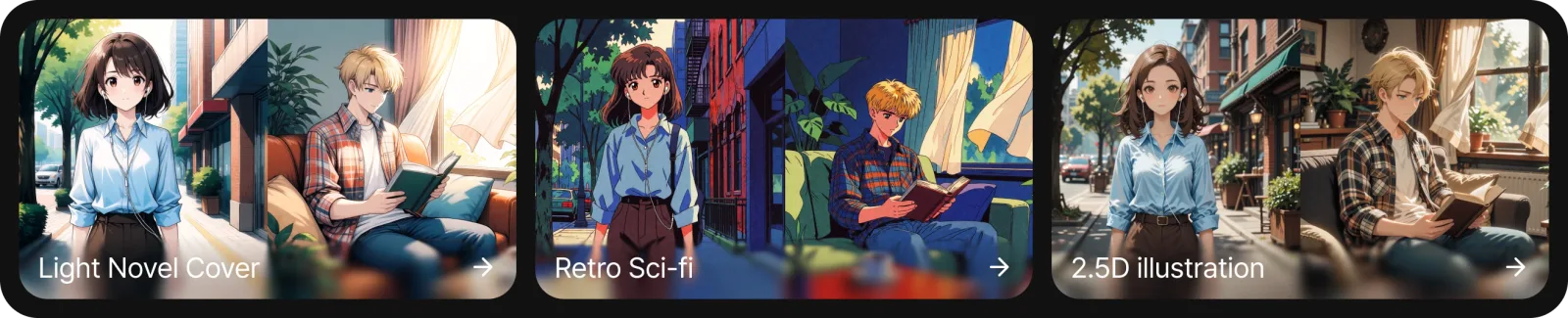
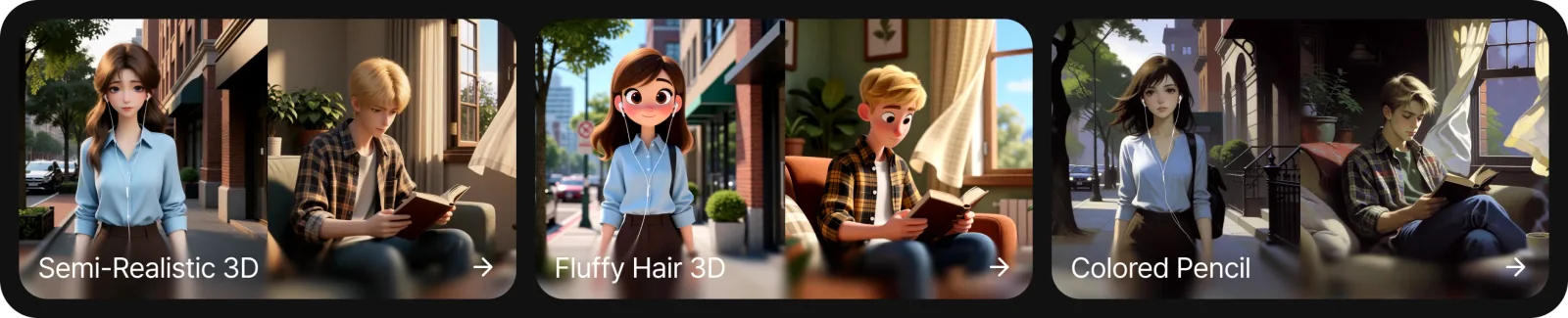
🎨 10 New ToonXL LoRA Styles
Ten new ToonXL styles have been added to widen your range of expression even further.
From a richer style library, easily pick the look that matches your mood and texture, and apply it to your work. A broader set of choices means more room to express your own signature.

🗂️ Advanced Asset Management
You can now manage the assets that form the foundation of your work far more systematically.
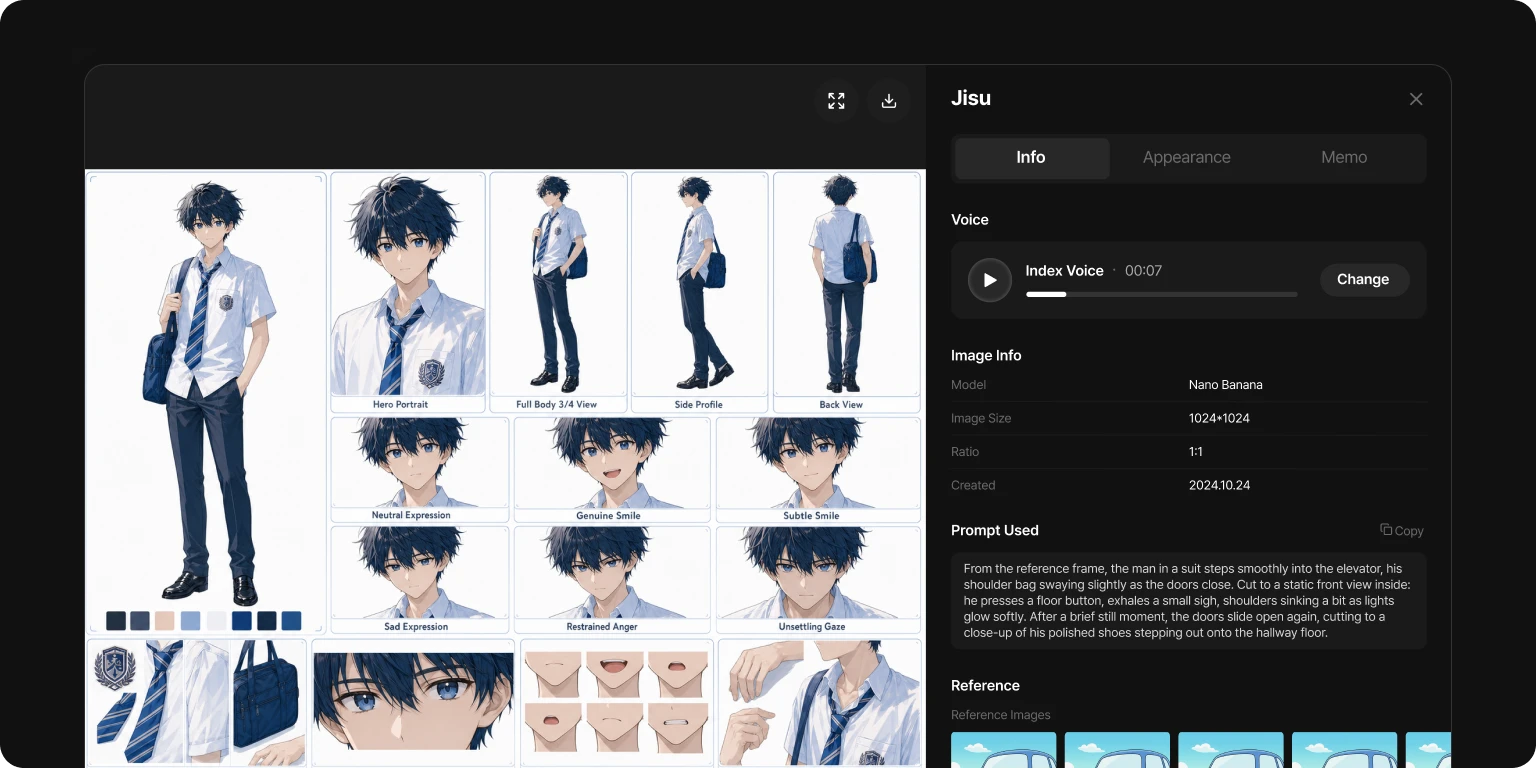
- Per-cut appearance & variation selection — assign a character's look and variations cut by cut, for consistency and flexibility at once
- Character voice — manage a distinct voice for each character as an asset
- Multi-reference for backgrounds & props — register multiple references together to reinforce detail and identity
- Asset memos — record each asset's settings and usage context for collaboration and repeat work
Bring your scattered creative elements into a single system, and keep the consistency of your whole project with ease.
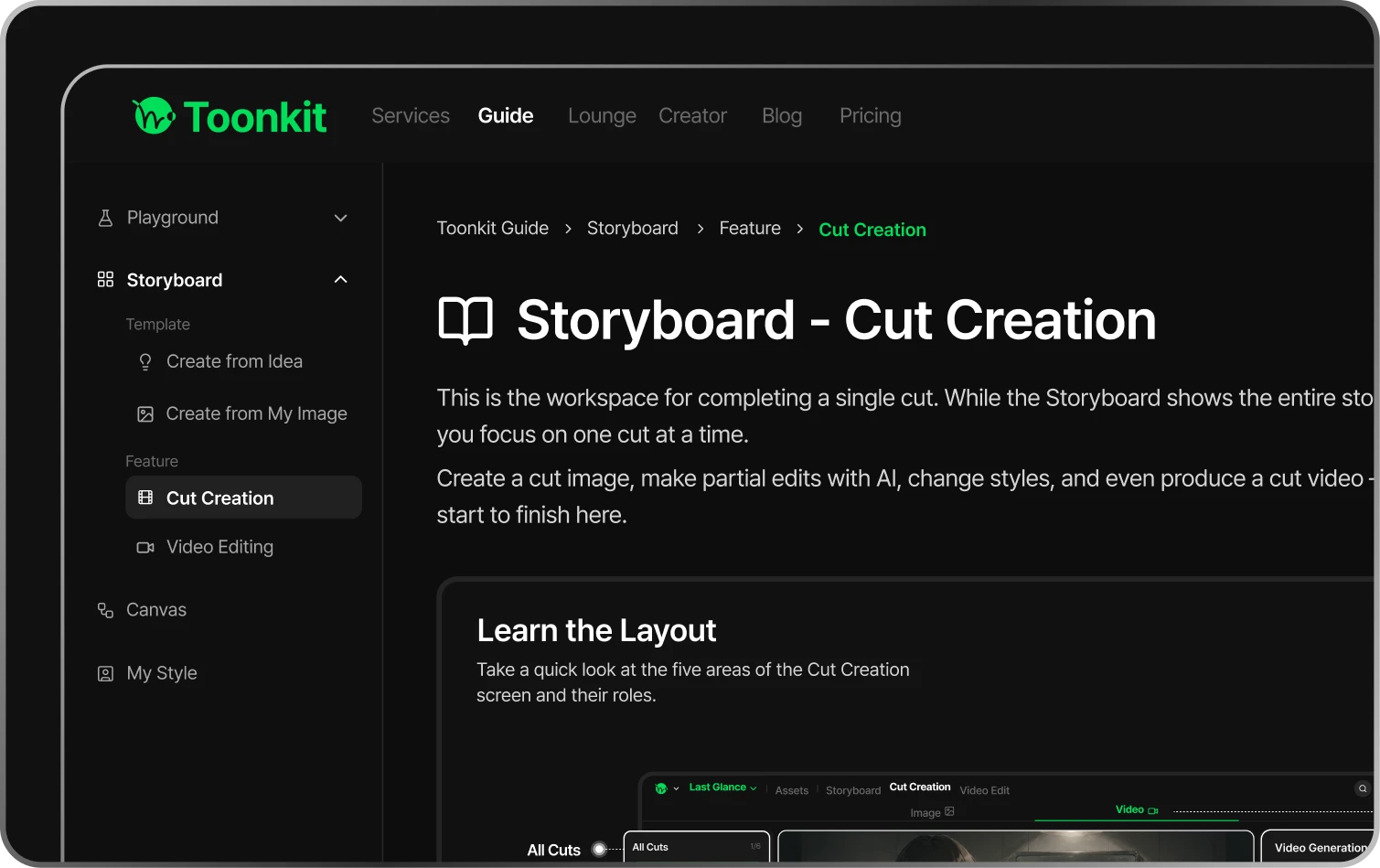
📘 Introducing the Toonkit Guide
So that even first-time users never feel lost, we've added a guide that walks you through every feature clearly and in detail.
Follow the usage and workflows of the core features step by step, and explore everything Toonkit has to offer with confidence.
Log in now and experience the new features for yourself.
As always, we're here if you have any questions or feedback. Thank you for being part of the Toonkit family.
The Toonkit Team