Production tips
Prompt Failure Case Collection #1
 Team ToonkitViews —


One of the most common things you'll hear when creating AI-generated videos is:
"If you write a good prompt, you'll get exactly the result you want."
In reality, though, that wasn't my experience.
After creating countless videos, I realized that I spent far more time refining prompts than creating new scenes. The real challenge wasn't coming up with ideas—it was figuring out how to make the AI understand what I actually wanted.
In this post, I'd like to share a few prompt failures I encountered during production and what I learned from them.
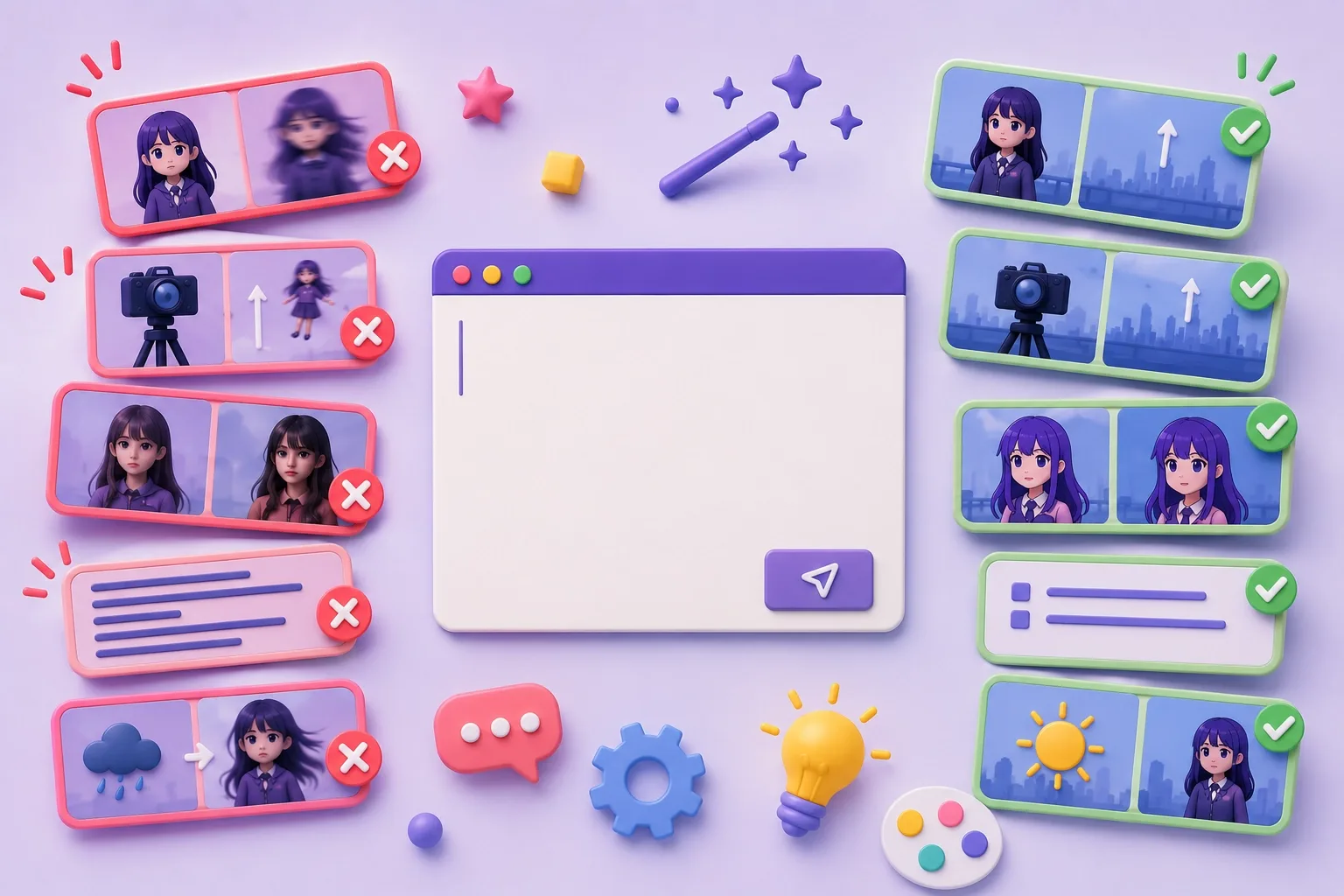
1. "Keep the character still"... but they kept moving
I wanted to create a shot where the character remained completely still while only the camera moved.
To make that clear, I added the sentence:
"The character remains completely still."
However, the generated videos often showed the character floating upward or moving together with the camera.
Simply adding one sentence wasn't enough.
I achieved much more consistent results after describing the character's state first, then explaining the camera movement step by step.
This made me realize that AI doesn't just process what you write—it also seems to be influenced by the order in which information is presented.
2. I told the camera to move, but the character flew instead
For one scene, I wanted the camera to rapidly ascend and reveal a panoramic view of the city from above.
Instead, the camera stayed almost stationary while the character floated into the sky.
Phrases like "The camera moves upward" weren't always enough for the model to distinguish between camera movement and subject movement.
Eventually, I rewrote the prompt by explicitly stating that the character would remain completely stationary before describing the camera path in detail. That simple change produced results that were much closer to what I intended.
3. I wanted animation, but it kept becoming photorealistic
Even when starting with anime-style images, the generated videos gradually drifted toward realistic skin textures and cinematic lighting.
Simply adding "anime style" wasn't enough.
By repeatedly emphasizing keywords such as line art, cel shading, 2D animation, hand-drawn look, and stylized rendering, while removing terms that encouraged photorealism, I was able to maintain a much more consistent animated style.
4. Sometimes less is more
At first, I believed that longer prompts would naturally produce better results.
So I packed every detail into a single prompt—character appearance, background, lighting, camera movement, atmosphere, and more.
Ironically, the longer the prompt became, the more likely it was that certain important elements would disappear while unexpected details became the focus.
Eventually, I started removing unnecessary descriptions and keeping only the essential information.
In many cases, shorter and more focused prompts produced far more reliable results than lengthy, overly detailed ones.
5. Negative prompts don't work as well as I expected
One of the most surprising discoveries was that telling the AI what not to do often wasn't very effective.
Whenever an unwanted element appeared, my first instinct was to add a negative instruction.
For example, I would write "The character does not move." or "No rain."
Yet the character still moved, and rain would sometimes appear anyway.
At first, I assumed it was simply a limitation of the model. But after comparing many different prompt variations, I noticed a consistent pattern.
Instead of listing what shouldn't happen, the AI responded much better when I clearly described what the final scene should look like.
For example, rather than writing:
- The character does not move.
I would write:
- The character stands perfectly still, maintaining the exact same pose throughout the entire shot.
Describing the desired state produced much more stable results.
Of course, not every model behaves exactly the same way. However, this was a pattern I repeatedly observed throughout my own production process.
Since then, I've focused less on writing negative instructions and more on describing the scene I actually want the AI to generate. That small change significantly reduced the number of iterations needed to achieve the desired result.
I'll continue documenting the prompt failures and improvements I encounter throughout this project.
Hopefully, these experiences can help others avoid some of the same trial and error.
Was this article helpful?
Your feedback helps us create our next article.
More to read
View all›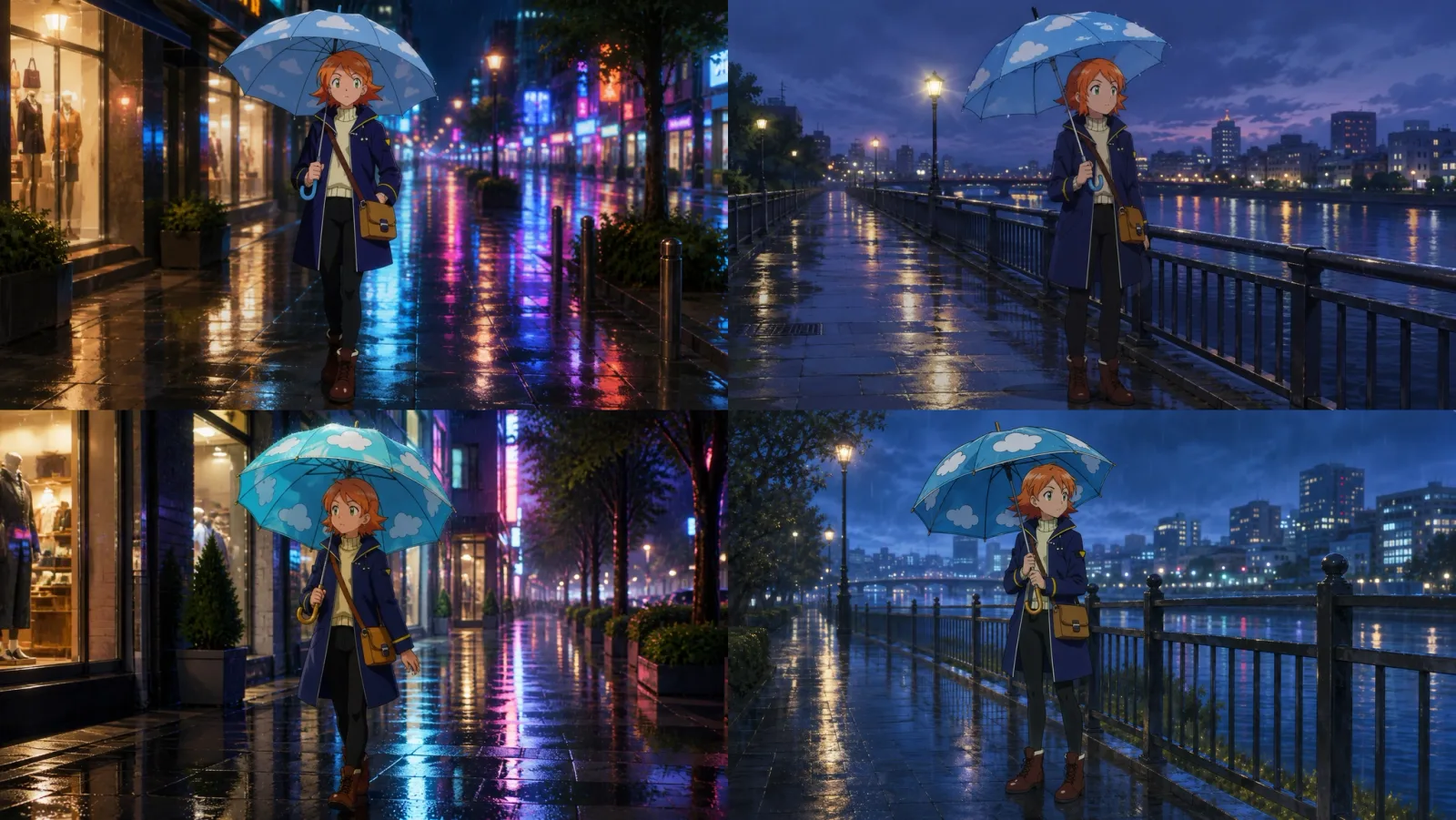
Why does the same umbrella look different every time? Before vs. after specifying prop references
How big is the difference between describing a prop in a prompt versus referencing an actual prop image? Here is a direct comparison featuring the same umbrella across two different scenes.
Team Toonkit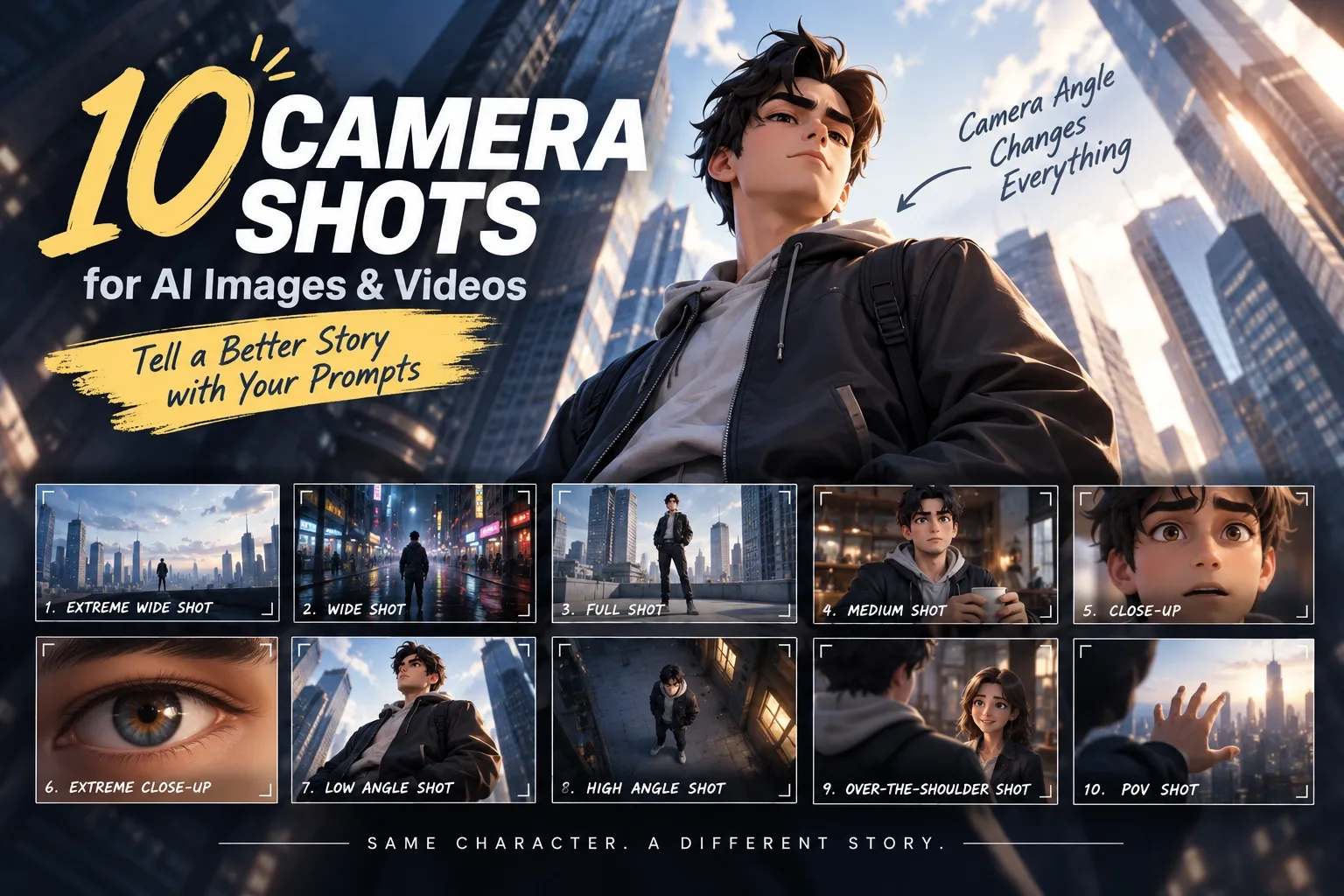
Prompt Tips for Tooners #3 - 10 Camera Shots and Angles
The same scene can look completely different depending on camera composition. From Extreme Wide Shot to POV Shot, this post introduces 10 camera shots and angles you can use directly in AI image and video prompts.
Team Toonkit
Prompt Tips for Tooners #2 - Combat Scene
A guide to writing combat-scene prompts for AI-generated animation, covering attack, dodge, counter, and camera direction through three example prompts, plus tips for using the free Magic Wand feature.
Team Toonkit