Behind Toonkit
Do You Really Have to Be at Your Desk to Start with Toonkit?
 Team ToonkitViews —


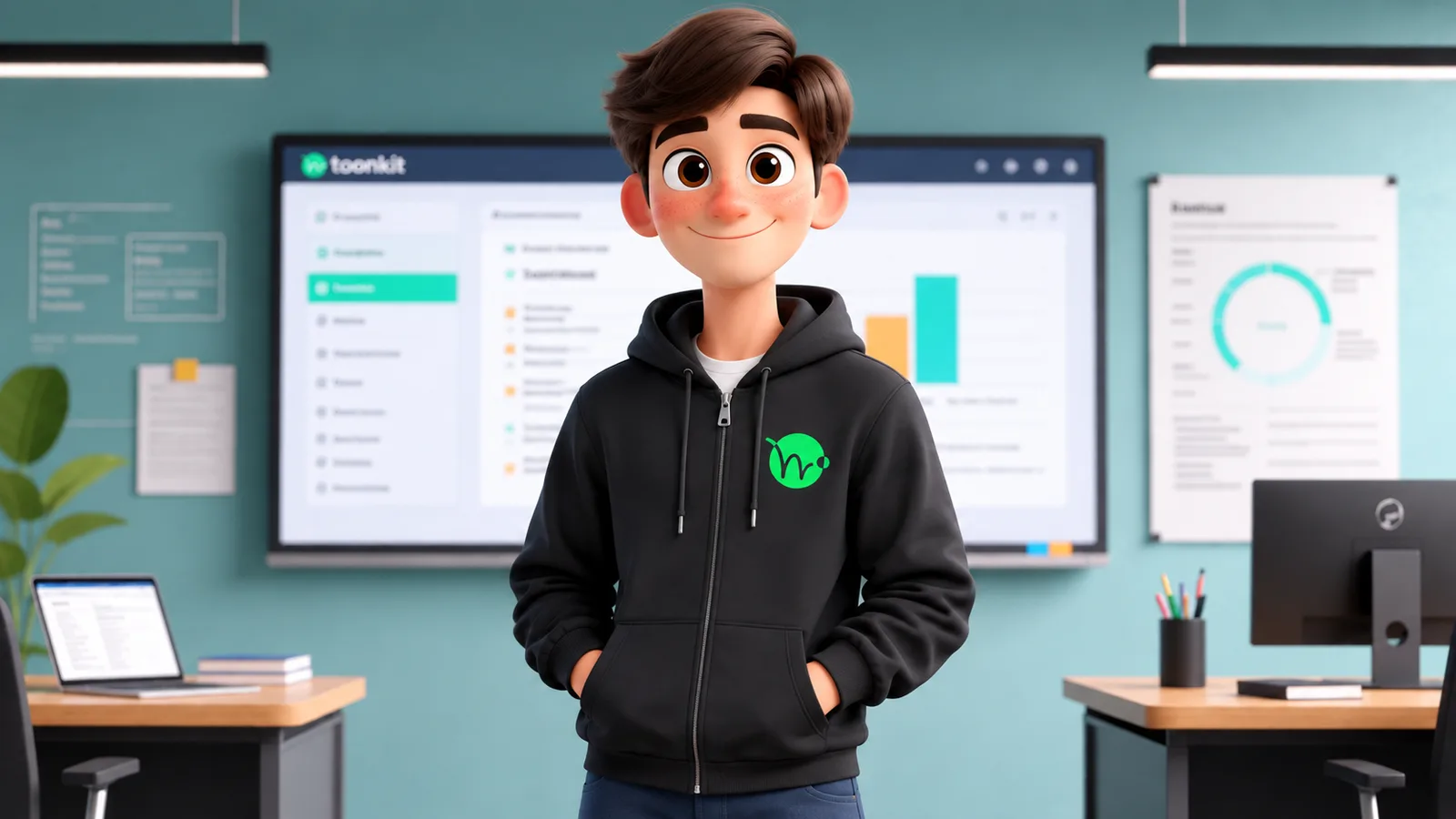
Hello! I’m Yul Heo, a Product Manager at Toonkit.
This is actually my first time introducing myself directly to Toonkit users like this!
Recently, while looking through how people are using Toonkit, there was one thing that kept bothering me.
A lot of people are visiting Toonkit on mobile. In fact, a surprisingly large number are.
But the percentage of users who actually move on to creating something is much lower than on desktop.
Of course, Toonkit is a product with many features that are optimized for desktop.
At first, I thought this was only natural.
Features like Canvas and Storyboard are designed around having a large workspace, so I had always thought of Toonkit primarily as a desktop creation tool.
But after looking more closely at how people actually use Toonkit, I started to think differently.
People who visit Toonkit on mobile are not necessarily trying to create a fully finished animation on their phones.
Sometimes, they have an idea while they are on the move and just want to generate a quick image.
Sometimes, they want to check something they created earlier.
Sometimes, they want to save a result they like and continue working on it later.
That led us to one conclusion: mobile Toonkit does not need to be exactly the same as desktop Toonkit.
Instead, we should focus on making the things that feel most natural on mobile work really well.
So in this update, we redesigned the mobile experience around Playground and generation.
We also placed features that are especially useful on mobile, or that can take advantage of the mobile environment, in the bottom navigation.
Our goal was simple: make it easier and faster for Toonkit users on mobile to find the features they need and start creating.
At the same time, we decided not to force features that require a large workspace into a small screen.
For example, instead of placing Canvas directly in the bottom navigation, we plan to keep it accessible through areas like the hamburger menu.
In the future, we are also considering a direction similar to Figma, where users can review work created on desktop from their mobile devices.
(We thought a lot about how we could make Canvas fully usable on mobile, but with the way Canvas currently works, bringing the exact same experience to a small screen is honestly not easy. 😭)
The current mobile version of Toonkit is not a smaller copy of desktop Toonkit.
It is closer to an entry point where you can start creating the moment an idea comes to mind.
Of course, there is still a lot we want to improve.
We still need to make the transition from mobile-generated results to desktop workflows feel more seamless.
We want to make it easier to quickly check ongoing projects.
And we are still exploring how much editing should be possible directly on mobile.
Ultimately, this is the kind of experience we want to create.
You get an idea on your commute and immediately try it out on your phone.
Later, when you are back at your desk, you continue developing it in Canvas or Storyboard.
Then, while you are on the move again, you can check the results from your phone.
We do not want the device you are using to determine whether or not you can begin creating.
This mobile update is the first step toward that experience.
P.S.
While looking through the data, we also noticed that quite a few users use Toonkit almost exclusively on mobile.
As a PM, I am genuinely curious about why.
At the moment, I still believe that desktop is the better environment if you want to take full advantage of Toonkit.
So I would love to know whether you use Toonkit mainly on mobile simply because it is more convenient, or whether there are other reasons that we have not considered yet.
If you mainly use Toonkit on mobile, would you mind sharing why in the comments?
We spend time every week thinking not only about new features, but also about what could make animation creation easier and better for our users.
We release new features and improvements quite frequently, so if you have a moment, I would also really appreciate it if you checked out our update notes below.
https://toonkit.io/en/blog/releases
I’ll be back again soon.
Bye for now!
Was this article helpful?
Your feedback helps us create our next article.
More to read
View all ›
Toonkit BTS ep.2: Sample Assets
Behind Toonkit ep.2 introduces Sample Assets: hundreds of free character and background presets that teach users what a good reference image looks like and let them build characters without spending credits.
Team Toonkit
Toonkit BTS ep.1: Start templates
Behind Toonkit ep.1 covers the Start Template screen shown when creating a new animation, and how splitting it for Story vs. Stylization users cut support tickets over 50% and dropped bounce rate below 20%.
Team Toonkit
Toonkit BTS ep.0: The start of retrospectives
The opening episode of Toonkit's behind-the-scenes retrospective series, launched six months after release, using the blog feature as an example of why and how each update came to be.
Team Toonkit