
Train your own art style (My Style)
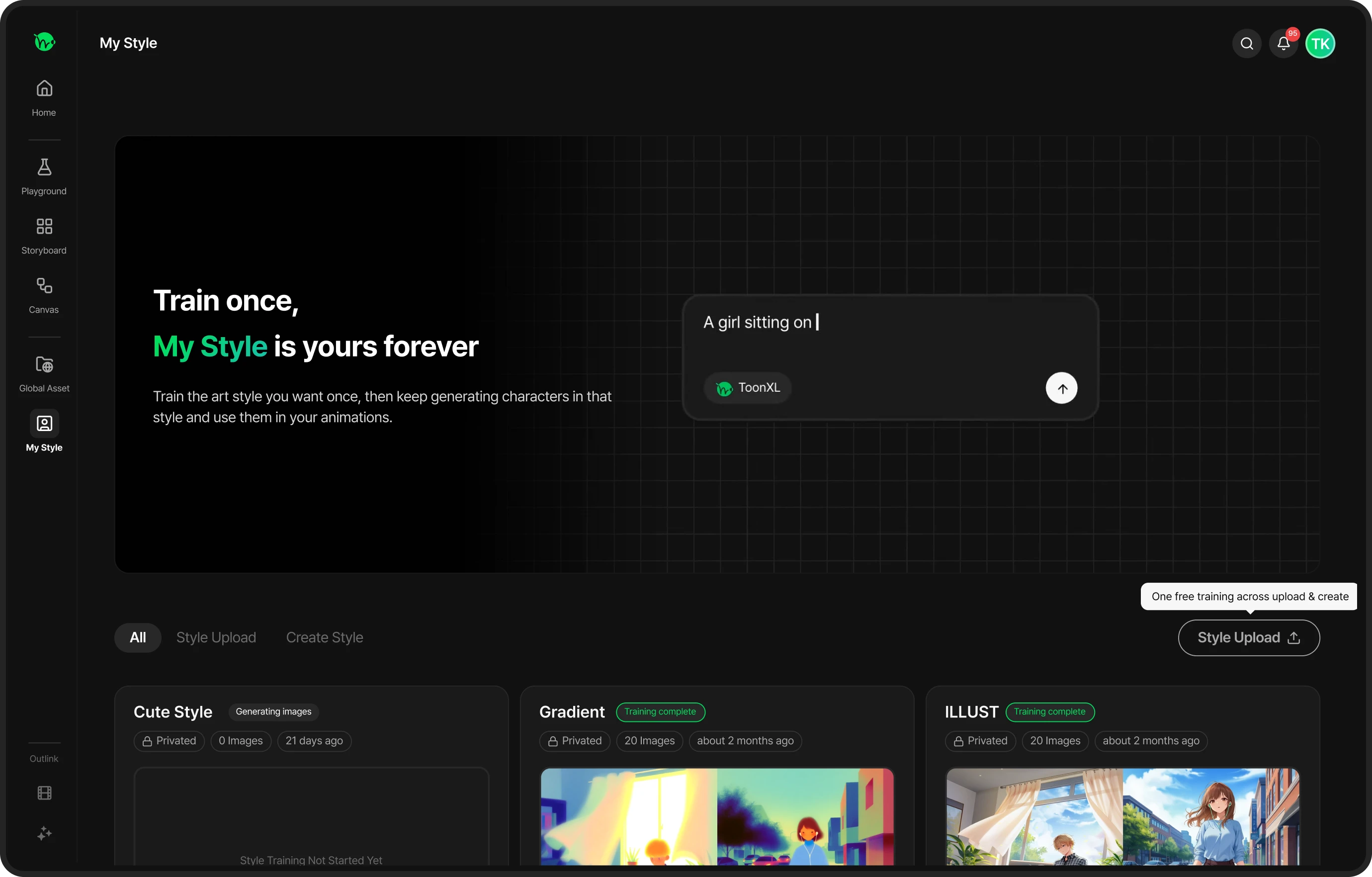
If your art style drifts a little every time you generate, My Style is the answer.
Train your art style (or any style you want) once with 20 images,
and it's saved to your account for good — generate in that same consistent style anywhere in Playground, Storyboard, or Canvas.
Paid plan feature
My Style is available to paid plan subscribers or credit pack users.
Your first training is free regardless of step count, so feel free to try your first style at no cost.
Before you begin
| What you need |
|
|---|
Getting started
You can upload 20 images directly to train your art style.
Upload my images (Style Upload)
Recommended for
Creators who already have 20 webtoon panels or illustrations they drew themselves
What you'll need
20 of your own files that share the same, consistent art style
Train from my images (Style Upload)
Upload your own work to train your own style or art direction.
Name your style
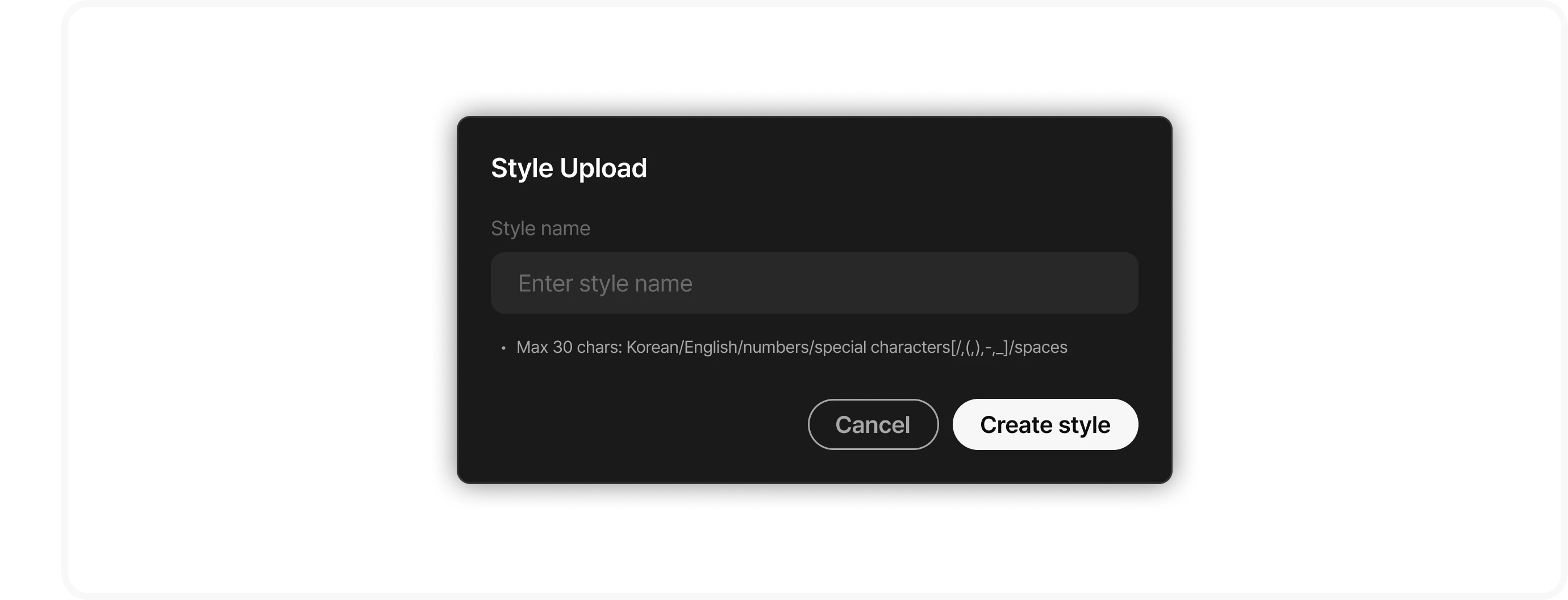
Click Style Upload and enter a style name (up to 30 characters — Korean/English/numbers and a few symbols).
Upload 20 images
Drag and drop, or click to upload.
Progress is shown as n/20 — you need exactly 20 images to start training.
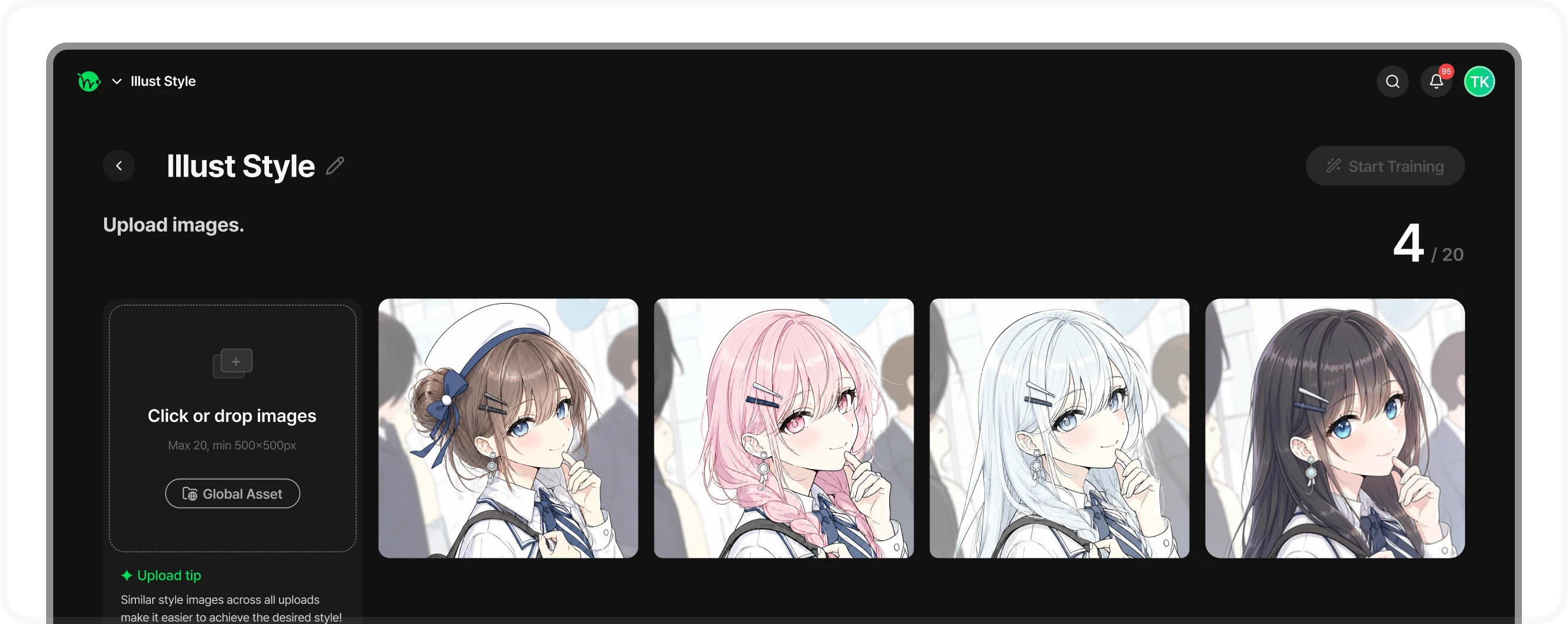
- Recommended mix: 15 character shots + 5 backgrounds (include backgrounds if you can!)
- The more similar the style across all your images, the easier it is to learn the look you want.
- You can pull images from your inventory, or generate more in Playground in the style you want if you're short.
Click "Start Training"
The "Start Training" button activates once you have 20 images.
Start training
The training model is automatically set to Krea 2.
Krea 2
Cost varies depending on the training step range.
700–1,800 Credits (varies by training steps)
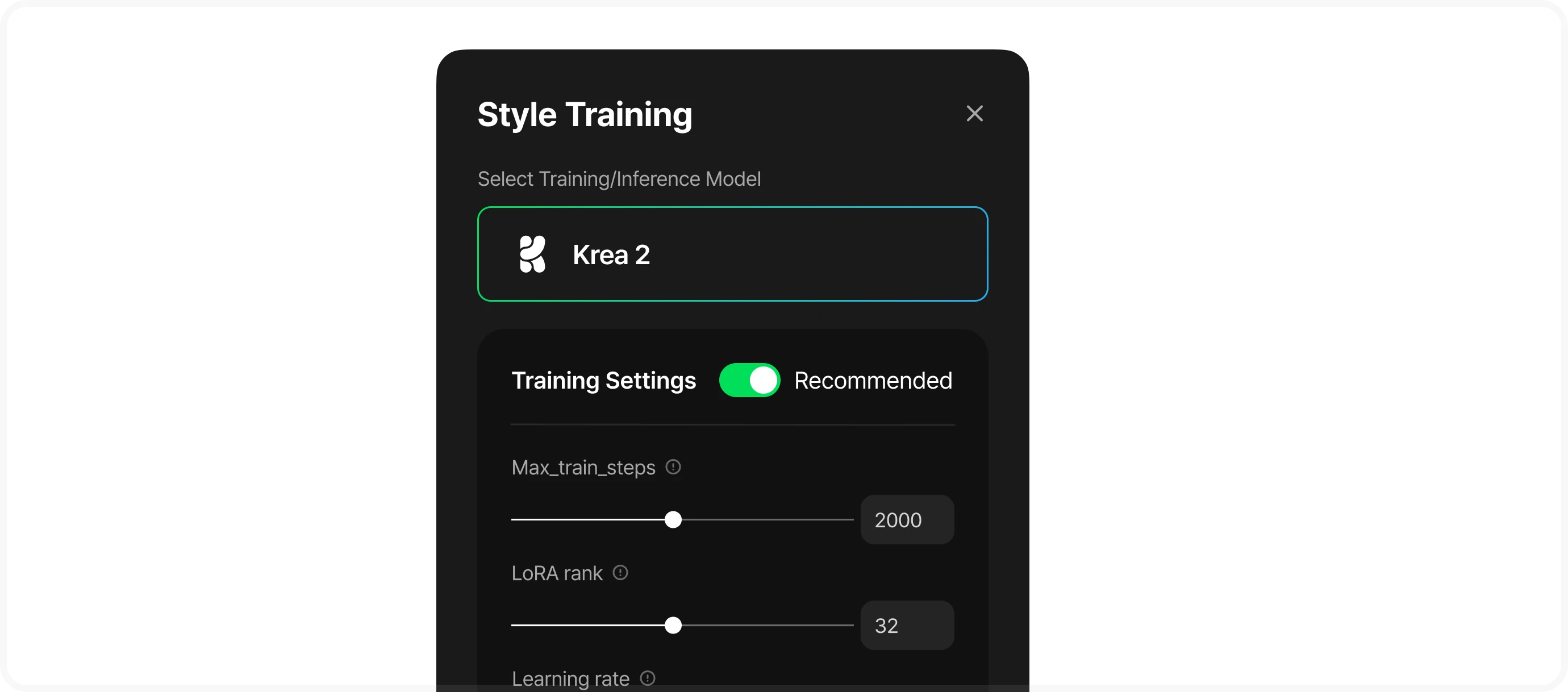
- Your first training is free regardless of step count.
- Unless you have a specific reason, we recommend leaving the advanced settings (Max_train_steps, LoRA rank, Learning rate) on the recommended toggle.
- Training starts once you click "Start Training." It takes about 3 hours, so we recommend turning on email alerts — you can also close the tab and keep working on other things!
- You can keep using every other Toonkit feature normally while training runs.
Copyright and safety guidelines
Styles trained on copyrighted or inappropriate images or names may have generation or sharing restricted, and the creator is fully responsible for the style.
After training — test and save
Once training finishes, check the results in the Preview tab with Generate.
Check results in the Preview tab
Once training finishes, check the results in the Preview tab.
Adjust style strength with LoRA alpha
Use the LoRA alpha slider (0.5–1.5) to adjust how strongly the style is applied and regenerate.
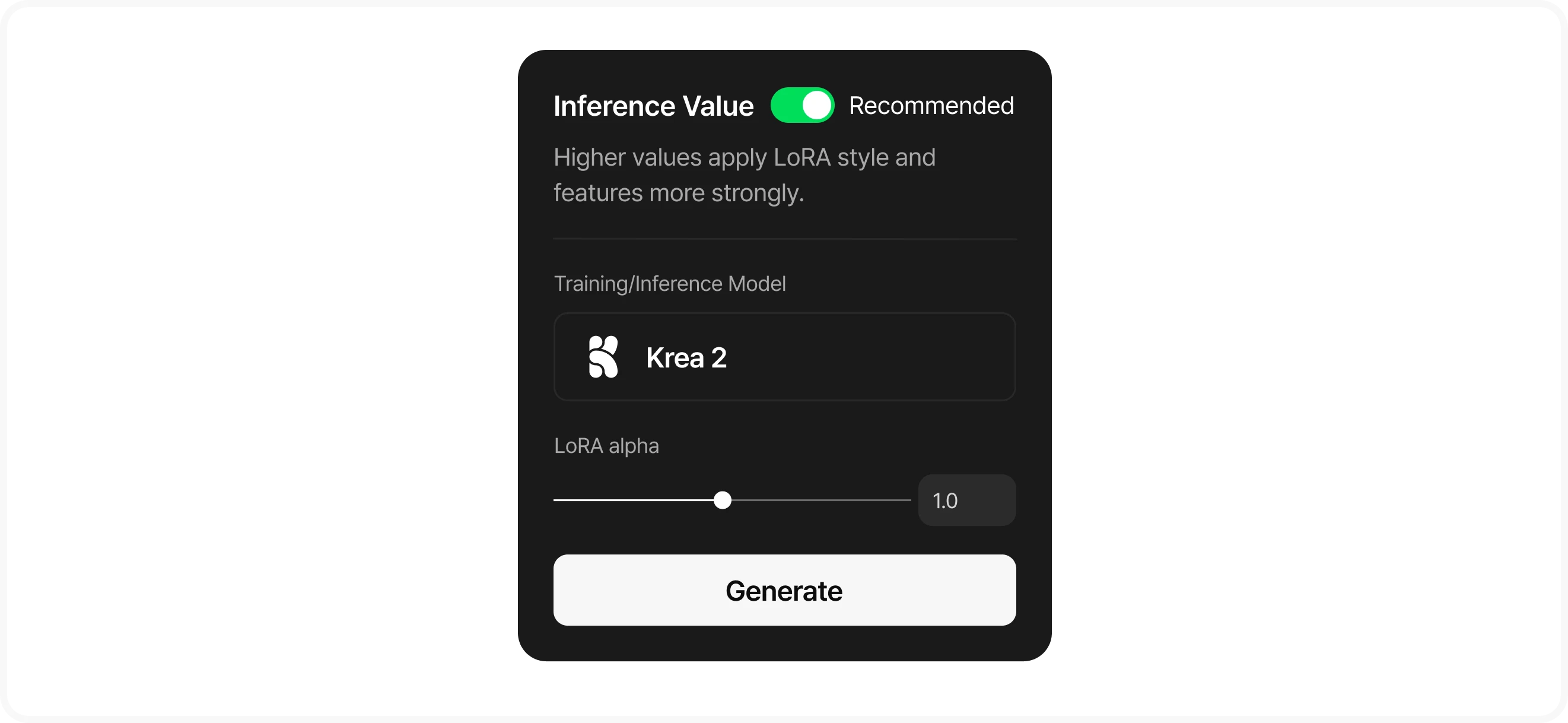
- About strength
- Higher values apply your trained style more strongly.
Save or retrain
If you like the result, save it with the "Save Style" button. If not, retrain with "Retrain" (your existing style is kept as-is).
Use your style
Clicking "Save Style" saves it, and the saved style appears in the "My Styles" tab of the style picker.
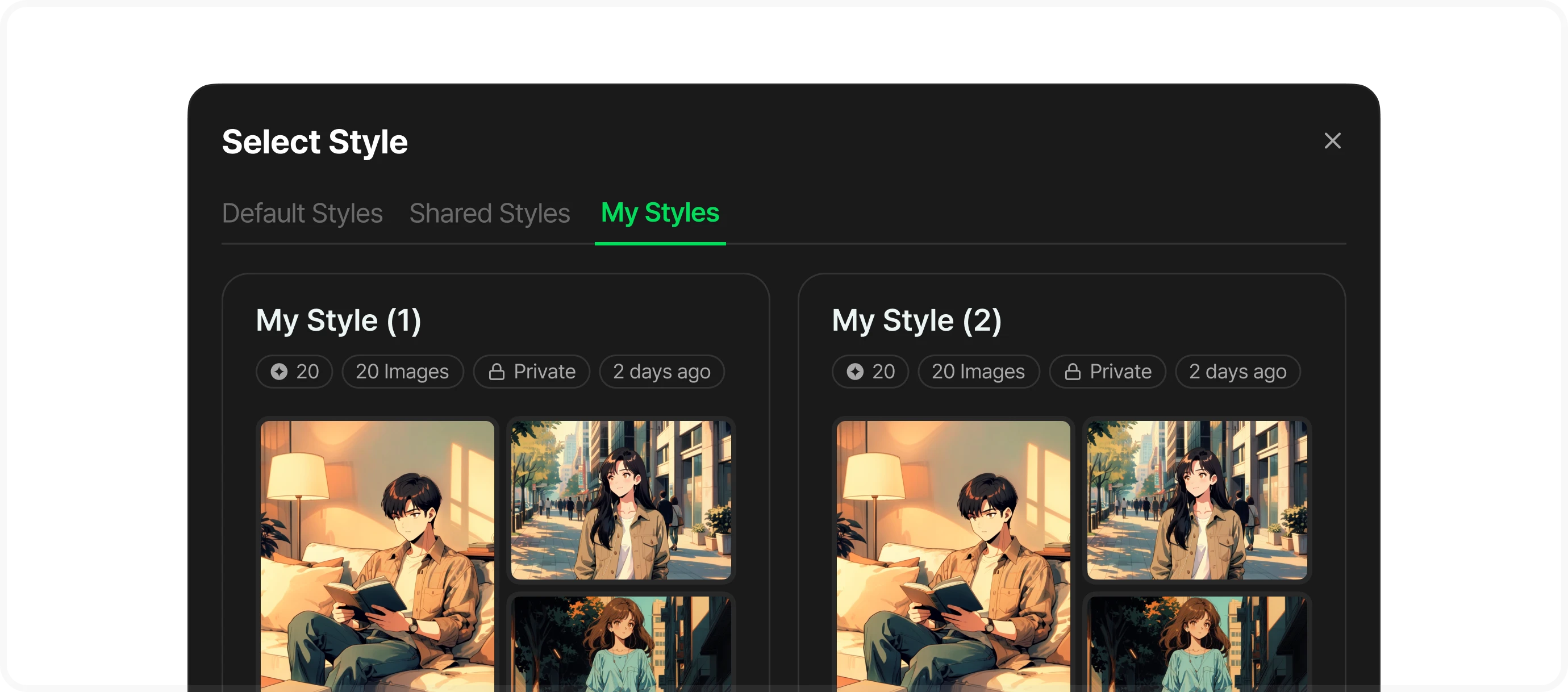
Playground
Use it as a ToonXL model style in Playground
Storyboard
Use it as the style for character and background asset generation
A style you trained yourself applies only to text-to-image (T2I) generation. It can't be selected for generations that reference an image.
Manage and share
Organize your finished styles, or publish them to the Toonkit gallery to share with others.
Rename
Change it anytime with the pencil icon on the style card.
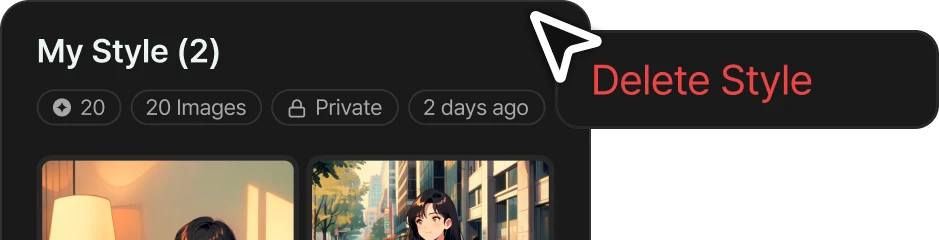
Delete
You can't delete a style while it's training, and deleting it can't be undone.
Share style
You can make your style public to other users.
Once an admin reviews and approves it, it appears in other users' "Shared Styles" tab.
*Status: public / pending review / rejected / private
You can cancel sharing anytime — images already generated with it stay as they are.