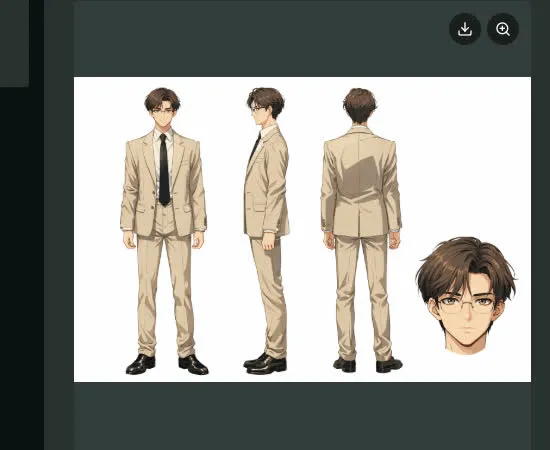
Create an AI character sheet

Turn the character you imagine into an AI character sheet that explores their face, outfit and silhouette from different views. Generate a sheet from text or an image in Toonkit and refine the design by comparing the views you need. Use the finished sheet as a reference for future scenes, giving your storyboard and animation a clear visual starting point.

Key benefits

Clear visual details

Define the silhouette, colors, outfit and recognizable features. Bring the face, hairstyle and clothing details together as a reference for later work. Starting from text or an image lets you develop an original character into production material.

Useful additional views

Prepare the angles and expressions your upcoming scenes need. Comparing front and side views gives you more information to reference in a new shot. Review colors and clothing across the generated sheet before selecting it for use.

Reusable references

Keep approved images ready for new shots and episodes. Save your chosen character as an asset and reuse it as a reference for images or videos. Check each model’s accepted inputs when moving from the sheet to scene production.

Start with a reference portrait

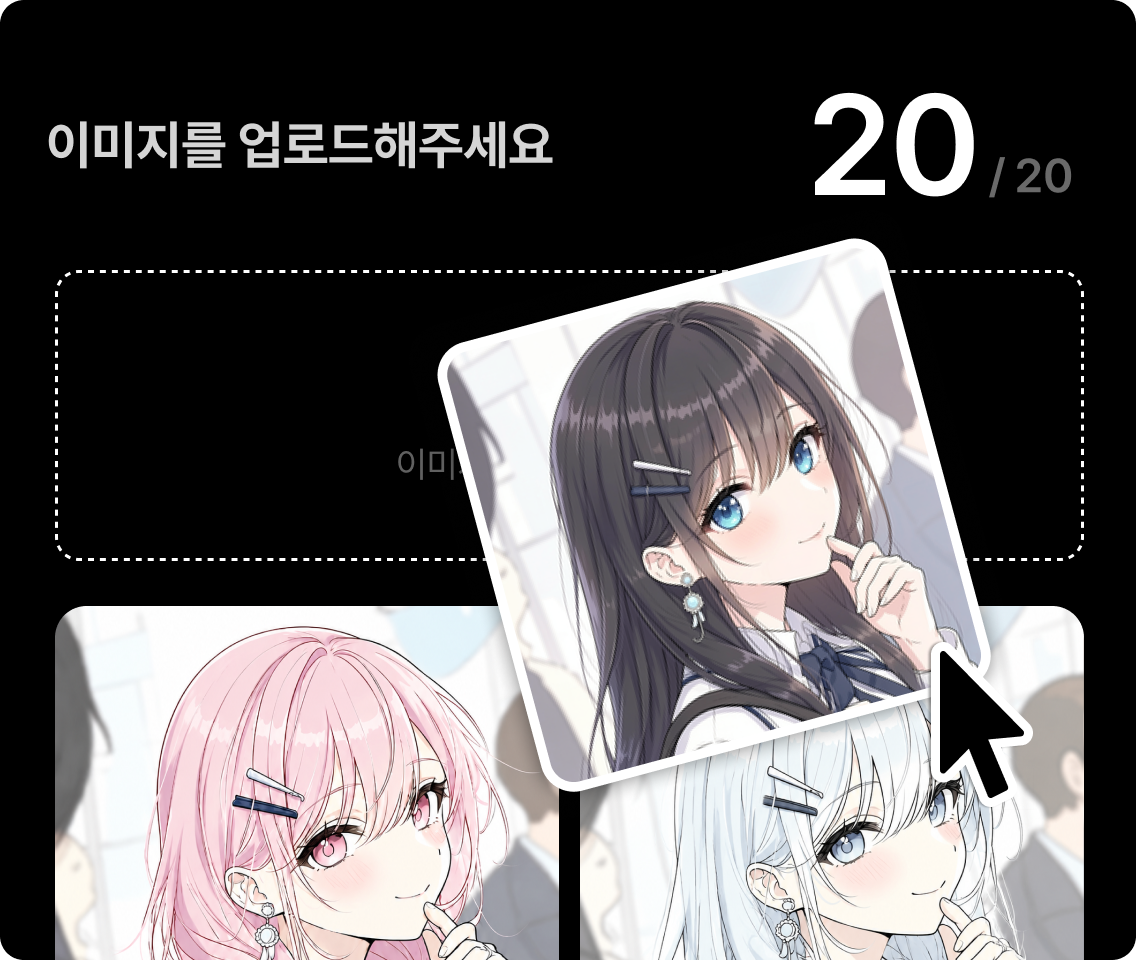
Describe the character or upload your drawing. Choose a clear first image as the basis for hair, face and outfit. Choose text generation, image-based generation or an existing sheet upload to match your starting material. Review the sheet models and options shown in Toonkit before generating.

Create an AI character
Starting a character from a prompt or image

Prepare angles your story needs

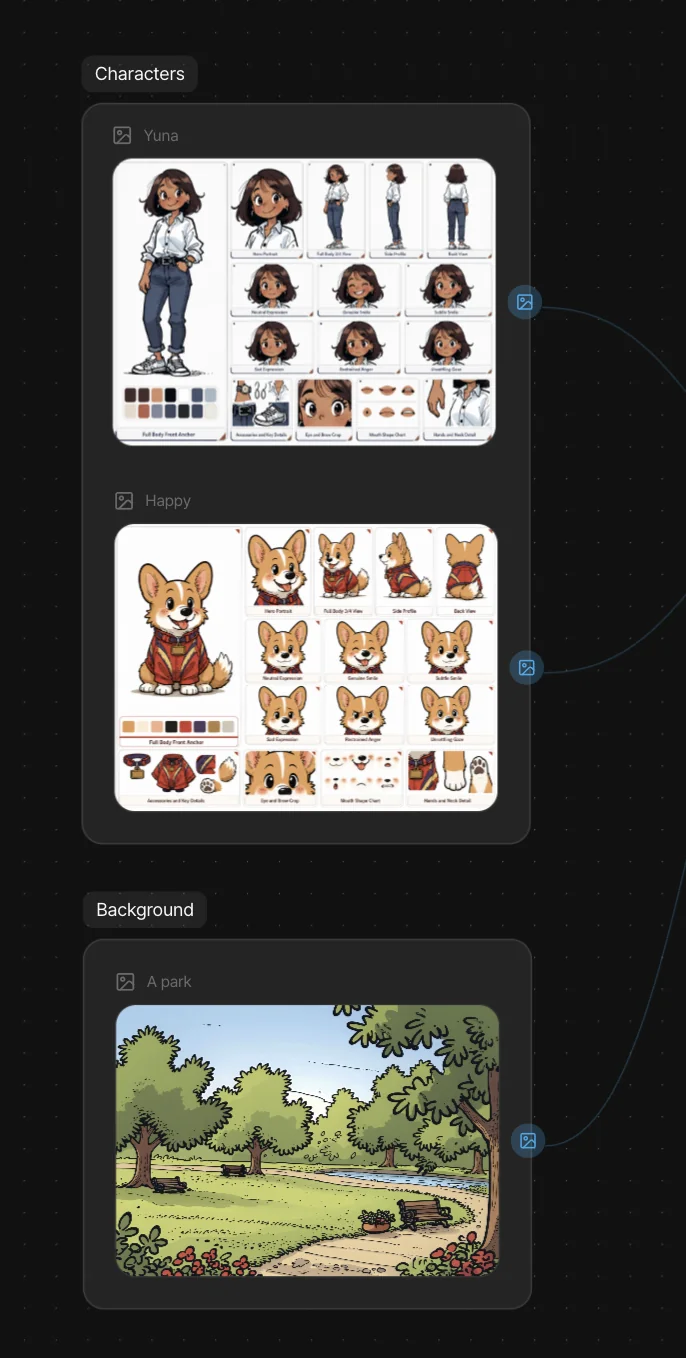
Generate views and poses from the reference. Compare proportions and accessories, and correct differences before adding them to the sheet. Check the side-view hairstyle and back of the outfit alongside the front-facing portrait. Prepare an additional reference if an important viewpoint is missing.

Character views arranged in a reference sheet

Include expressions and important details

Add recurring emotions, gestures and accessories. Describe each variation explicitly instead of redesigning the whole character each time. When changing expression or pose, compare identifying details such as the eyes, hair and clothing colors. Review the generated images before selecting references for video production.

Refining character expressions and details

Use the sheet to prepare new scenes

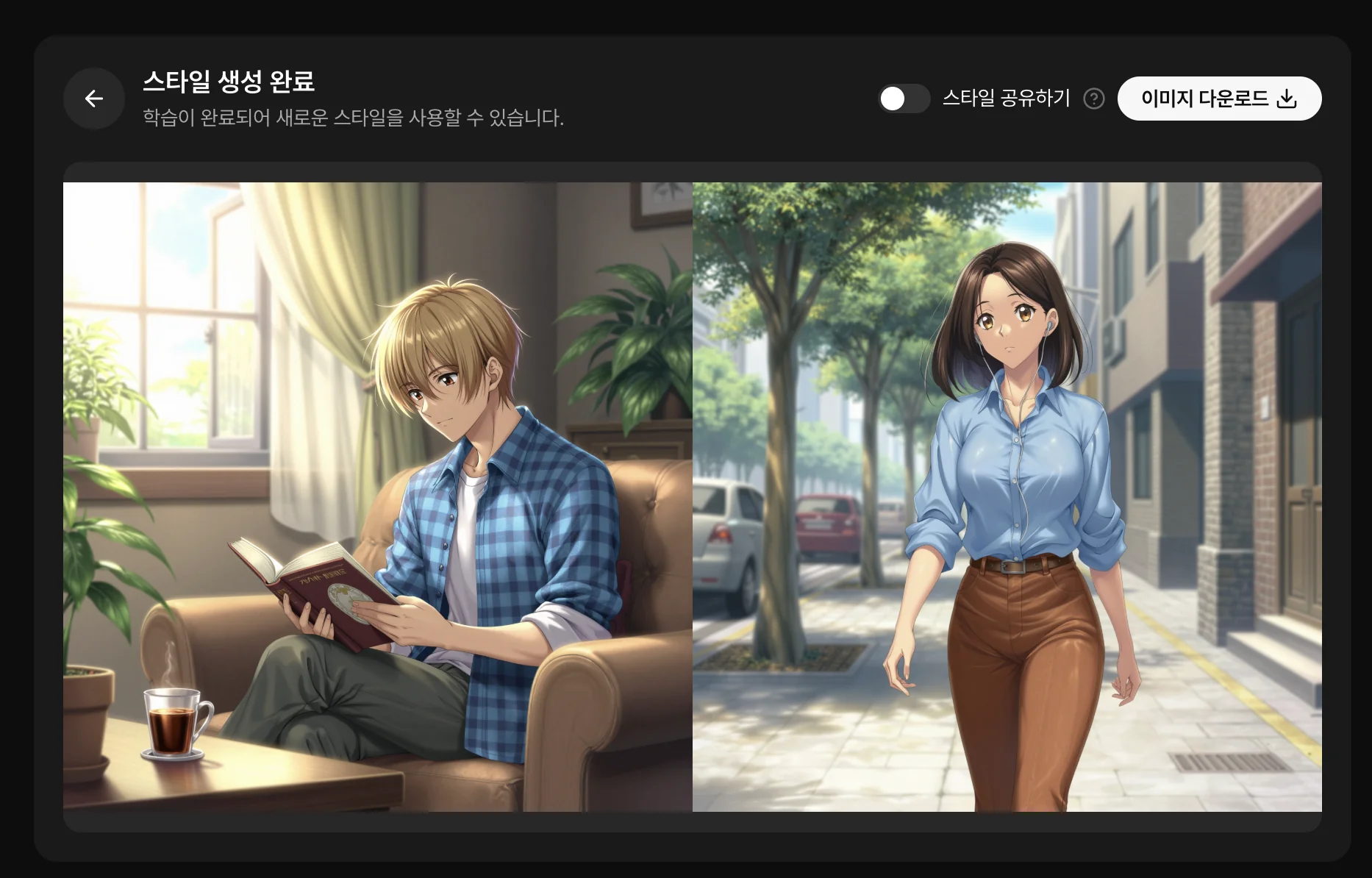
Save approved images in your assets. Use the sheet or individual views as references according to the model’s supported inputs. Use the sheet to prepare storyboard images and as reference input for supported video models. Review each new shot because lighting and camera angle can still change the appearance.

Using character references for video

References ready for your next shots

  1. Defining a character’s appearance
    01

    Define the character

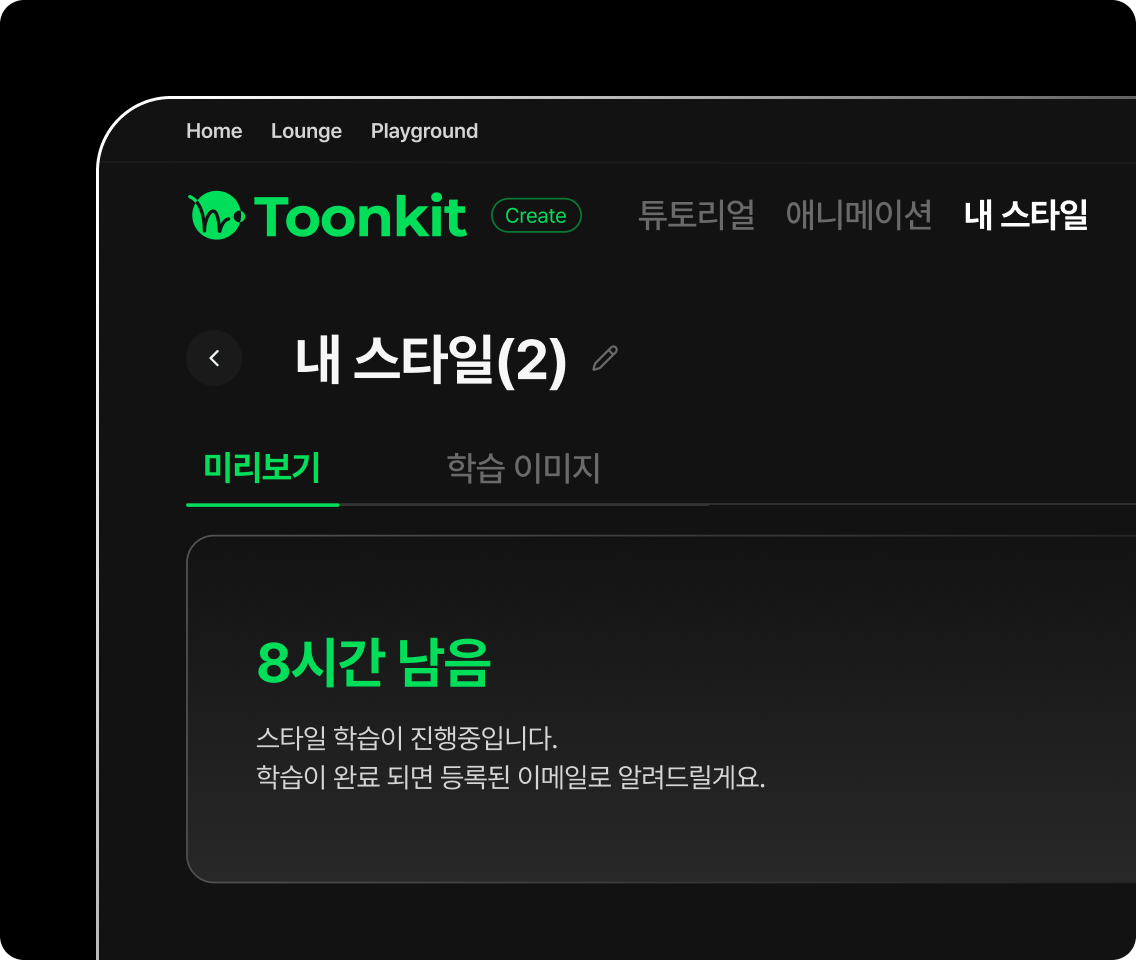
    Write down visual details or upload a starting image. Define the appearance, clothing and viewpoints you need, and select a reference image if available. If you start with text, describe the character’s distinguishing features clearly.

  2. Preparing character reference views
    02

    Prepare variations

    Request useful views, poses and expressions, then select consistent images. Choose text- or image-based generation to match your material. Check the displayed sheet options and credit cost, then compare faces and outfits across the result.

  3. Saving character assets
    03

    Save the references

    Keep approved images for your next projects. Organize the selected character as an asset for later image and video work. Compare new shots against it and add references when a scene needs more visual information.

Frequently asked questions

What is a character sheet?
It is a set of references describing appearance: views, proportions, clothing, expressions and accessories. It guides scene preparation.
Can I use my own drawing?
Yes. Start with a clear character image and prepare the variations your project needs.
Are all views generated at once?
Request the desired views using the available generation tools. Depending on the model and results, several generations and corrections may be needed.
Do I need a profile view?
It is useful for scenes showing the character from the side. Prioritize angles you actually plan to use.
Does a sheet guarantee consistent video?
It provides useful guidance but cannot guarantee identical results. Review the model, references and each generated shot.
Can I reuse the character across projects?
You can reuse saved assets. Keep a selection of approved references to recover the appearance and style quickly.

Give your character a clear identity.

Create the first reference and the views your story needs.

ToonkitToonkit

© 2026 Toonkit. All rights reserved.

Innerverz Inc. | CEO : Junghyuk Im | Business Registration : 615-88-01959 | Mail-order Sales Registration : 2023-Daejeon Yuseong-1774

Address : 3212, 13-8, Eungubinnam-ro 33beon-gil, Yuseong-gu, Daejeon, Korea | Tel : 070-4102-3345 | CS : cs@toonkit.io