Create an animated ad for your brand

Share your brand message and product story through an AI animated ad with characters of your own. Plan the ad in Toonkit and use brand images and references to generate the scenes you need. Bring clips, text and music together in the editor to create a product introduction or social campaign video built around your message.

Key benefits

A brief that guides the shots

Define the audience, message and desired action before production. Prepare mascot and product reference images and define the message for each shot. Compare colors and shapes in the generated results before selecting scenes for the ad.

Your visual identity

Prepare mascot references and your brand’s style guidelines. Separate the hook, product demonstration and final message in the storyboard. Review generated clips yourself to decide which ones communicate the intended point.

Room for variations

Adapt the hook or selected shots for different campaign messages. Adjust video sections and text timing in the editor and review your delivery aspect ratio. Preview the full result to check that faces, products and key copy remain visible.

Turn the brief into a short story

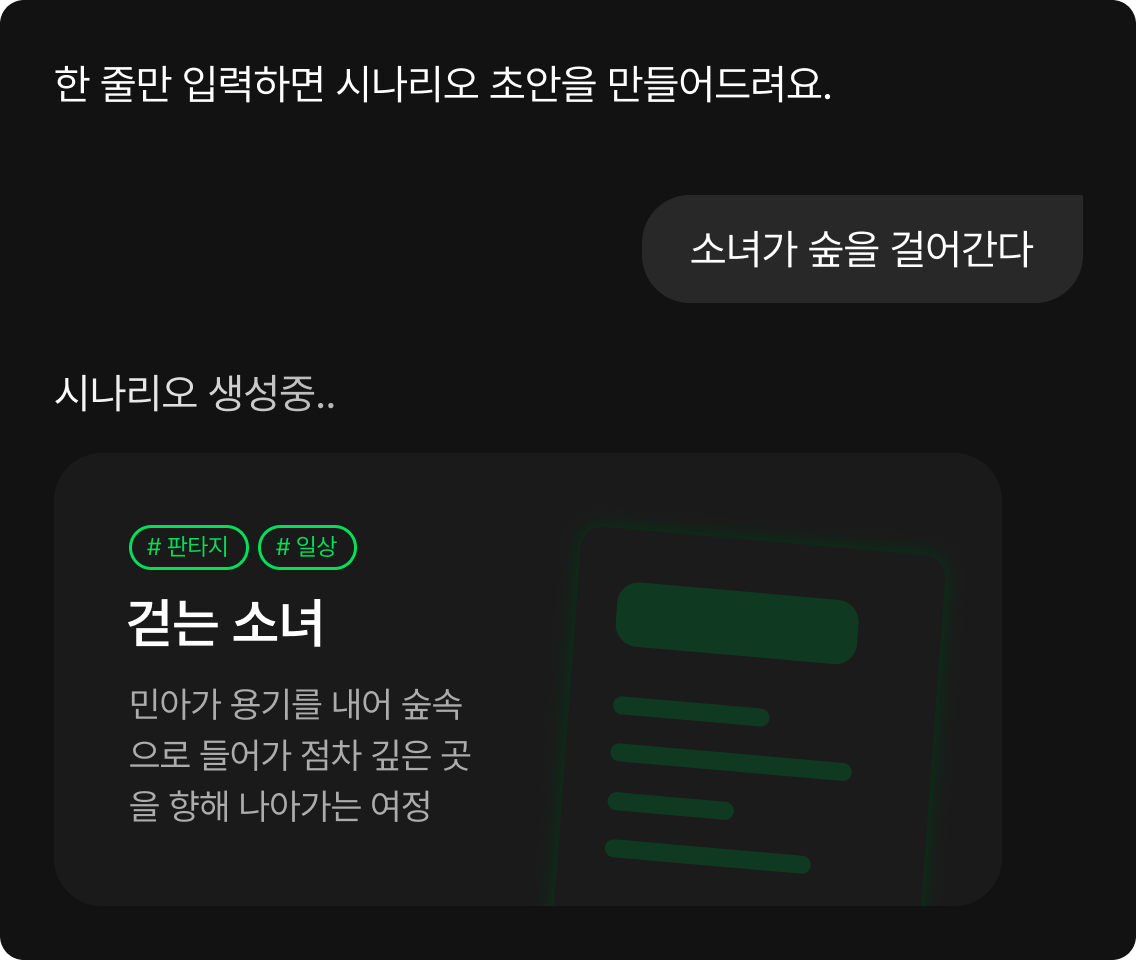
Define what viewers should understand and do. Plan a hook, a benefit and a clear ending before generating images. Separate the product demonstration from the final call to action in the storyboard. Narrowing the message makes it easier to plan how many images and clips the ad needs.

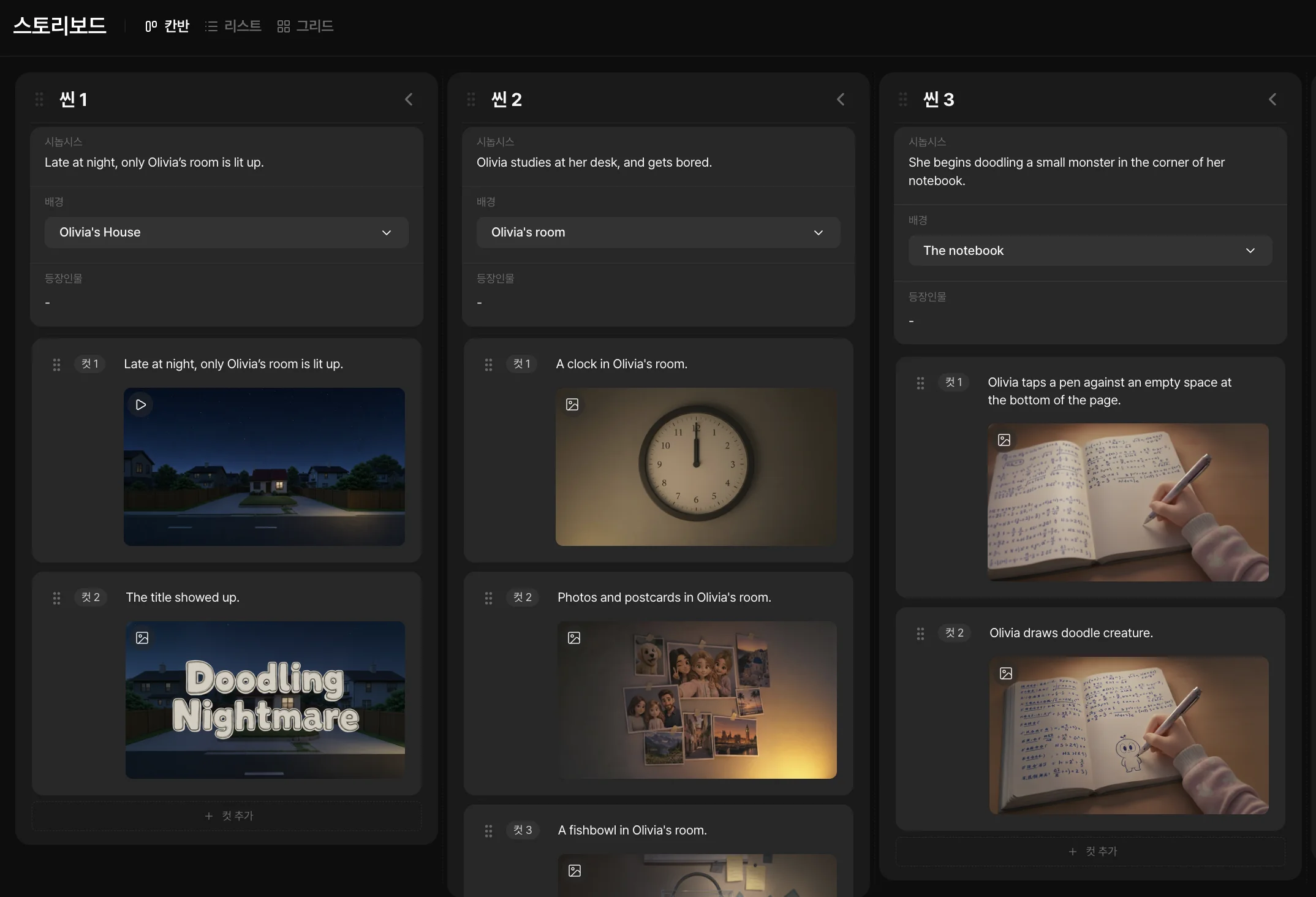
Break your brief into shots
Preparing a brief in the storyboard

Let your mascot connect the scenes

Use brand-character references to guide the shots. Compare silhouettes and colors, then correct differences that obscure your identity. Use character or product images as references with supported models and describe the action and setting. Check logos and small lettering separately in the final edit when their accuracy matters.

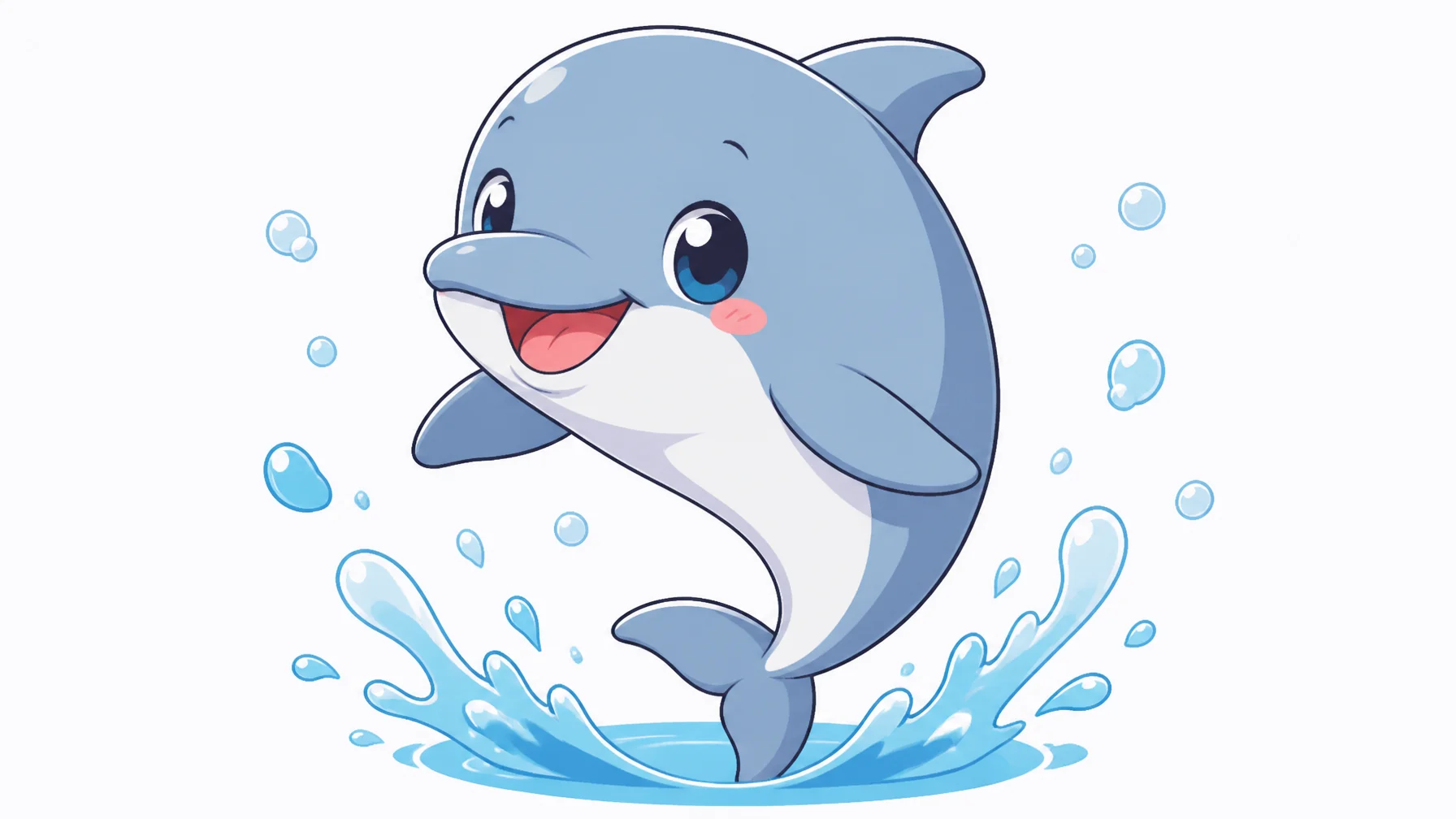
An animated dolphin character used as a mascot example

Compose for your delivery format

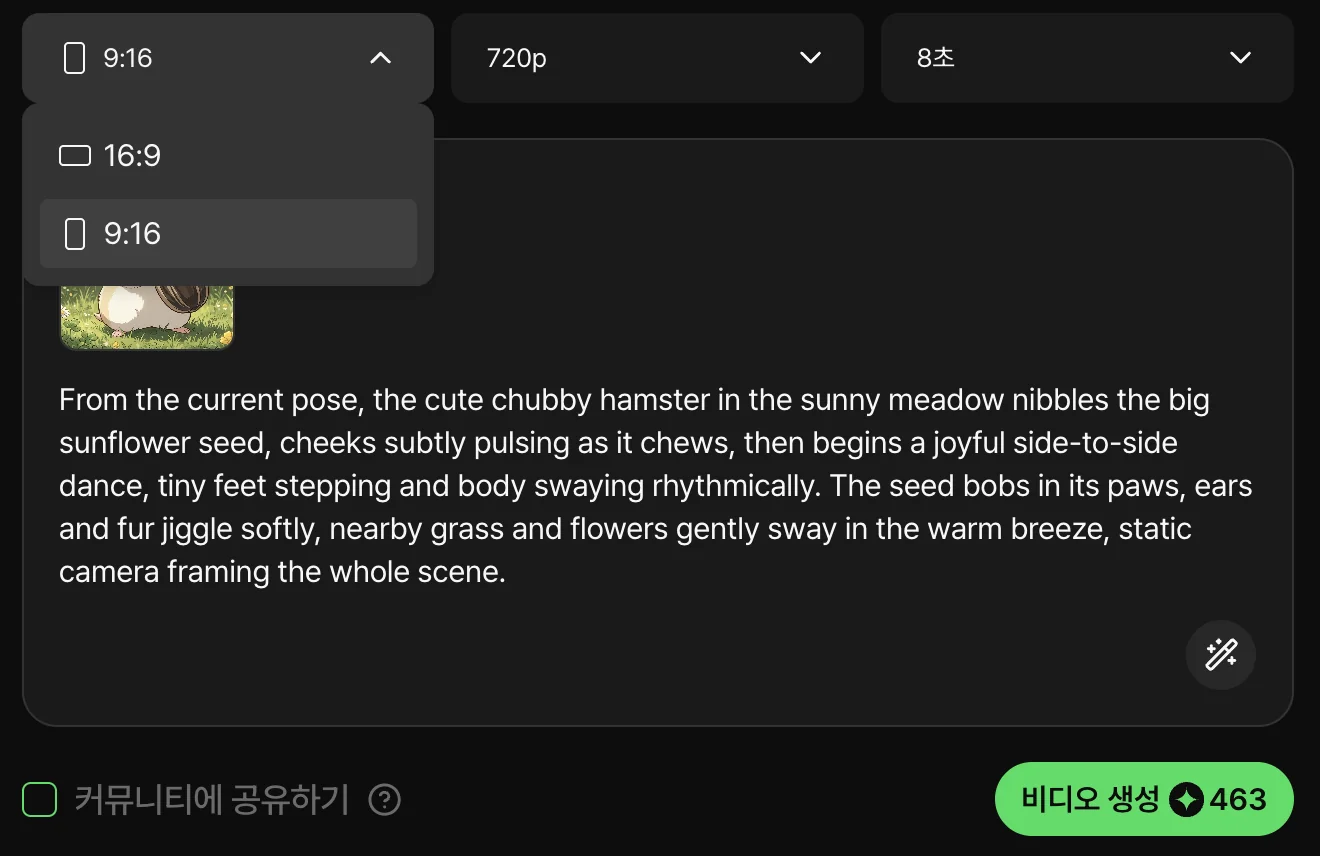
Plan for vertical or horizontal screens from the start. Leave space for brand elements and check text readability in the final edit. Check the model’s supported aspect ratios and the position of the product and text in the editor. Preview each delivery format again to catch information that might be cropped.

Explore short formats
Preparing shots for a short video

Review the ad before publishing

Check the product, message, text and call to action. Adjust cuts and audio so the final video accurately reflects your offer and brand direction. Choose a shot to vary and manually change the combination of clips, text and audio. Generated video does not guarantee campaign performance, so compare actual results after publication.

From the brief to your first animated ad

  1. Preparing an ad concept
    01

    Prepare the message and references

    Define the audience, hook, format and brand visuals. Choose the product benefit and final message for one video. Collect brand and mascot references and write the role of each shot in the storyboard.

  2. Reviewing ad shots in the storyboard
    02

    Generate and select shots

    Build a storyboard and choose takes that explain your offer. Describe each scene’s setting and action and add brand references to a supported model. Compare product shapes and character appearance before choosing your clips.

  3. Editing the animated ad
    03

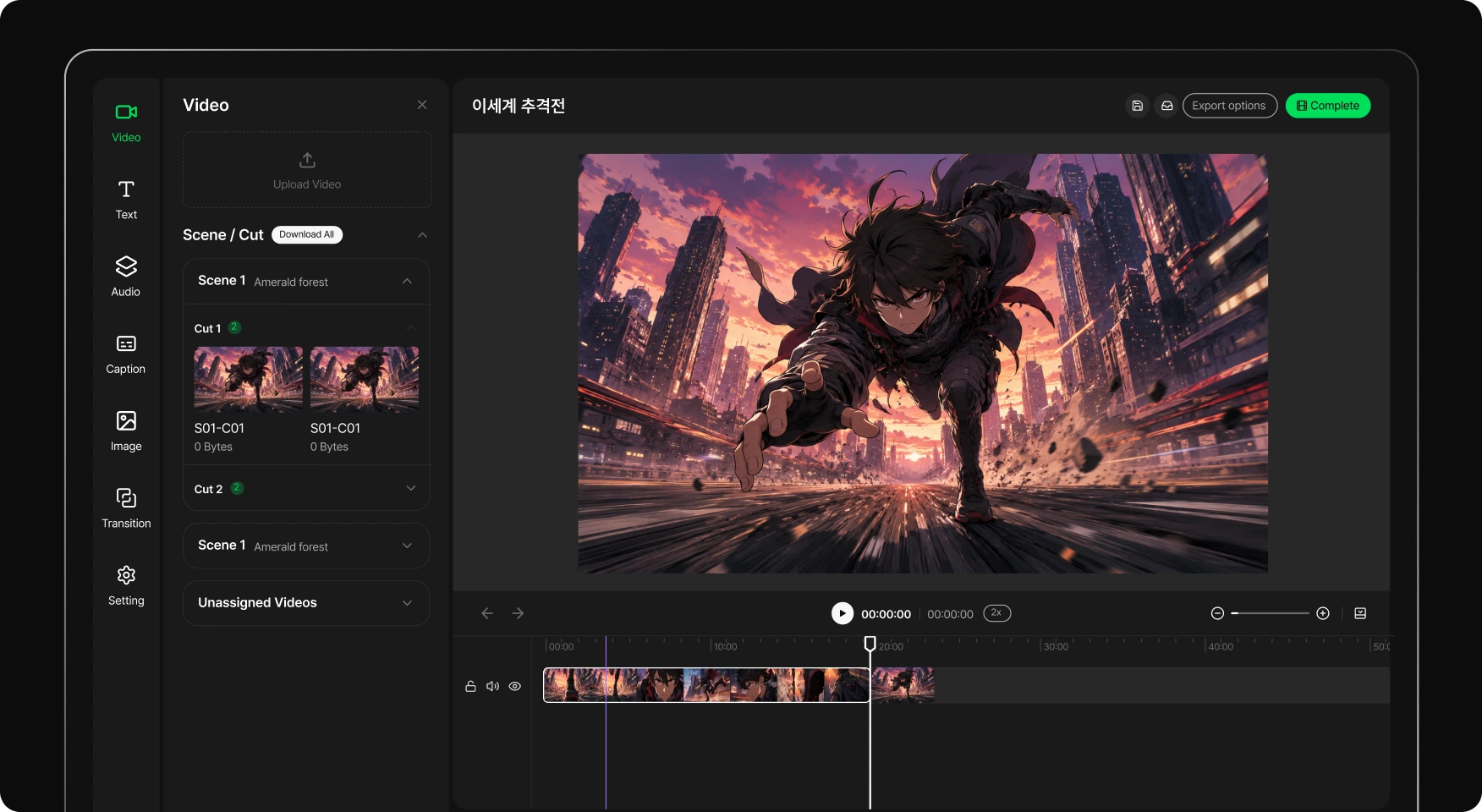
    Edit and review

    Add brand elements, check the message and export. Place text and audio in the editor and adjust the video sections you use. Check product visibility, copy and the final message in the delivery format before exporting.

Frequently asked questions

Can I use my existing mascot?
Yes. Prepare clear references, use a model that accepts them and check the mascot’s appearance in the results.
Can I make an ad for Instagram or TikTok?
Prepare a vertical format and review framing, text and duration. This workflow creates the video; it does not automatically publish a campaign.
Will logos and text always be accurate?
Do not assume so. Review generated elements and use approved brand assets when finalizing. Text or product details can distort.
Can I try different hooks?
Prepare different briefs, generate the needed shots and change their order in the edit. New generations may use credits.
Does this guarantee better ad performance?
No. Creating a video does not guarantee clicks or sales. Evaluate creatives using your campaign results.
Where can I check commercial-use conditions?
Check your plan and the terms applicable to the models and assets used. Toonkit’s pricing and terms pages provide information to review.

Give your next brand message a visual form.

Start with a simple brief and references for your visual identity.

ToonkitToonkit

© 2026 Toonkit. All rights reserved.

Innerverz Inc. | CEO : Junghyuk Im | Business Registration : 615-88-01959 | Mail-order Sales Registration : 2023-Daejeon Yuseong-1774

Address : 3212, 13-8, Eungubinnam-ro 33beon-gil, Yuseong-gu, Daejeon, Korea | Tel : 070-4102-3345 | CS : cs@toonkit.io