

A cast you can reuse
Keep character assets and references ready for later episodes. Organize selected looks, outfits and locations as assets for later production. A shared visual reference makes it easier to review continuity between episodes.
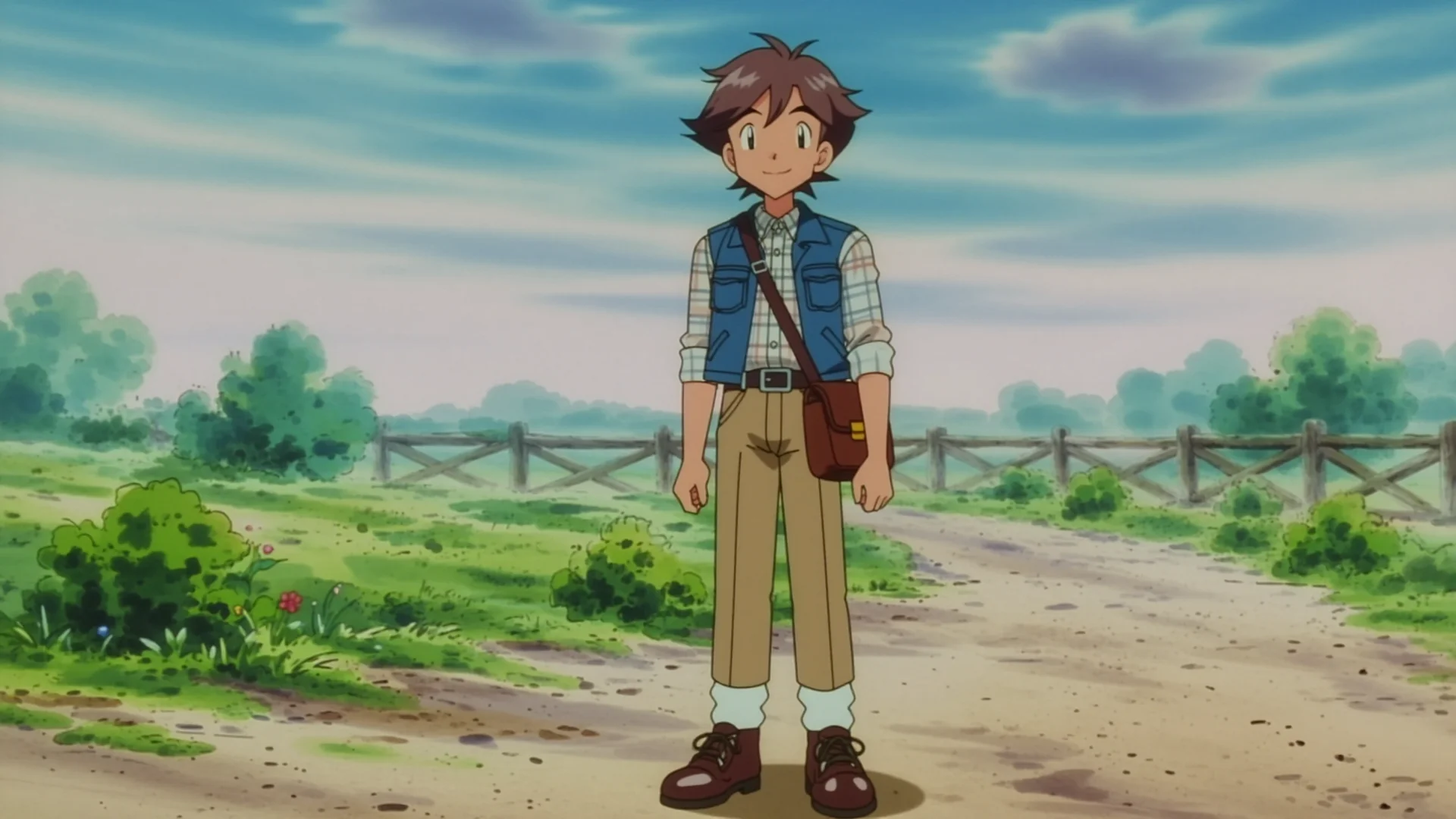
Build on your characters and world to create an AI animated series of your own. Prepare character references and a storyboard for each episode in Toonkit, then generate scenes that turn your ideas into a developing story. Review character appearance and continuity as you edit, taking your project from its first episode into the next chapter.
Keep character assets and references ready for later episodes. Organize selected looks, outfits and locations as assets for later production. A shared visual reference makes it easier to review continuity between episodes.

Break the story into scenes and shots before generation. Record each shot’s action and framing in the storyboard and review its image and video results. Check the opening, turning point and ending before moving to the edit.

Approve a short sequence, then build the episode from selected takes. Generate a representative shot to check character appearance, model settings and credit use. Use what you learn from the pilot when planning the next episode’s shots and budget.
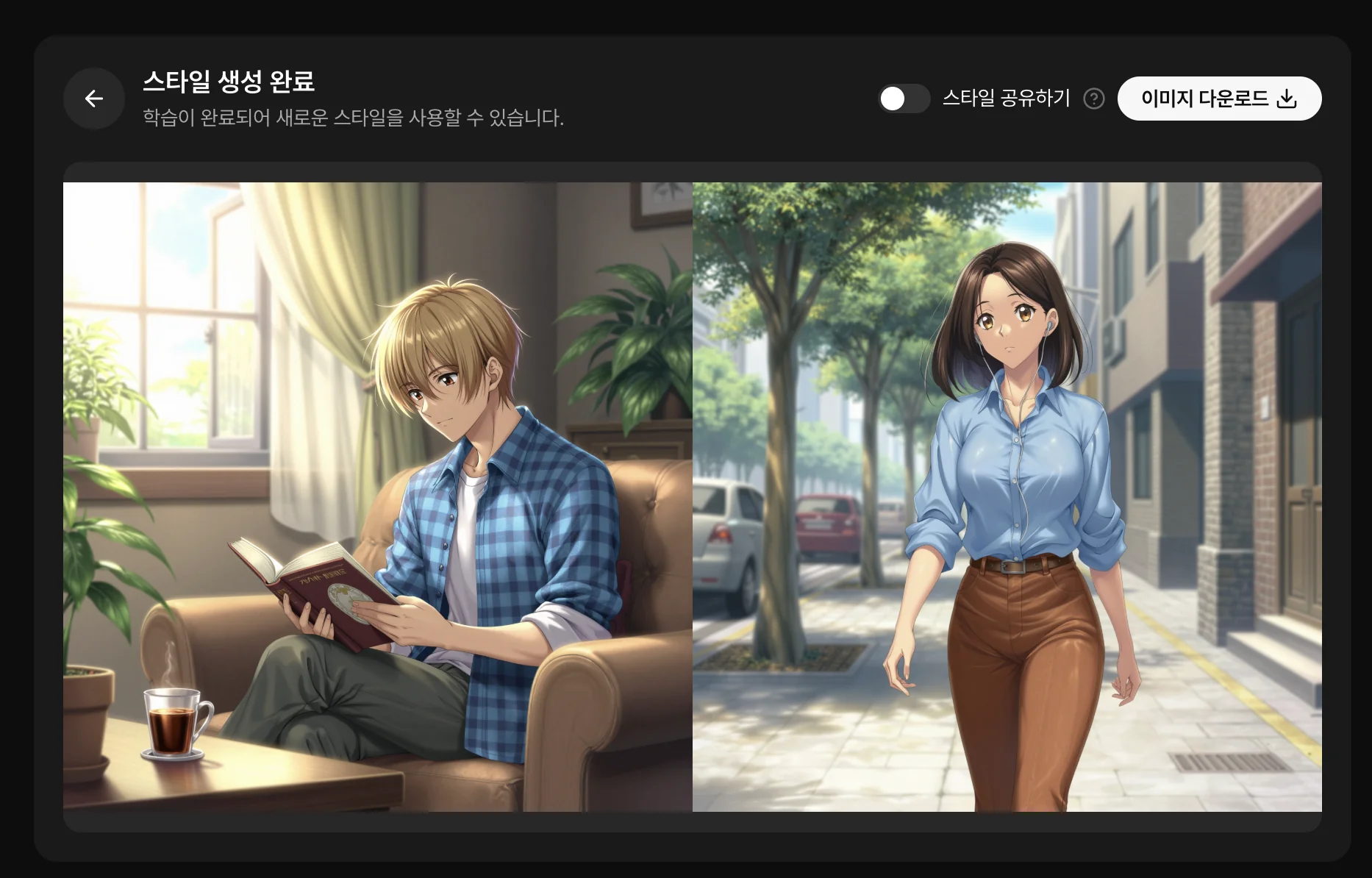
Define your characters, recurring locations and visual style. Save useful assets so you can find them when preparing the next episode. Generate a character sheet or upload an existing image to define the main character. Decide which details should remain stable when an episode changes the location or costume.
Start with an idea or script in the storyboard. Review actions, framing and scene order so each shot has a purpose. Review the storyboard’s scenes and cuts and prepare the images needed for dialogue and action. Finding missing shots before video generation helps you plan the edit around a complete story.
Explore storyboarding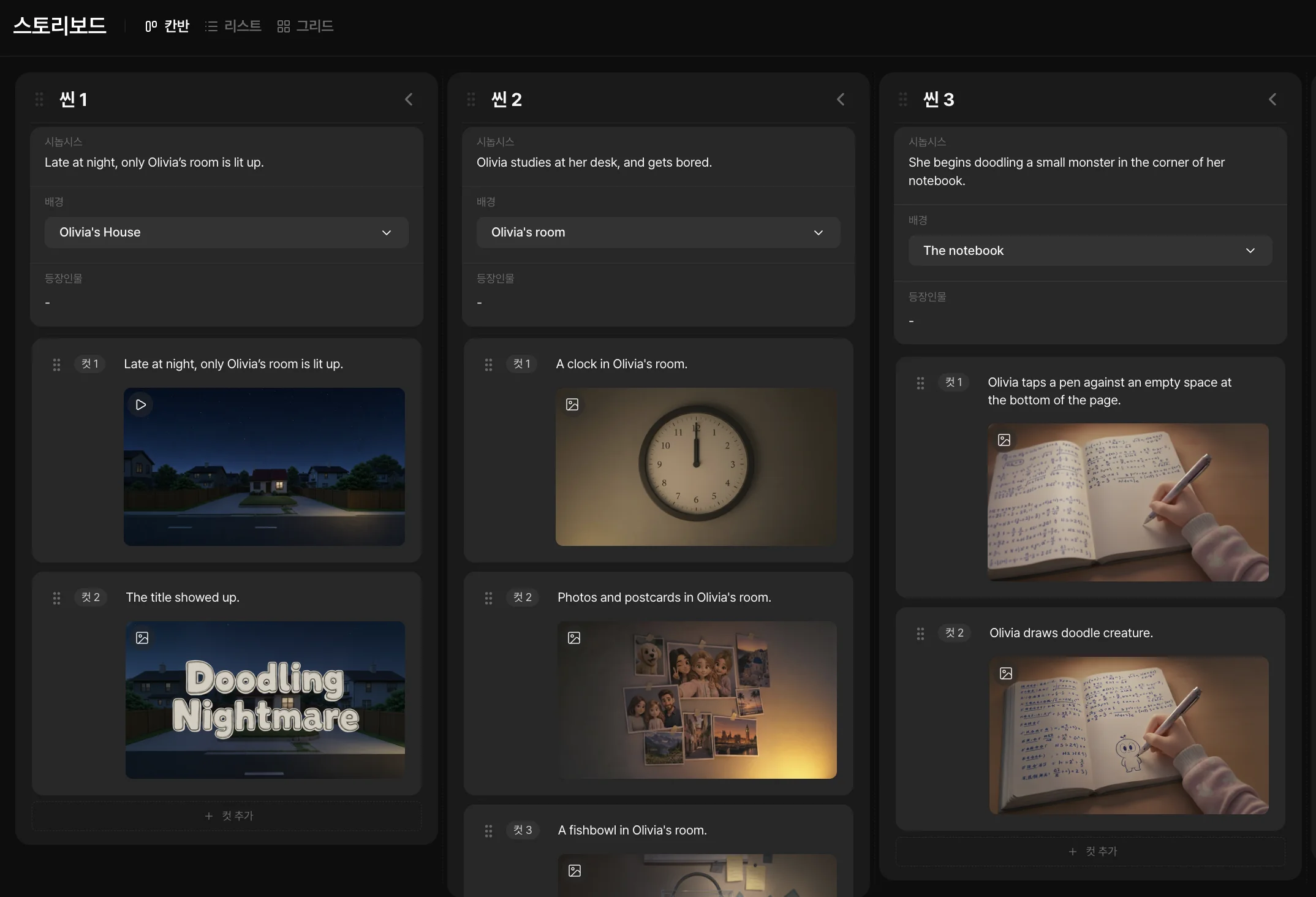
Reuse references and check for changes in faces, costumes and locations. Continuity requires careful take selection and revisions. Compare each new result with your references before deciding whether it belongs in the episode. Reusing saved assets supplies a visual standard, not an automatic guarantee of identical characters.
Image needed
Two episodes from one series showing reused characters and settings.
Assemble shots, adjust durations and add audio. A short first episode helps you test your style and budget before producing more. Refine video sections and audio on the timeline and preview the complete episode. Record selected shot counts and retries so you can estimate the work required for subsequent stories.
Plan your budget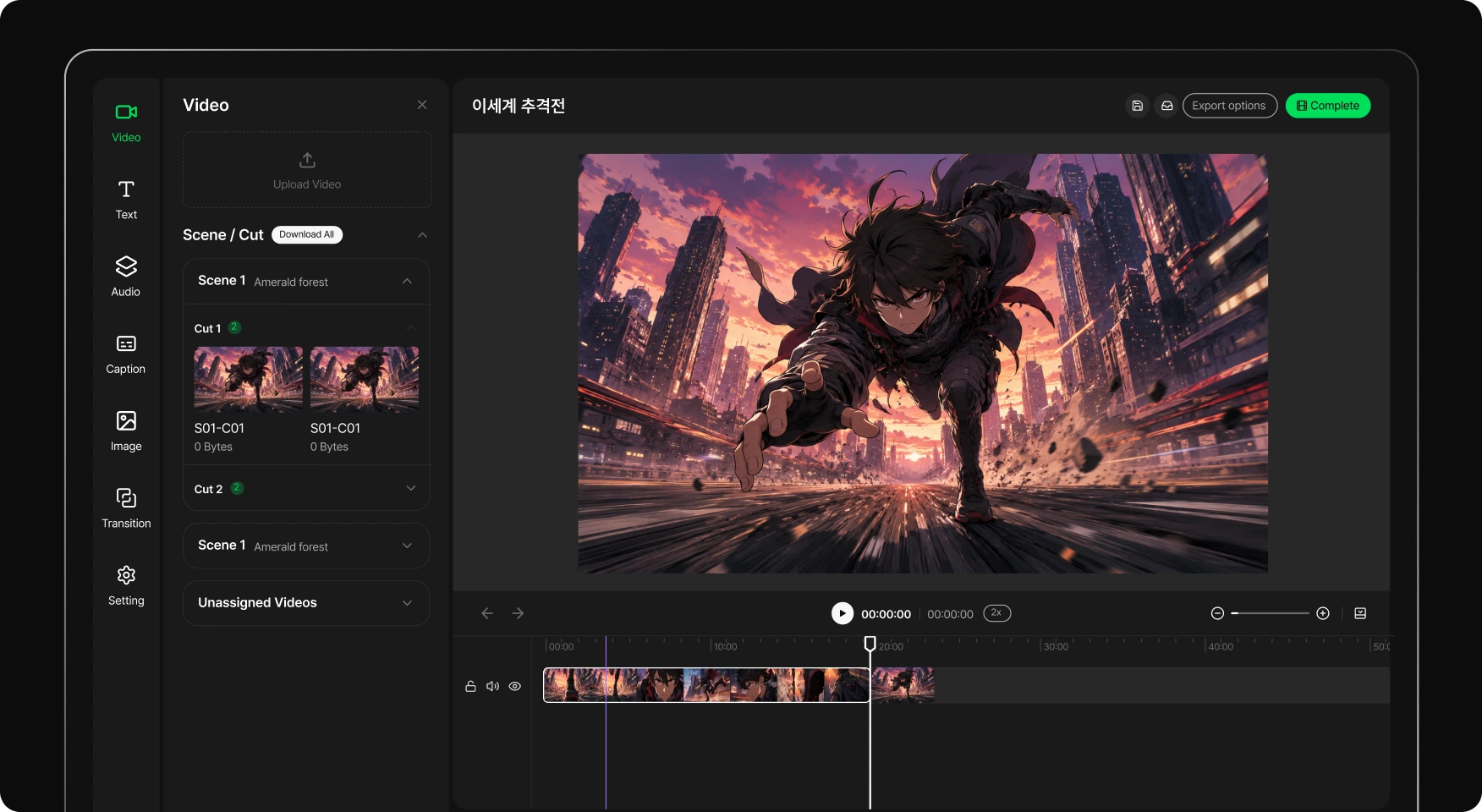
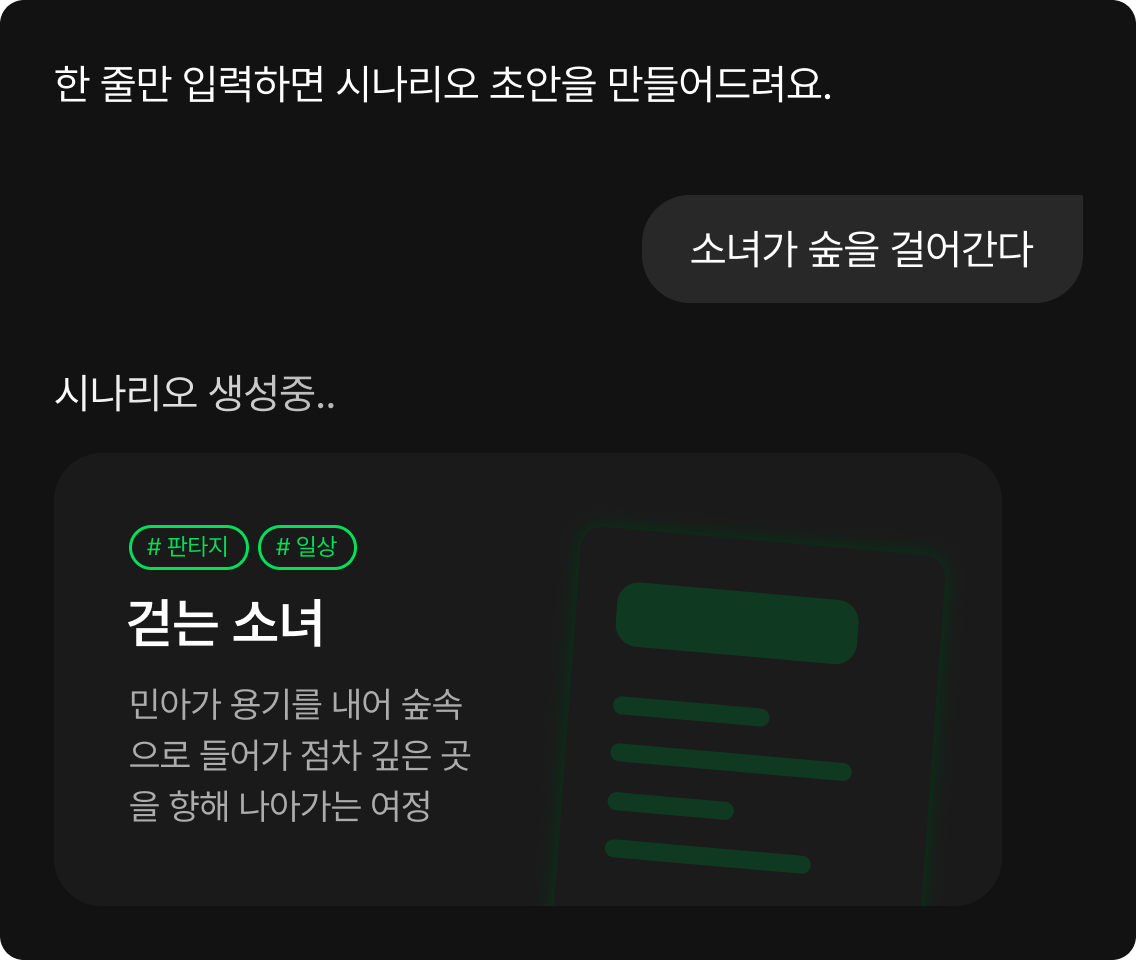
Define a short story and select character and location references. Prepare the main character’s reference and recurring locations, then outline the pilot’s central event. Breaking a short script into individual actions gives you a starting point for the storyboard.
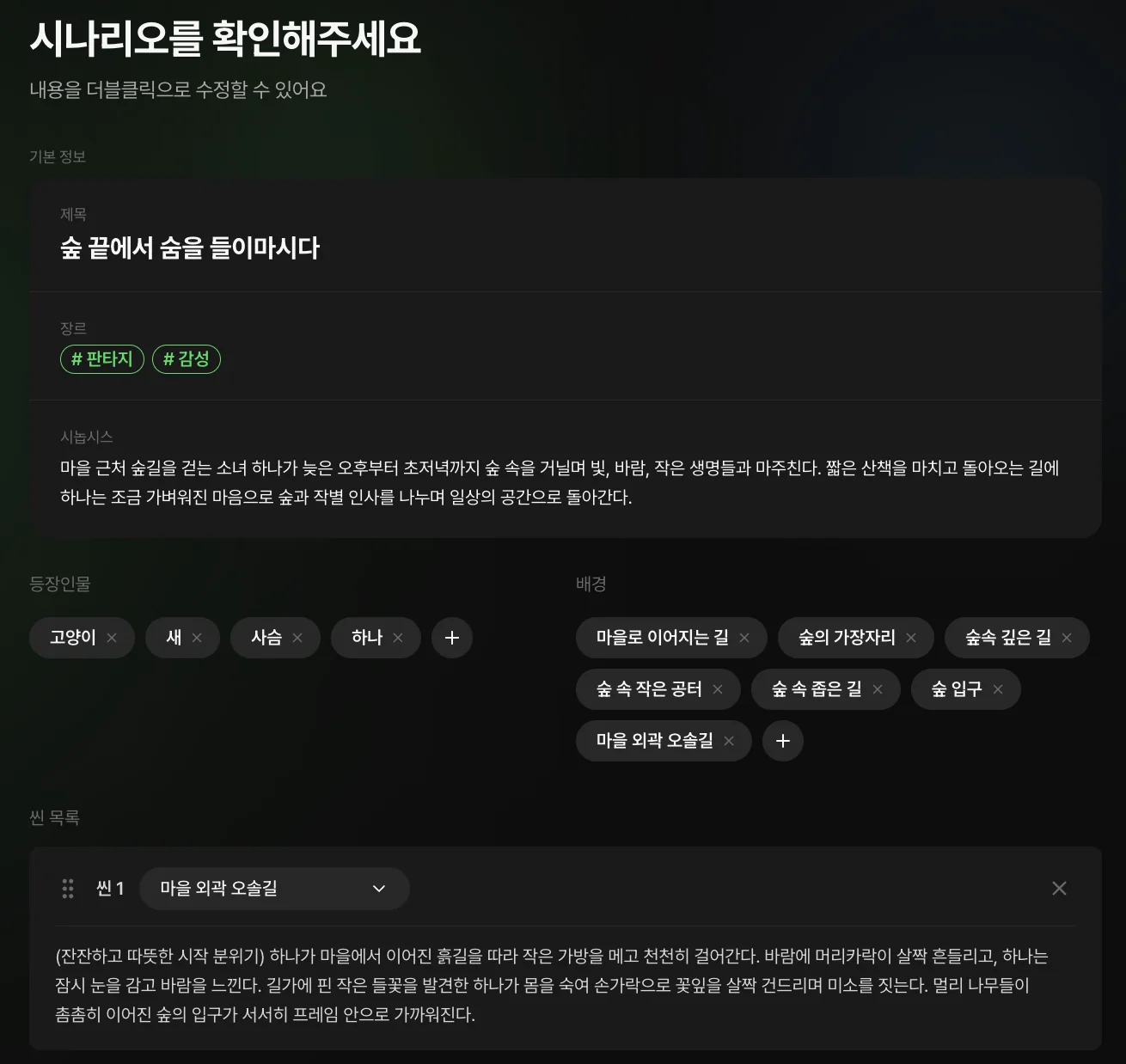
Review the storyboard, then generate the images and videos you need. Specify the characters, setting and movement for each shot and review the results in order. Regenerate only the images or videos that do not connect with adjacent scenes.
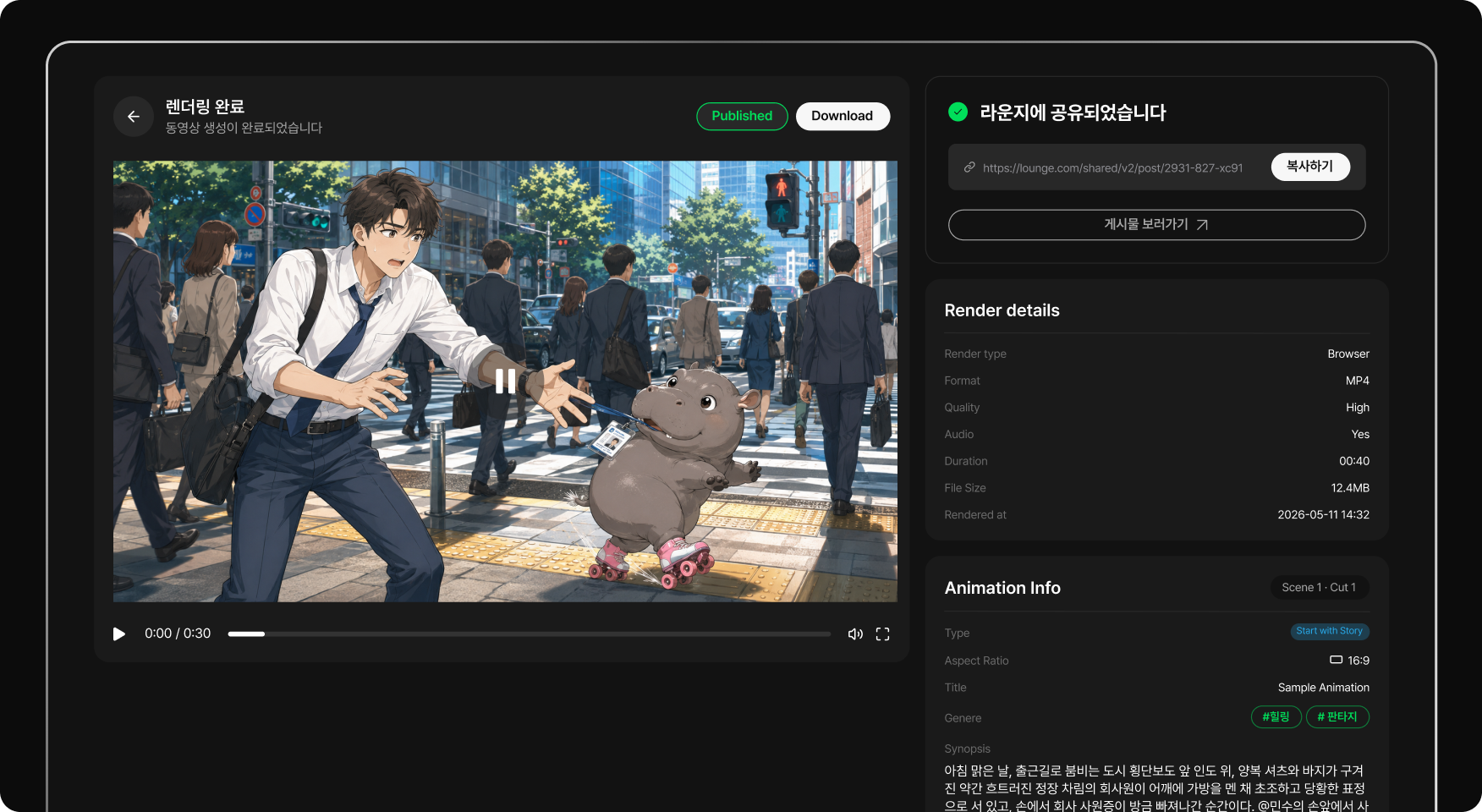
Finish the episode and save approved references for the next story. Arrange selected clips and audio in the editor, refine the sections you use and export the episode. Save reusable assets and note your generation attempts for the next story.
Prepare your world and give your cast its first story.